4-5
Rev 1
4.1.4 Deleting A Waypoint From A Flight Plan
To delete a waypoint from a flight plan:
1. Press the left C to enable the left cursor function if it
is not on already.
2. Rotate the left outer knob as necessary to position the
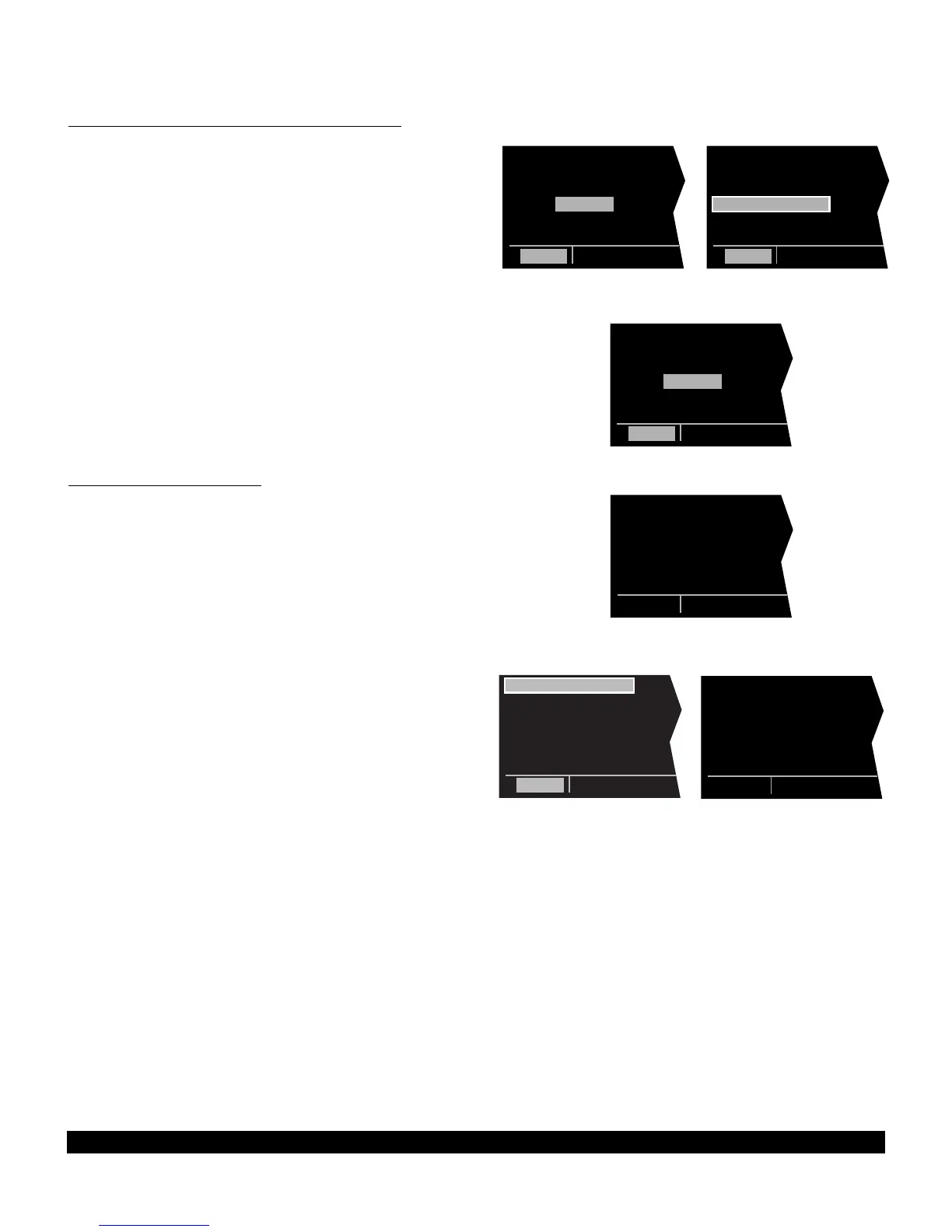
cursor over the waypoint to be deleted (figure 4-19).
3. Press @. The letters DEL (delete) will appear to the
left of the identifier and a question mark will appear to
the right of the identifier (figure 4-20). If a mistake was
made and you do not wish to delete this waypoint,
press @.
4. Press E and the waypoint will be deleted from the
flight plan. The other waypoints in the flight plan will
be correctly repositioned (figure 4-21).
5. Press the left C to turn off the left cursor function.
4.1.5 Deleting Flight Plans
To delete a flight plan which is no longer required:
1. Display the flight plan (FPL 0, FPL 1, FPL 2,..., or FPL
25) which is to be cleared (figure 4-22).
2. Make sure the left cursor function is turned off. If the
left cursor is on, press the left C to turn it off.
3. Press @. The words DELETE FPL? will appear at
the top of the page (figure 4-23). If a mistake was
made and you do not wish to clear this flight plan,
press @.
4. Press E to clear the flight plan (figure 4-24).



 To Next Page