4-6
Rev 1
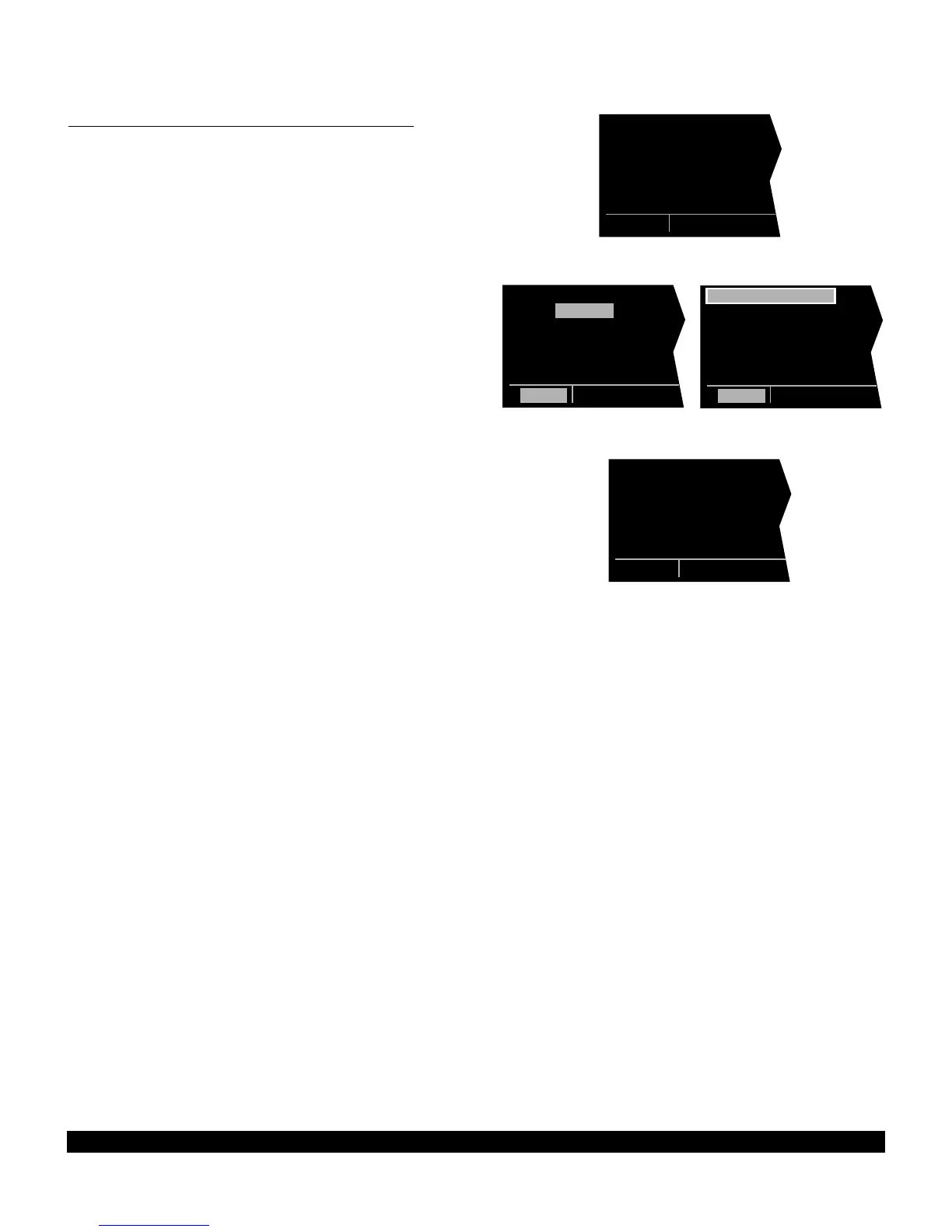
4.1.6 Storing FPL 0 As A Numbered Flight Plan
The active flight plan may be loaded into a numbered
flight plan so that it can be recalled for later use. This
may be desirable, for example, if the active flight plan was
originally created on the FPL 0 page and not as a num-
bered flight plan. To store the active flight plan as a num-
bered flight plan:
1.Select a numbered flight plan page which does not
contain any waypoints (figure 4-25). If none exist, use
the procedure described in n 4.1.5, “Deleting
Flight Plans,” to clear a flight plan which is no longer
required.
2.Press the left Cto turn on the left cursor function
with the cursor over the blank first waypoint position
(figure 4-26).
3.Rotate the left outer knob one step counterclockwise
to position the cursor over LOAD FPL 0? (figure 4-
27).
4.Press Eto load the active flight plan into this num-
bered flight plan (figure 4-28).
LOAD FPL 0?|
1: |
|
|
|
|
FPL 7
Figure 4-25
LOAD FPL 0?|
1: |
|
|
|
|
CRSR
Figure 4-26
LOAD FPL 0?|
1: |
|
|
|
|
CRSR
Figure 4-27
USE? INVRT?|
1:KHOU |
2:DAS |
3:LFK |
4:BEKEN |
5:KSHV |
FPL 7
Figure 4-28



 To Next Page