2-5
Rev 1
3. Turn on the computer being used for the database
update. Insert Disk 1 into the computer’s disk drive.
There can be either 2 or 3 disks used for the update so
be sure the label on the outside of the disk says “Disk 1 of
2” or “Disk 1 of 3”. The program on the disk will automati-
cally “boot” (load) and the computer screen will display
“Ready” when the computer is ready to continue with the
database update operation.
4. Turn on the KLN 90B. Press E as required to
approve the Self Test and Database pages. Use the left
outer knob to select the Setup (SET) type pages and the
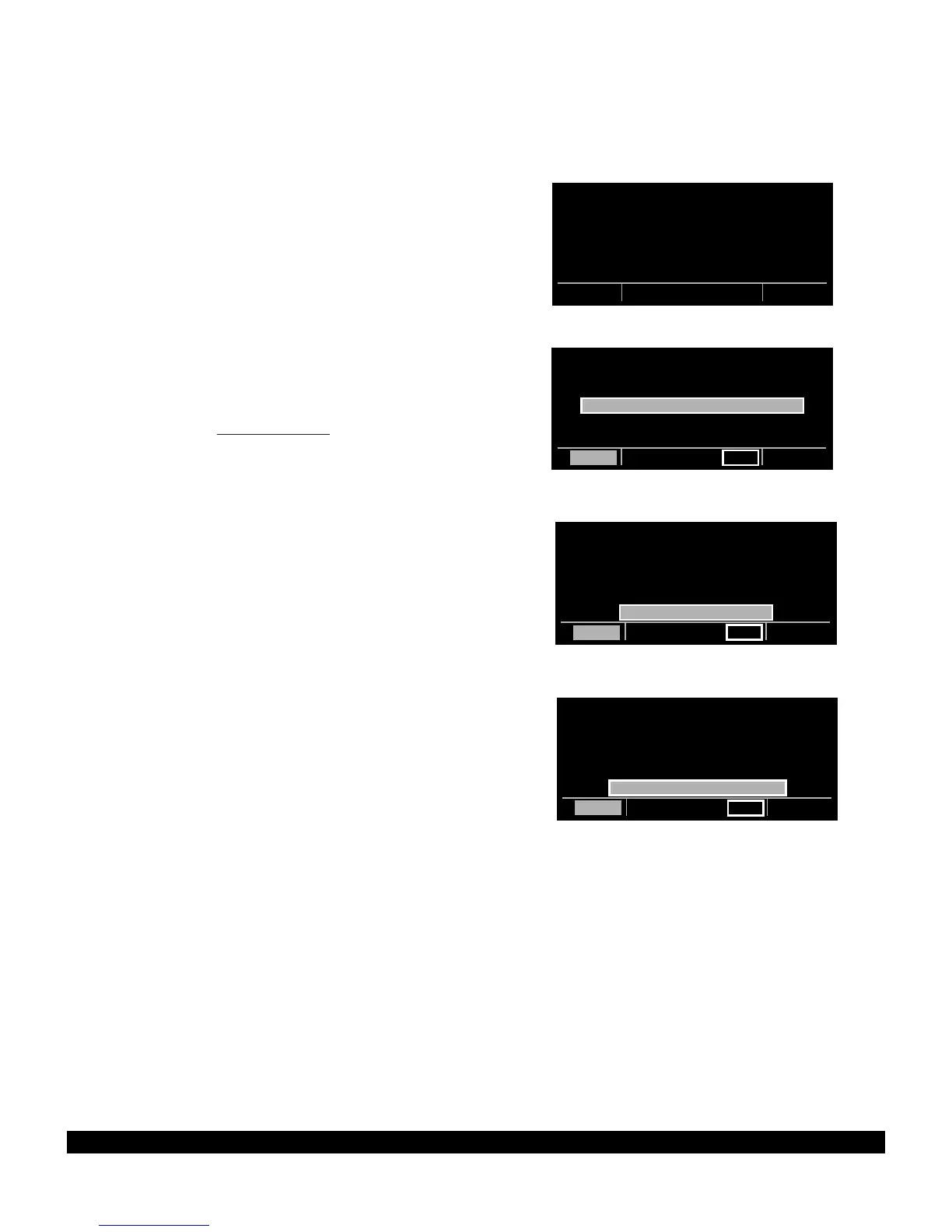
left inner knob to select the SET 0 page (figure 2-2).
5. Press the left C. UPDATE PUBLISHED DB will
now be displayed as in figure 2-3.
6. Press E. The database region and the expiration
date of the database presently loaded in the KLN 90B is
displayed (figure 2-4). If the database is out of date the
word EXPIRES changes to EXPIRED.
7. Press E to acknowledge the information on this
page and to continue the update procedure. The esti-
mated load time in minutes is now displayed (figure 2-5).
NOTE: In steps 5, 6, and 7, repeated presses of
@
will
terminate the update process and bring the display back
to the original SET 0 page shown in figure 2-2.



 To Next Page