Rev 7 Sep/2005 KMD 550/850 Pilot's Guide
19
Operation
OVERLAY TYPE
DISPLAY FLIGHT PLAN STORMSCOPE
®
TRAFFIC FIS METAR
MAP - TOPO ON Yes Yes
1
Yes
2
Yes
MAP - TOPO OFF Yes Yes
1
Yes
2
Yes
WX - Weather Radar Yes
1
Yes Yes
3
No
WX - Stormscope
®
Yes
1
N/A No No
WX - NEXRAD Yes Yes
1
No No
WX - Graphical METARs Yes No No N/A
TERR Yes Yes
1
Yes
2
No
TRFC Yes
1
No N/A No
1 Requires remote heading input
2 TCAS/TAS requires remote heading input
3 TIS requires remote heading input
DISPLAYING WEATHER RADAR (KMD 850 ONLY),
STORMSCOPE
®
OR FLIGHT INFORMATION SERVICES
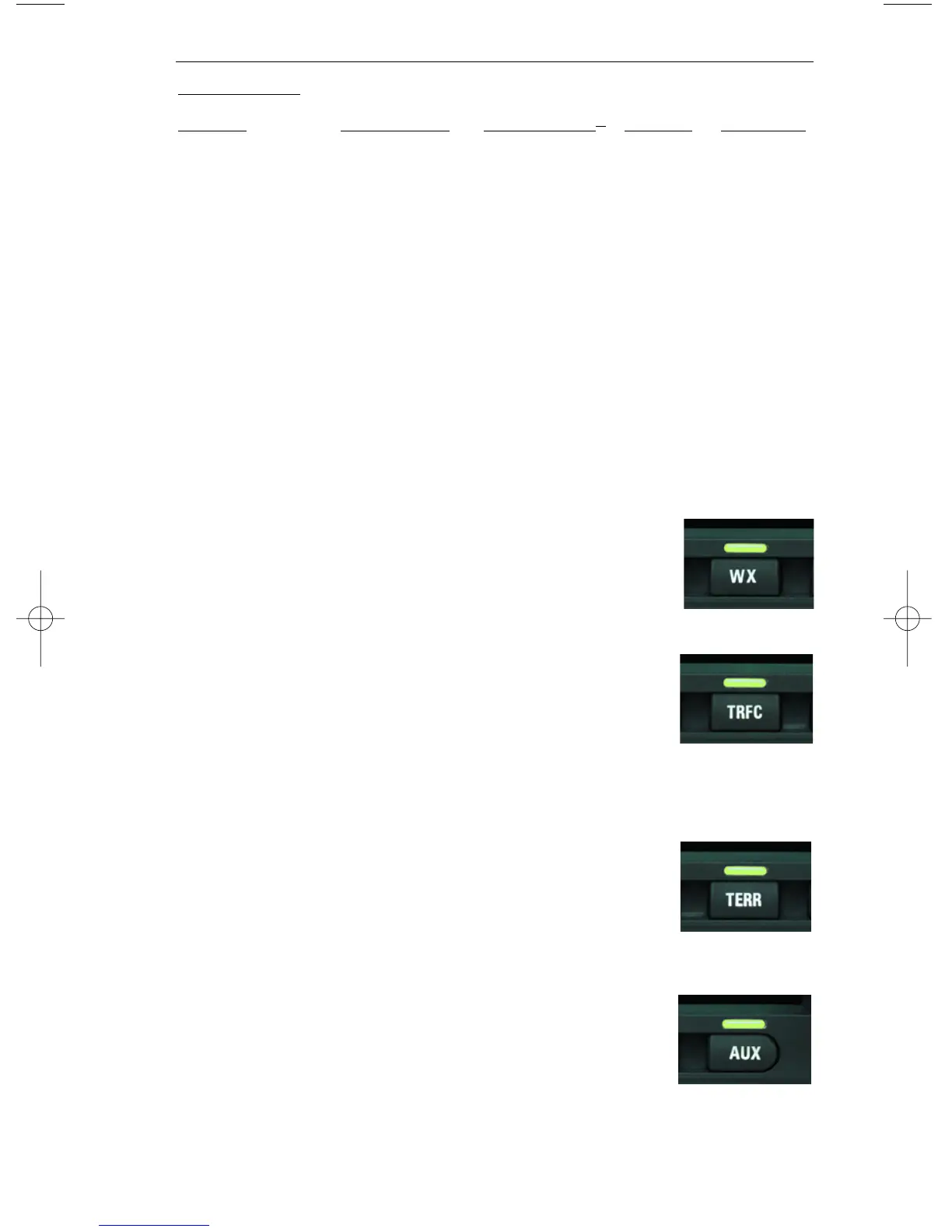
Pressing the WX Function Select Key will sequence
through weather radar, Stormscope
®
and FIS. For oper-
ation of the weather radar and FIS, see the separate sec-
tion pertaining to the desired function if provided.
DISPLAYING TRAFFIC
Pressing the TRFC Function Select Key to display traffic.
For operation of the Traffic Function, see the separate
section on traffic operation if provided.
SELECTING THE ENHANCED GROUND PROXIMITY
WARNING SYSTEM
Pressing the TERR Function Select Key to display
EGPWS. For operation of the EGPWS, see the separate
section on EGPWS operation if provided.
VIDEO DISPLAY
If the unit has a NTSC video source connected, pressing
AUX will display the video. Note that on the video dis-
play no icons are shown.



 To Next Page