Chapter 2
20
BP
-2010-NW
User’s Manual
Chapter 2
Getting Started
Setting up your PC
Connect the monitor, mouse and keyboard
Connecting the monitor
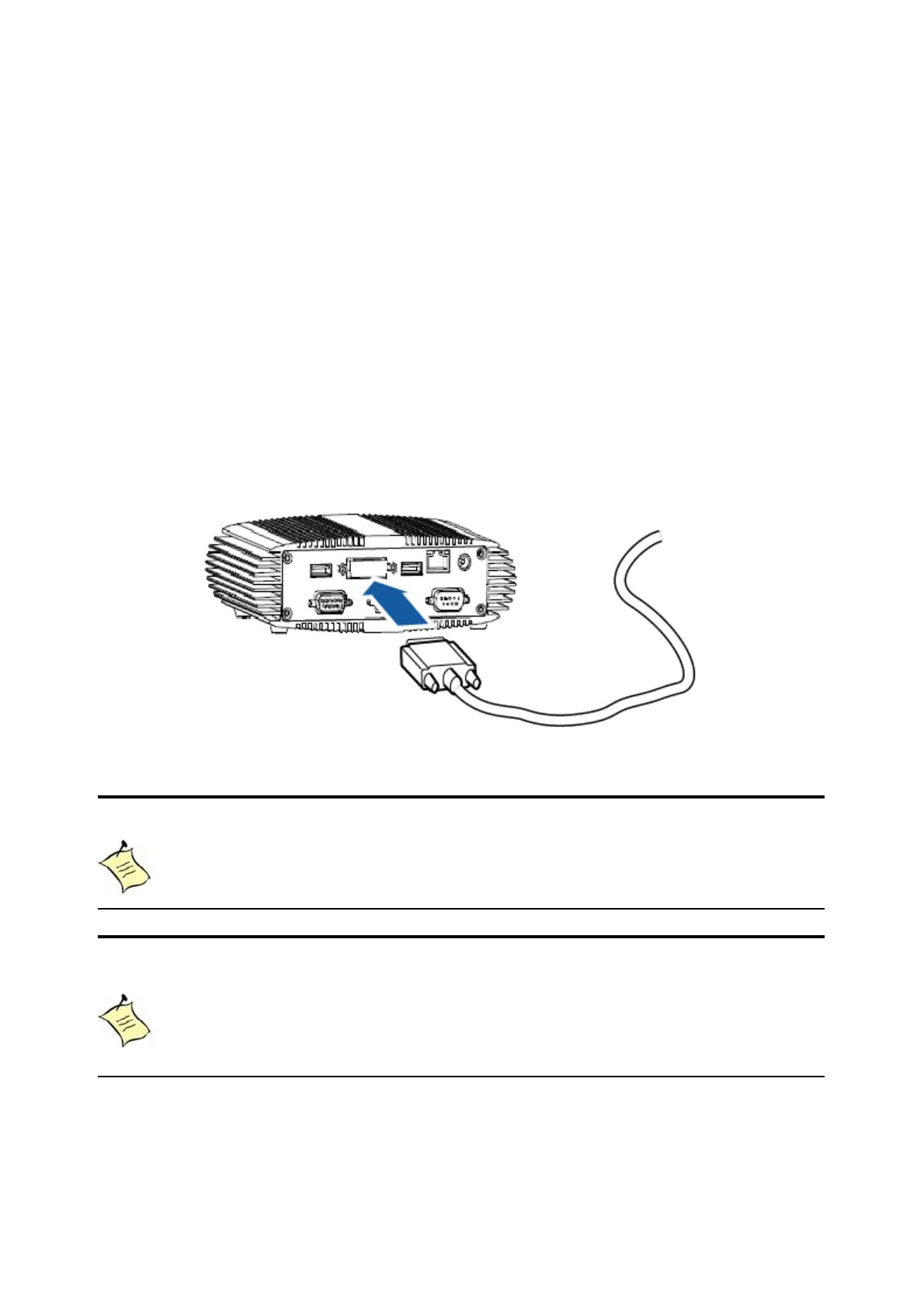
Connect the DVI cable from your display to the DVI port.
Figure 4 Connect the DVI cable
NOTE
To connect a VGA display, you need the DVI to VGA adapter to connect a
display with a VGA connector.
NOTE
When the system reboots without connecting the DVI, there might be no
image on screen when you insert the DVI cable. Please
pressing <Ctrl>+<Alt>+<F4> simultaneously to show the image on screen.



 To Next Page