Benewake(Beijing)Co., Ltd
CE30-D Product Manual - V04
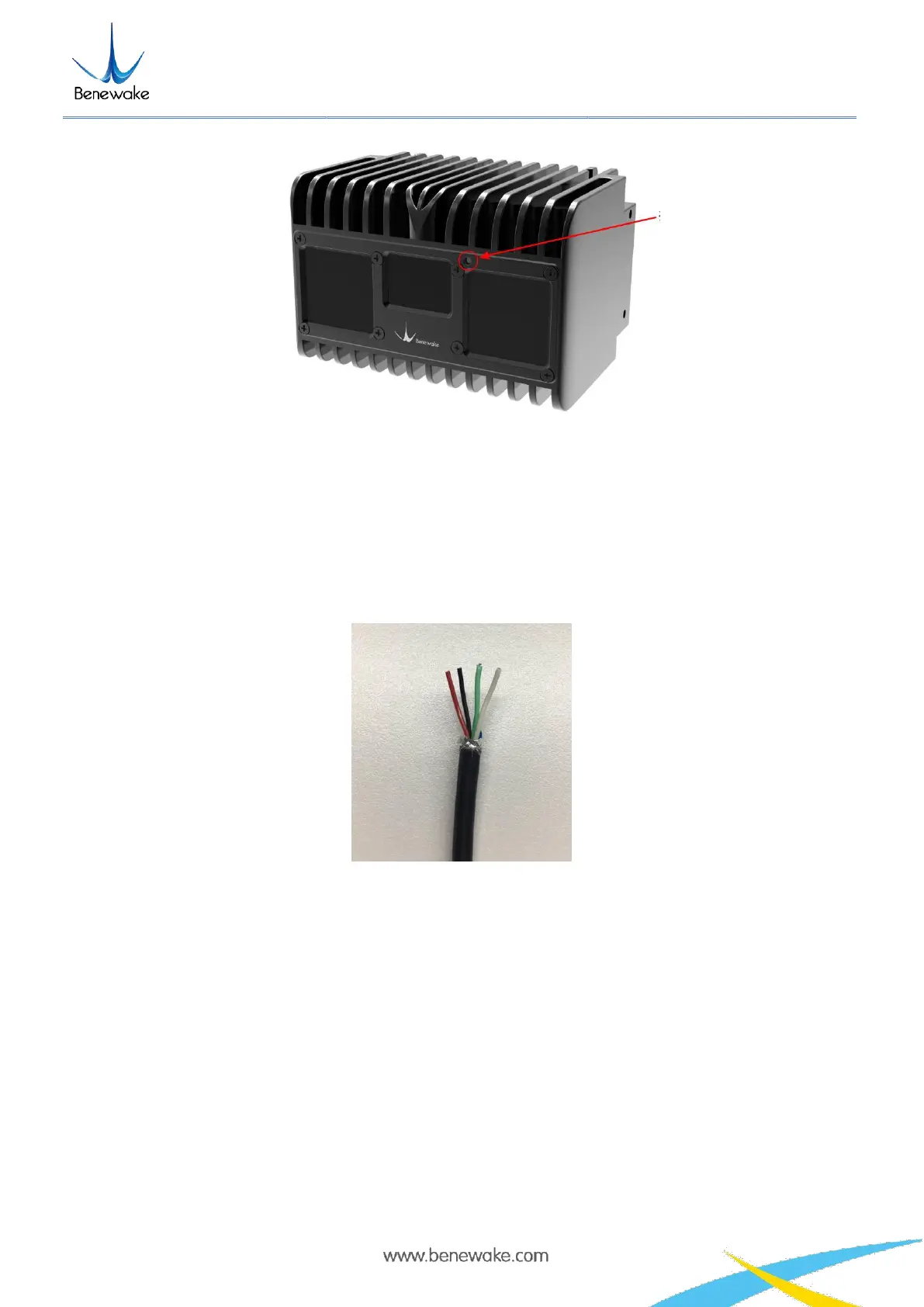
Figure 8 Indicator position
1) Blue normally on: In the “Ready” state, it can be connected to work.
2) Blue flashing: It is working.
3) Red flashing: The relevant run files are missing.
4) Red normally on: Fatal error (abnormal signal, abnormal interface communication, abnormal I2C, etc.)
5. Line sequence descriptions
Figure 9 Line sequence at the power supply port: red - power positive, black - power negative
Note:
1. The current should be more than 3A for the power adapter;
2. When the LiDAR is powered on, it may be rarely possible to suffer from longer startup delay; if it doesn't
start in 2 minutes, cut off the power and restart as recommended;
3. To have it stop working, first disconnect its power supply and then disconnect other connecting lines.
6. Installation diagram


 To Next Page