29 How to adjust your monitor
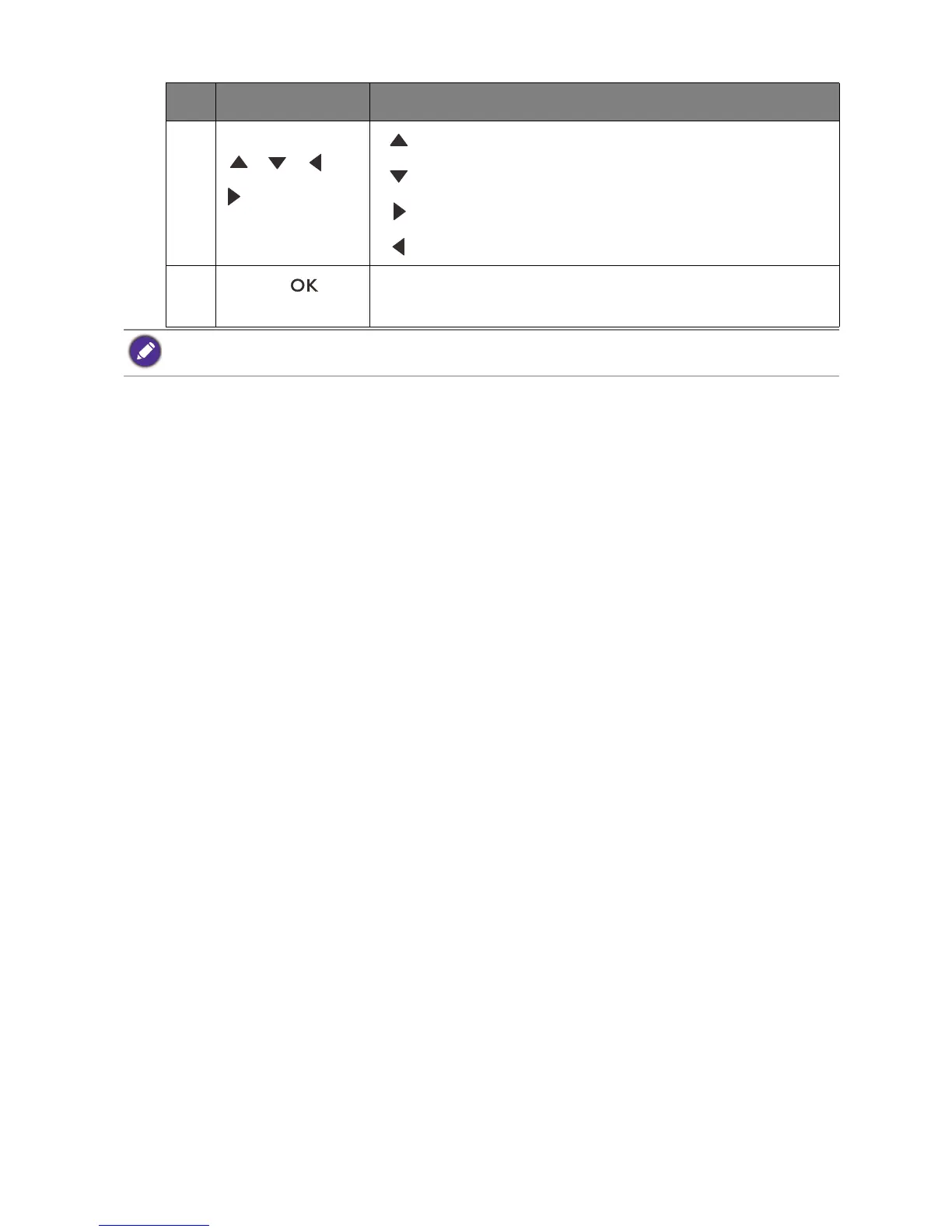
5. Navigation buttons
( / / /
)
• : For Up/Increase adjustment.
• : For Down/Decrease adjustment.
• : Enters sub menus.
• : Returns to the previous menu.
6.
OK key ( )
• Activates the hot key menu.
• Selects menu items.
No. Name Description
OSD Controller is designed for BenQ LCD Monitor exclusively and is available for compatible models only. Do
not connect it to other devices with mini USB ports.


 To Next Page