4. Using Your Camera
13
4.2. The continuous shooting mode
In continuous shooting mode, you can take 3 photos a time by simply pressing the shutter button once.
Taking pictures
Press the POWER button for 3 seconds to turn on the power of the camera. The camera beeps once and enters camera
mode.
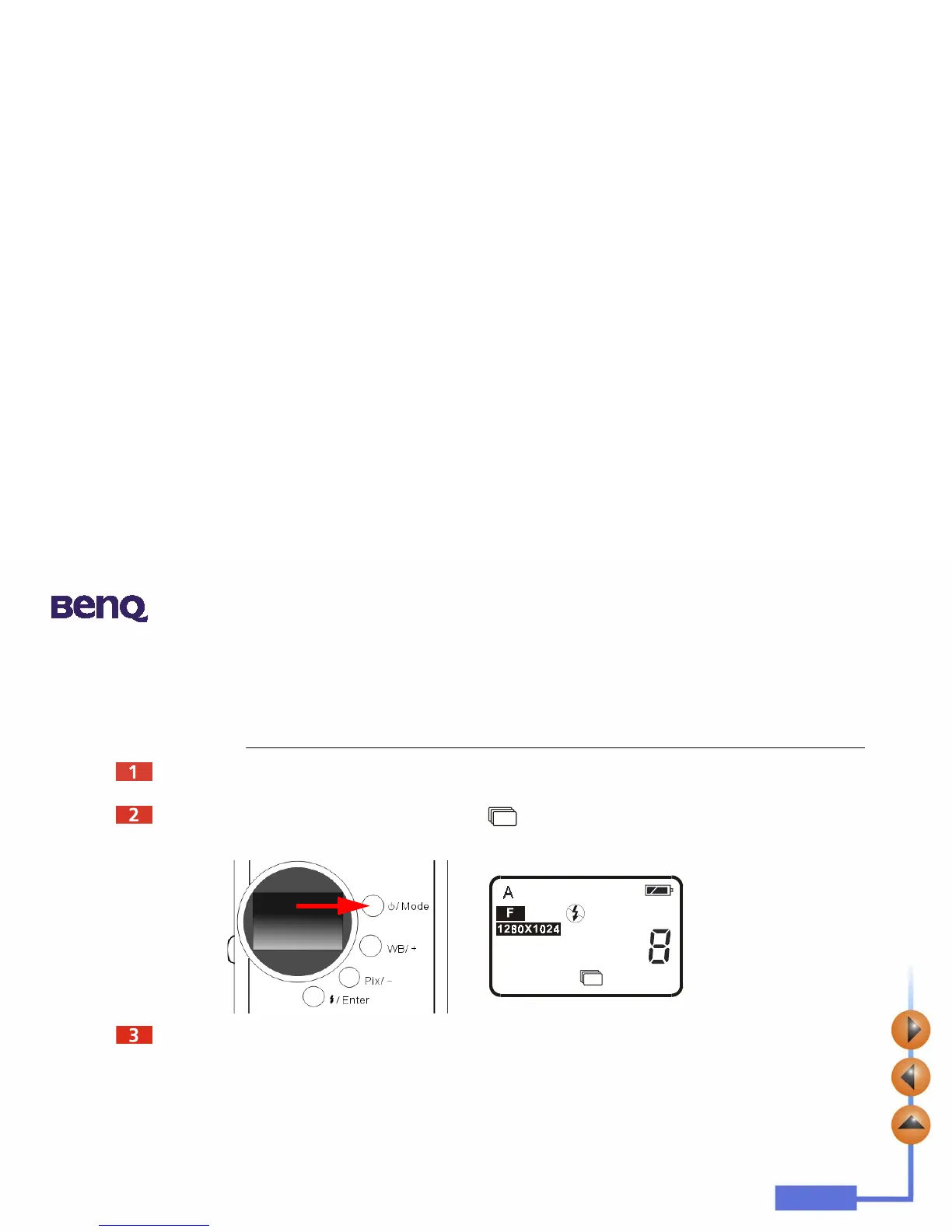
Then press the “Power/ Mode” button 1 times. The icon will appear on the status display. It indicates the camera is in
continuous shooting mode. The status of camera will appear on the status display as follow shows.
After entering the continuous shooting mode, press the shutter button once and the camera will capture 3 photos
continuously. Every photo will be taken in the time sequence by every 0.6 second.



 To Next Page