4. Using Your Camera
19
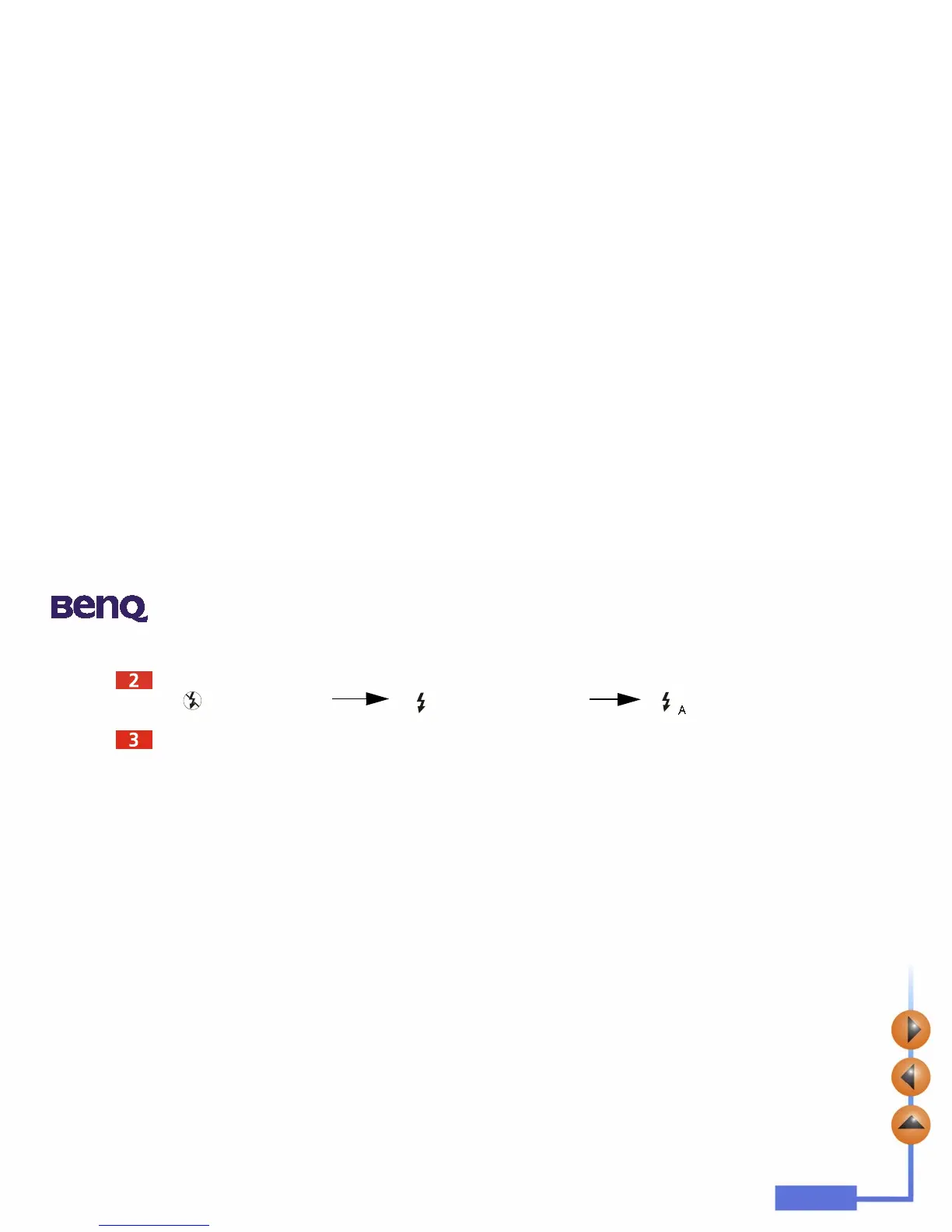
Press the Flash/ Enter button, the camera will beep as the flash icon changes in the sequence as follow illustrated:
Now you are ready to take pictures.
Note: If the macro function is turned on, the flash light will be disabled.
It takes about 11 seconds for the flash light to recharge for the next shot. During charging, the Flash
indicator blinks. Charging is completed when the Flash indicator becomes off.
Auto flash light
Flash light OFF Forced flash light ON



 To Next Page