4. Using Your Camera
23
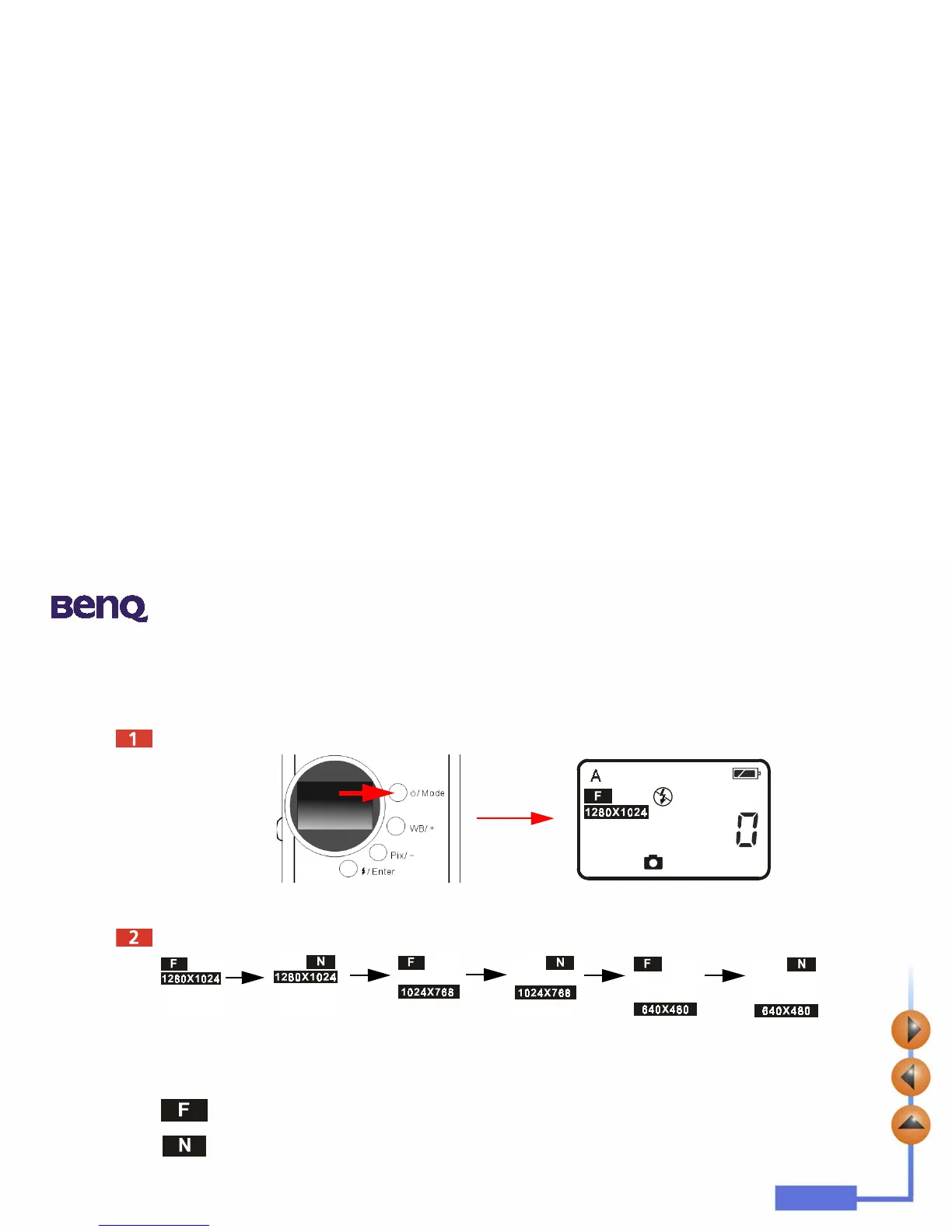
4.6.5. Pixel Setting
The pixel setting function allows you to let the camera take pictures in different compression and resolution. To adjust the
pixel settings:
Turn on the power. The default pixel setting icon will appear on the status display as illustrated below.
Press the Pix/
_
button, the camera will beep as the pixel icon changes in the sequence as follow illustrates:
Pixel Settings:
1. Compression:
Fine:
Image with low compression.
Normal:
Image with high compression.



 To Next Page