BenQ DC 1500 User’s Manual
27
3.6. Setup Mode
3.6.1. Use Setup Mode (Tool Box)
You can change the DC 1500 inner settings by entering the setup menu.
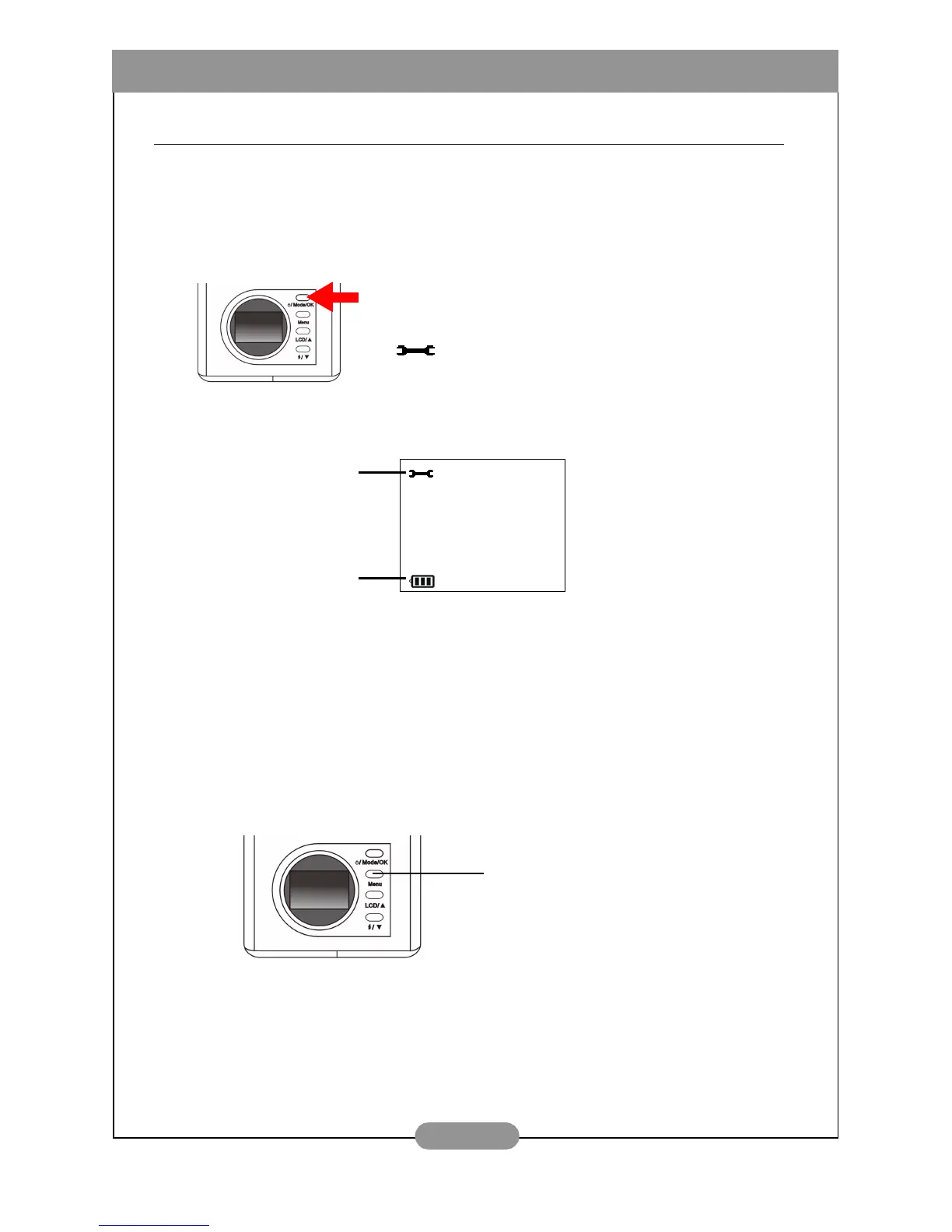
To activate the setup mode:
When the setup mode is activated, the LCD screen will show icons as
follows:
3.6.2. The Setup Mode Setting Menu on LCD screen
When in setup mode, the DC 1500 provides a setting menu that allows you to
change the DC 1500 inner settings.
To enter the setting menu, press the “Menu” button and you can switch the
LCD screen frame from viewer menu to the main setting menu of the setup
mode.
Press the “Mode” button again to switch the LCD
screen frame from video mode to setup mode. The
camera beeps once and enters setup mode, the icon
will appear on the LCD screen.
Setup mode
Battery capacity
Press this button to enter the setting
menu.



 To Next Page