BenQ DC 1500 User’s Manual
31
4. PC
DEPENDENT
FEATURES
4.1. Preparations
To use the PC dependent functions, you need to install your digital camera software
and connect the camera to your PC.
4.1.1. Installing digital camera software
• If your operation system is Windows 98/ME, please setup the DC1500 driver first,
if the operation system is Windows 2000/XP, then it's not necessary for you to
setup driver in advanced, please refer to the descriptions of Universal Plug and Play
installation instruction below.
• It's recommended that you setup driver and software before connecting digital still
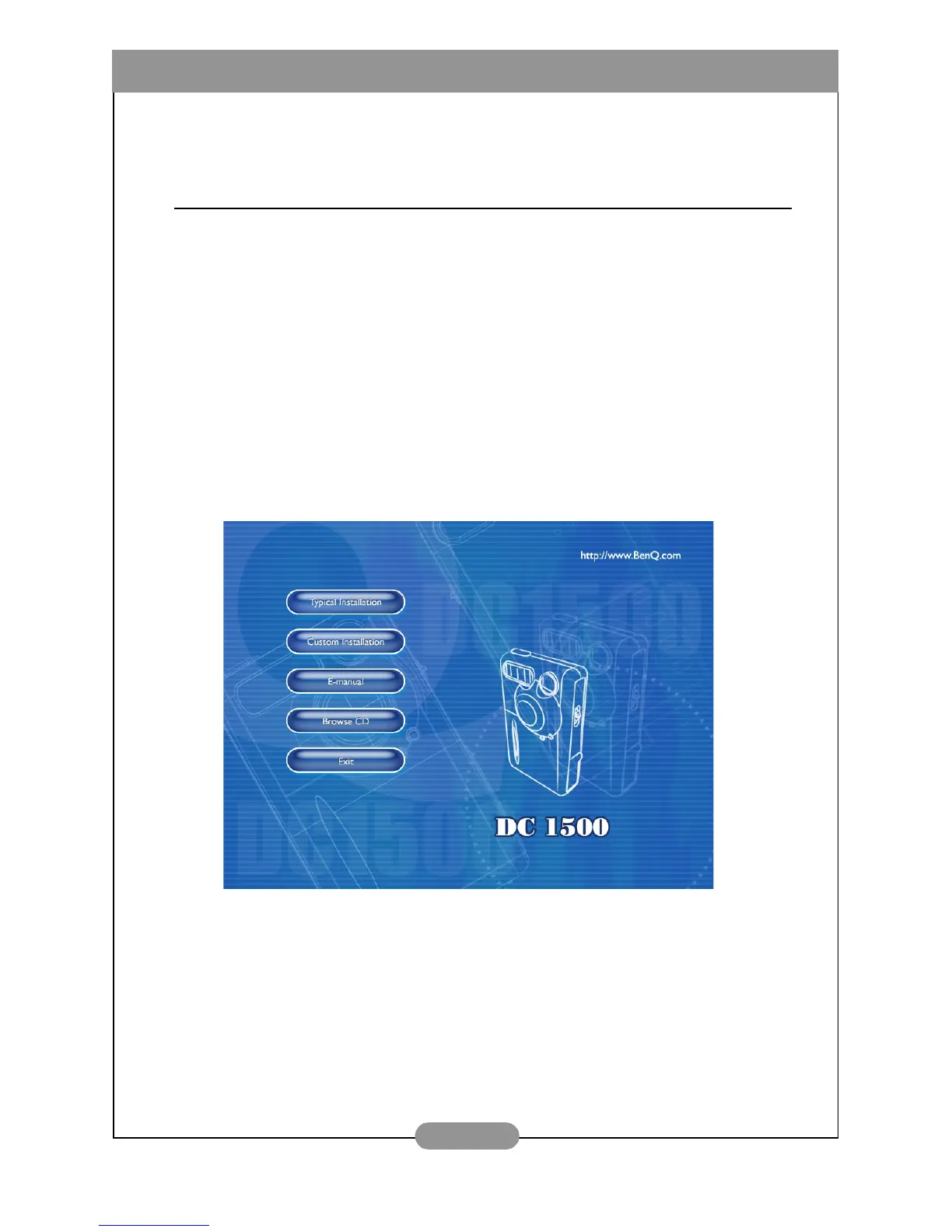
camera to your PC for smooth installation. Normally, a software installation menu
appears automatically after this installation CD is inserted into your CD-ROM
drive.
• Click on each item to start installing the software program of your choice. You can
choose “Typical Installation” for installing all the bundled software programs, or you
can also choose “Custom Installation” for installing the software programs from the
list as you like. If the menu did not appear, please browse the CD and find a
program file named "autorun.exe" in the root directory and double-click on it. The
menu will appear. If you want to know the content of this CD and install software
manually, please refer to the descriptions of the CD content below.



 To Next Page