BenQ DC 5530 User’s Manual
English
Using the DC C800 19
3.12 Editing Images
3.12.1 Rotating Still Images
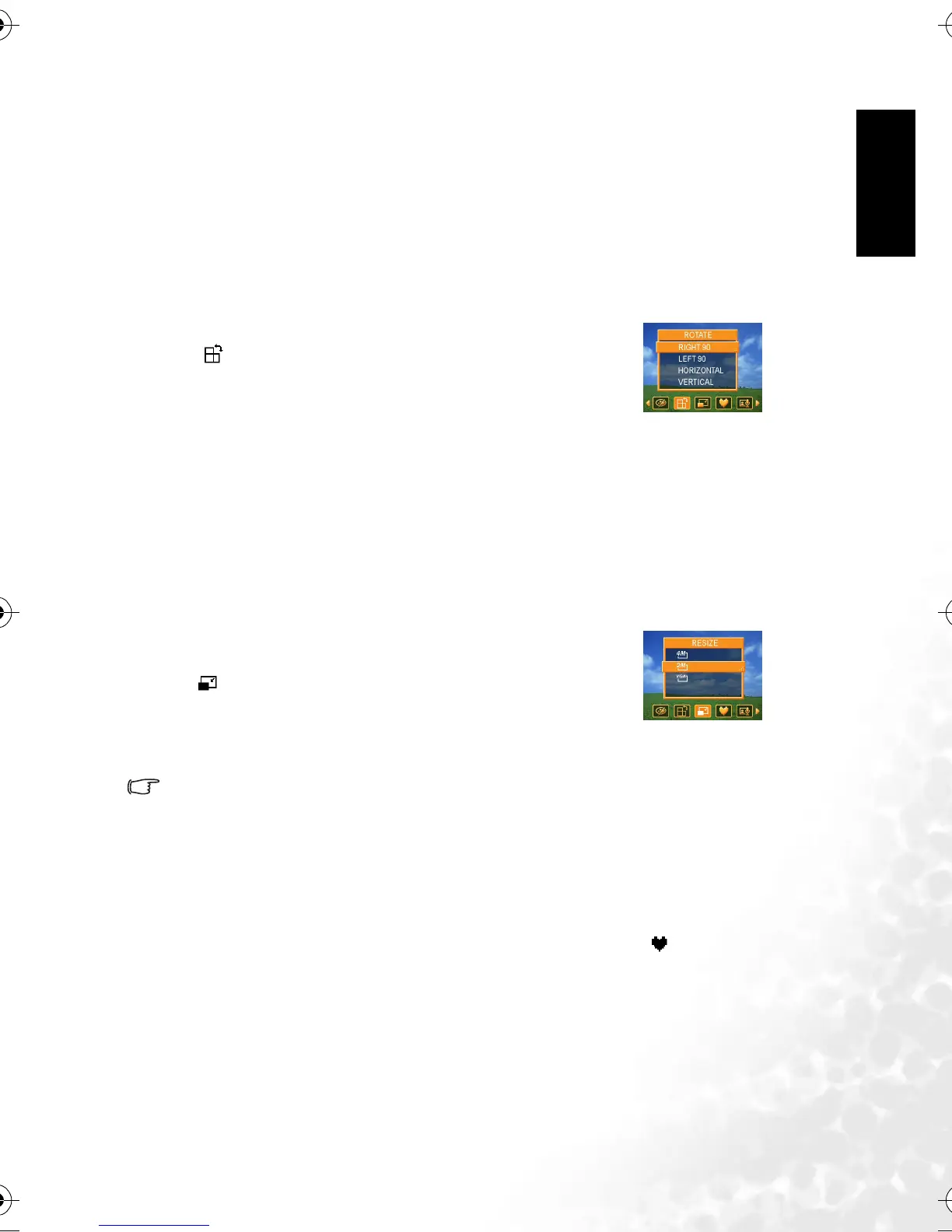
The still images can be rotated by various degrees.
3.12.2 Changing the Image Size
The resolution of still images that had already been recorded can be changed.
• Only a large size image can be resize to a smaller one.
3.12.3 Adding Stickers to a Still Image
1. Set the camera to the Playback mode. Refer to 3.3 “Switching between Record and
Playback” on page 5.
2. Pressor to select the image you want to add stickers.
3. Press the MENU button, then pressor to select STICKER ( ).
4. Press the SET button to enter the sticker screen.
5. Pressor to select a desired sticker, and then press the SET button. The selected
sticker shows on the center of the image.
• Use the arrow button to move sticker or press the zoom lever to rotate the sticker.
6. Press the SET button and repeat the step 5 to continue select stickers.
7. Press the MENU button to display a confirmation message.
1. Set the camera to the Playback mode. Refer to 3.3 “Switching
between Record and Playback” on page 5.
2. Press or to select the image you want to rotate.
3. Press the MENU button, then pressor to select ROTATE
( ).
4. Pressor to select an option, and then press the SET
button.
5. Press the SET button to confirm the change or press the
MENU button to cancel.
• The rotated image will be saved as a new file name.
1. Set the camera to the Playback mode. Refer to 3.3 “Switching
between Record and Playback” on page 5.
2. Pressor to select the image you want to resize.
3. Press the MENU button, then pressor to select RESIZE (
).
4. Press or to select an option, and then press the SET
button.
• The resized image will be saved as a new file name.
DC_C800_UM.book Page 19 Friday, October 21, 2005 2:58 PM



 To Next Page