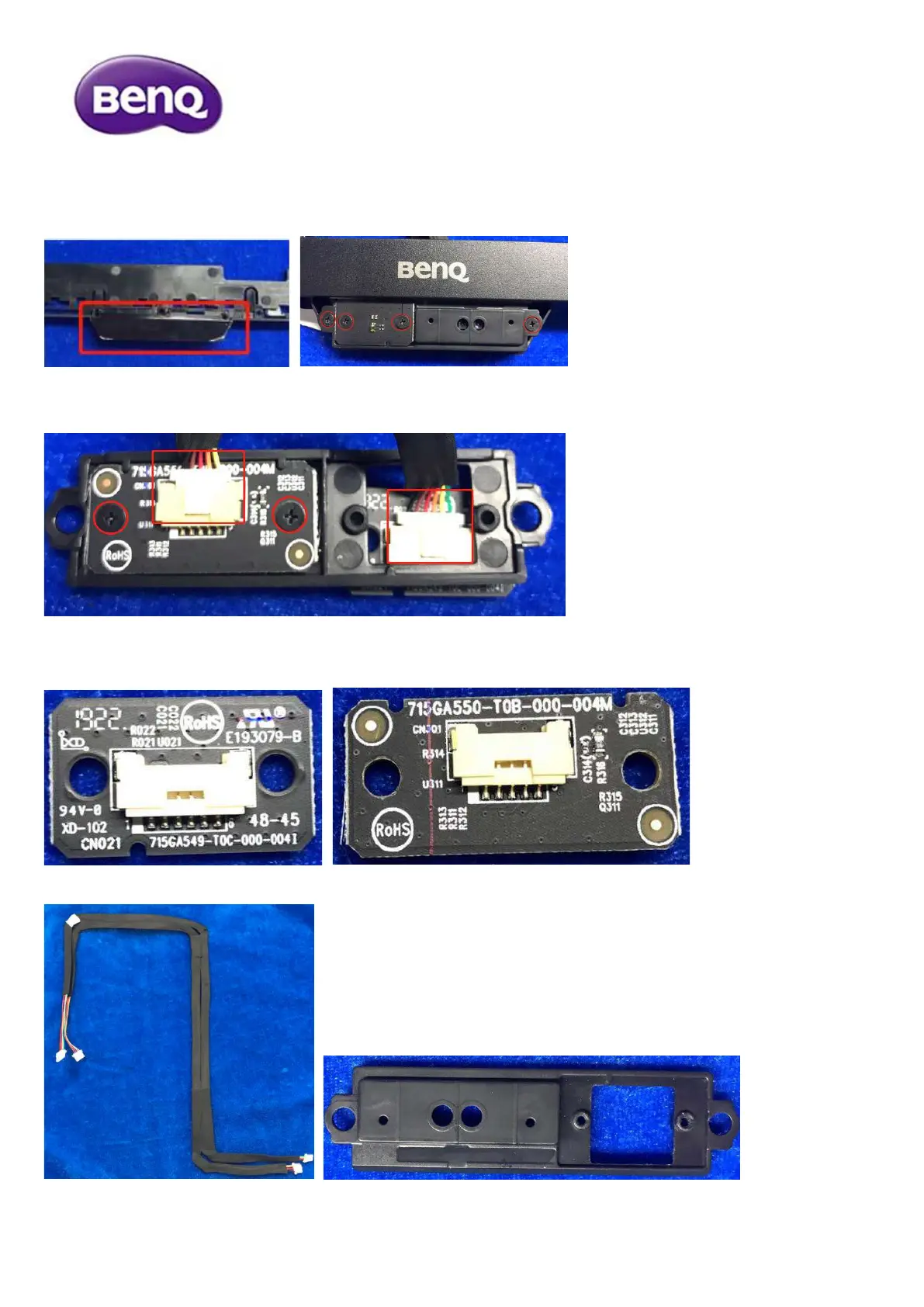
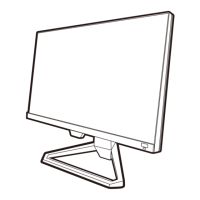
7) Disassemble the sensor board and key board from bezel.
7.1 Remove the sensor boards
Take out the cover first, then release the screws on the top of board.
Turn over the sensor board assembly, and release screws and disconnect the cables.
Now, the sensor boards and cables are totally separated from sensor cover.


 To Next Page