Need help?
Do you have a question about the BenQ EW2730 and is the answer not in the manual?
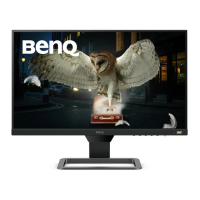
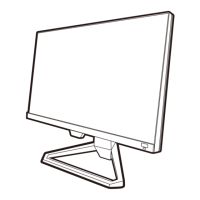
Identifies components visible on the front of the monitor.
Details the ports and connectors located on the rear of the monitor.
Illustrates and describes the function of each button on the remote control.
Explains the function of each button on the monitor's control panel.
Addresses common user issues and provides solutions to monitor problems.
 General
| Screen Size | 27 inches |
|---|---|
| Resolution | 1920 x 1080 |
| Panel Type | VA |
| Refresh Rate | 60 Hz |
| Brightness | 300 cd/m² |
| Contrast Ratio | 3000:1 |
| Response Time | 4 ms |
| Response Time (GTG) | 4 ms |
| Aspect Ratio | 16:9 |
| Dynamic Contrast Ratio | 20, 000, 000:1 |
| Viewing Angle | 178°/178° |
| Color Gamut | 72% NTSC |
| Built-in Speakers | Yes |
| VESA Mount | 100 x 100 mm |
| Connectivity | HDMI, DVI, VGA |
| Input Ports | HDMI, DVI |


 To Next Page