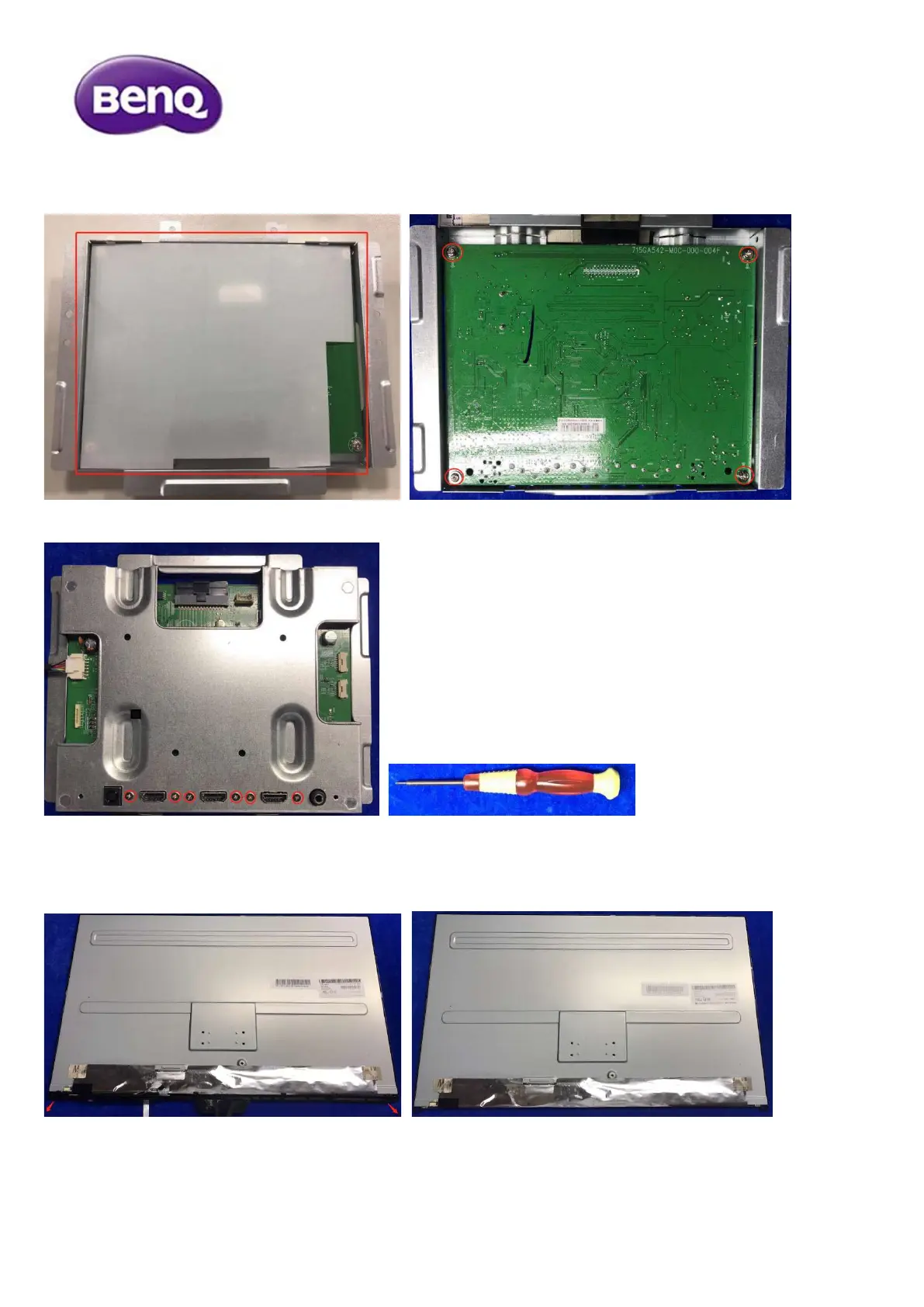
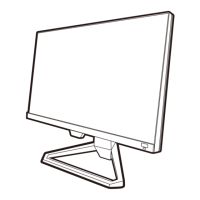
5) Remove the board from the main frame
5.1 Turn over the main frame, remove mylar and release all the screws first.
5.2 Release all the screws to separate the board from main frame.
6) Remove bezel from panel
Carefully pull down the bezel. Now, the panel is totally separated from bezel.


 To Next Page