108 Dodatak: Upotreba (Launcher) za verziju softvera stariju od v01.00.19.00
• App Shortcuts - Quick access to the pre-installed File Manager, BenQ Suggests, along with
other installed apps.
• Settings menus - Shortcuts to the settings menus to adjust wireless network, Bluetooth and
other settings.
Navigating the BenQ Launcher home screen
1. From the BenQ Launcher home screen, press / / / to select the desired function and
press OK.
2. Follow on-screen instructions for further operations.
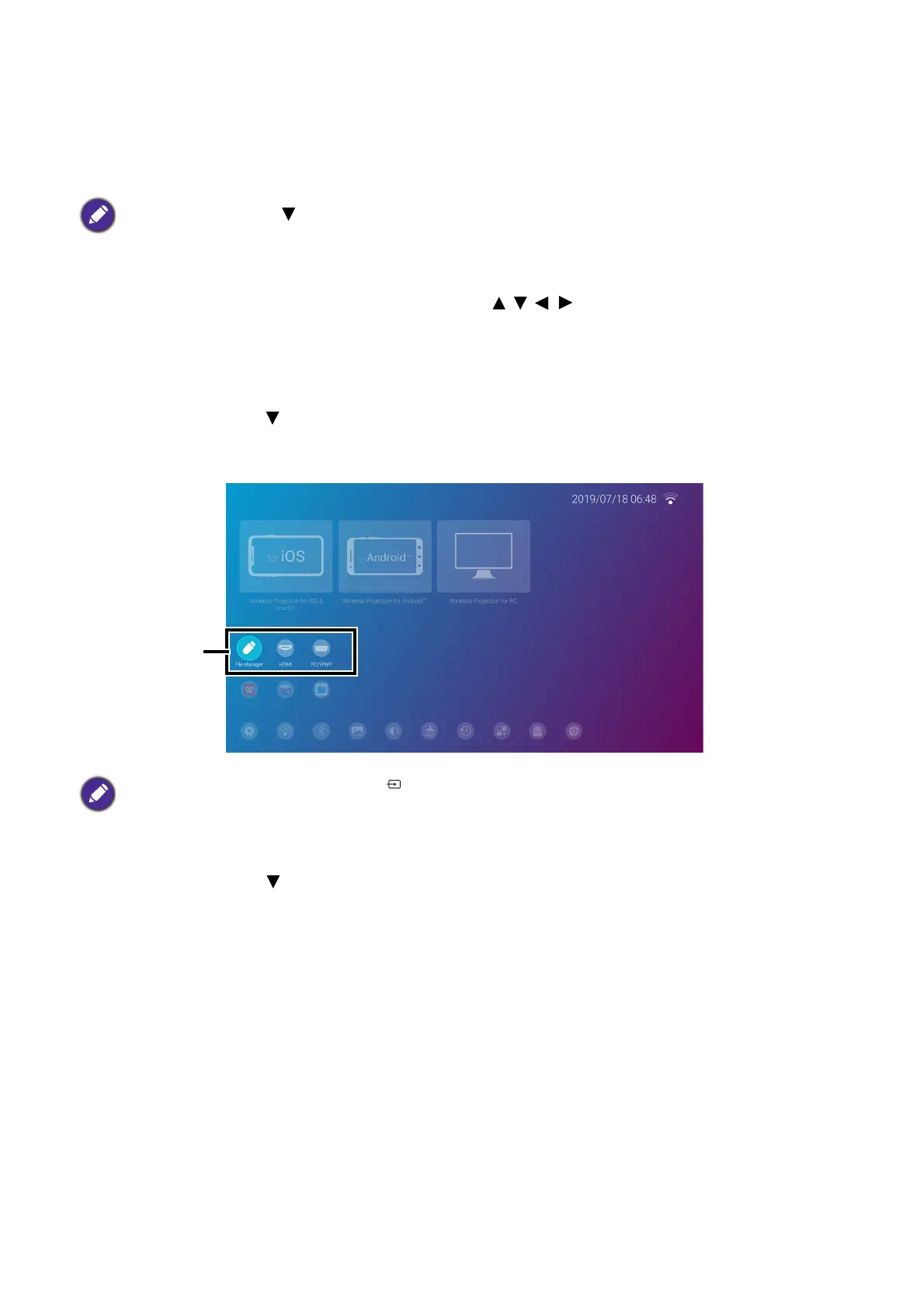
Using the source menu
Press the down button from the BenQ Launcher home screen to access the Source menu,
which displays the input source options: USB, HDMI, and PC. Press OK to select the desired
input source. See Poveži on page 20 for more information.
Using the app menu
Press the down button twice from the BenQ Launcher home screen to access the app
shortcuts menu, which displays the pre-installed BenQ Suggests, and File Manager apps as
well as other apps that have been installed on the projector.
Press the down button to access the Source menu, App shortcuts, and Settings menus.
You may also press the source button from any screen within BenQ Launcher to access the Source
menu.













 To Next Page