124 Dodatak: Upotreba (Launcher) za verziju softvera stariju od v01.00.19.00
Bluetooth Connections
The projector is able to connect to a Bluetooth-enabled speaker or headphones to output audio
directly for greater sound, particularly in outdoor settings.
Pairing/Connecting to a Bluetooth speaker or headphones
Pairing is the process by which your projector creates a connection to a Bluetooth speaker or
headphones for the first time. Once both devices have been successfully paired each device
will have the corresponding device’s pairing information stored internally and both will be able
to connect automatically when they are within an ~10 meter range of each other and Bluetooth
is enabled on the projector.
To pair your projector to a Bluetooth speaker or headphones:
1. Install the provided wireless dongle into the wireless dongle port (see Instalacija bežičnog
hardverskog ključa on page 8).
2. Power on the projector (see Dodatak: Upotreba (Launcher) za verziju softvera stariju od
v01.00.19.00 on page 107).
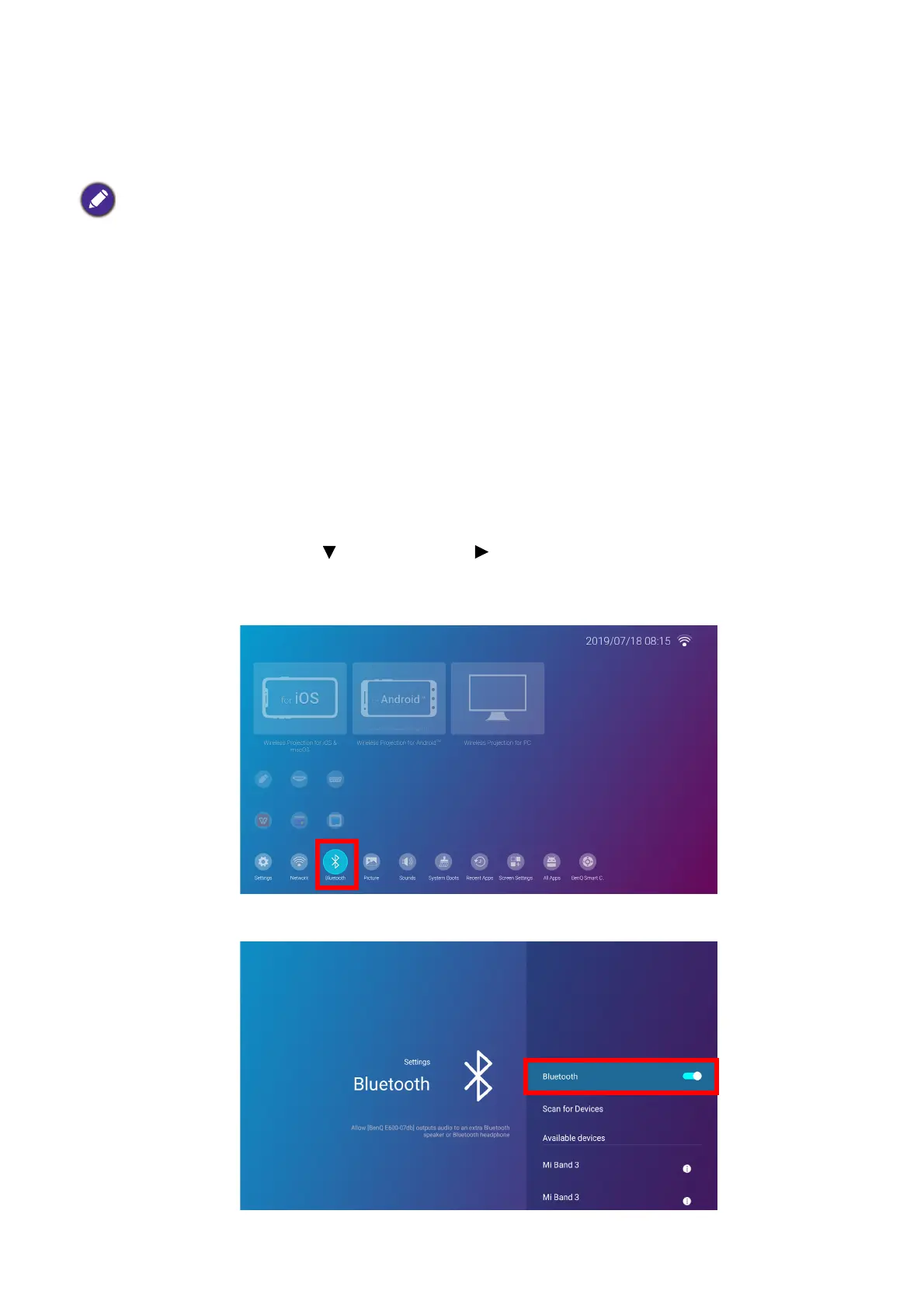
3. Press the down arrow key and right arrow key to navigate to the settings sub-menu
shortcuts.
4. Select Bluetooth and press OK.
5. Select Bluetooth and press OK to enable Bluetooth.
• The Bluetooth connection does not support any data transfer as the projector only allows Bluetooth
connections for audio output.
• You may not use the projector to broadcast audio from a Bluetooth-enabled mobile device.













 To Next Page