57 Upotreba (pod Launcher izvorom)
Ending the Bluetooth connection
In cases where you want to disconnect a speaker or headphones from the projector and
connect to another speaker or headphones follow the steps below:
1. On the home screen of the BenQ Launcher interface select the Settings button and press
OK.
2. Select Bluetooth and press OK.
3. Select the already connected speaker or headphones from the Device List in the
Bluetooth setting menu and press OK.
4. Confirm that you want to disconnect the speaker or headphones from the projector.
5. Activate Bluetooth-pairing mode on the new speaker or headphones.
6. Select the new speaker or headphones from the Device List in the Bluetooth setting
menu and press OK.
Deactivating the Bluetooth speaker or headphones
To deactivate Bluetooth on the projector so that it no longer outputs its audio to a separate
speaker or headphones:
1. On the home screen of the BenQ Launcher interface select the Settings button and press
OK.
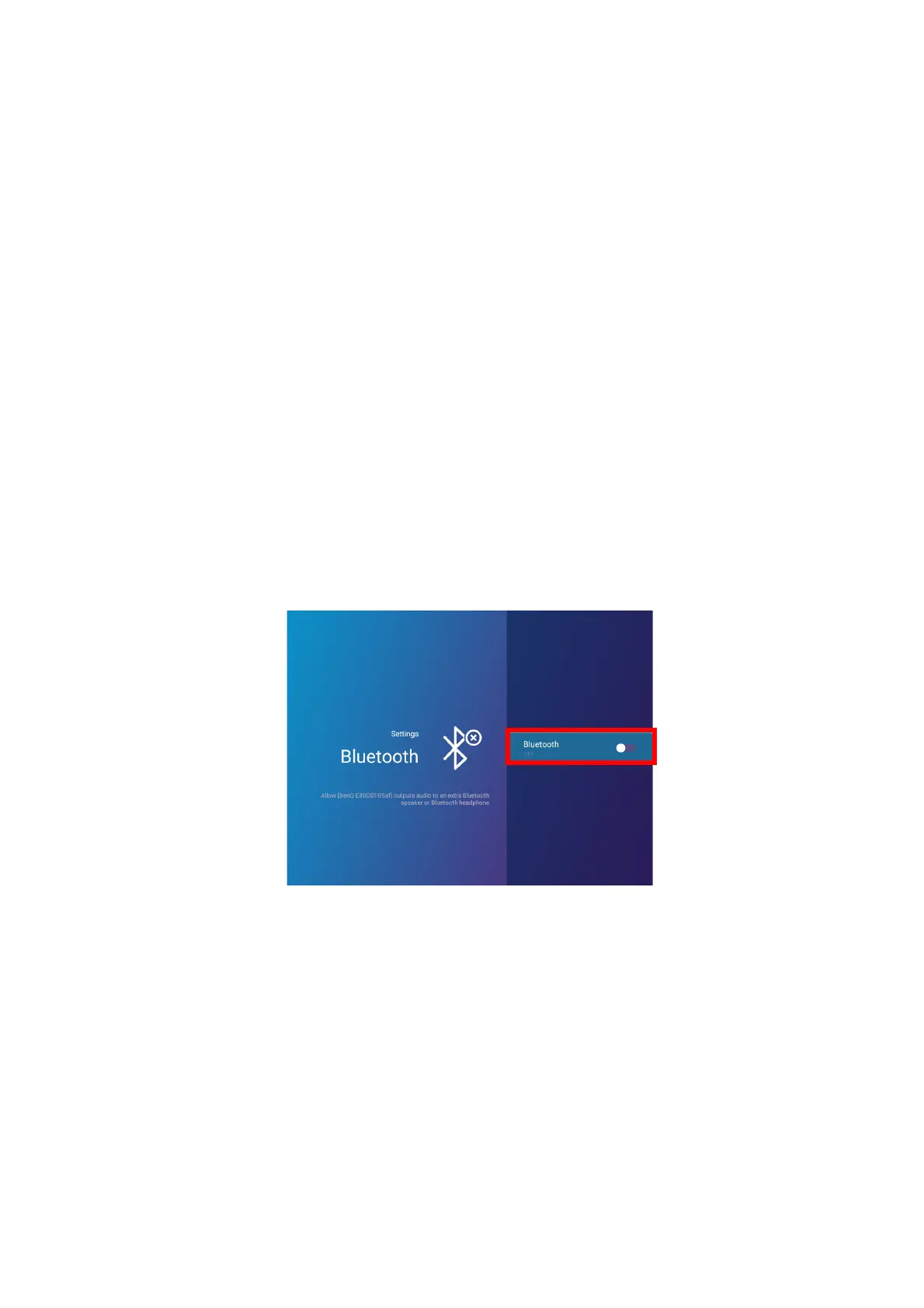
2. Select Bluetooth and press OK.
3. Select Bluetooth and press OK to disable Bluetooth.













 To Next Page