68 Upotreba (pod Launcher izvorom)
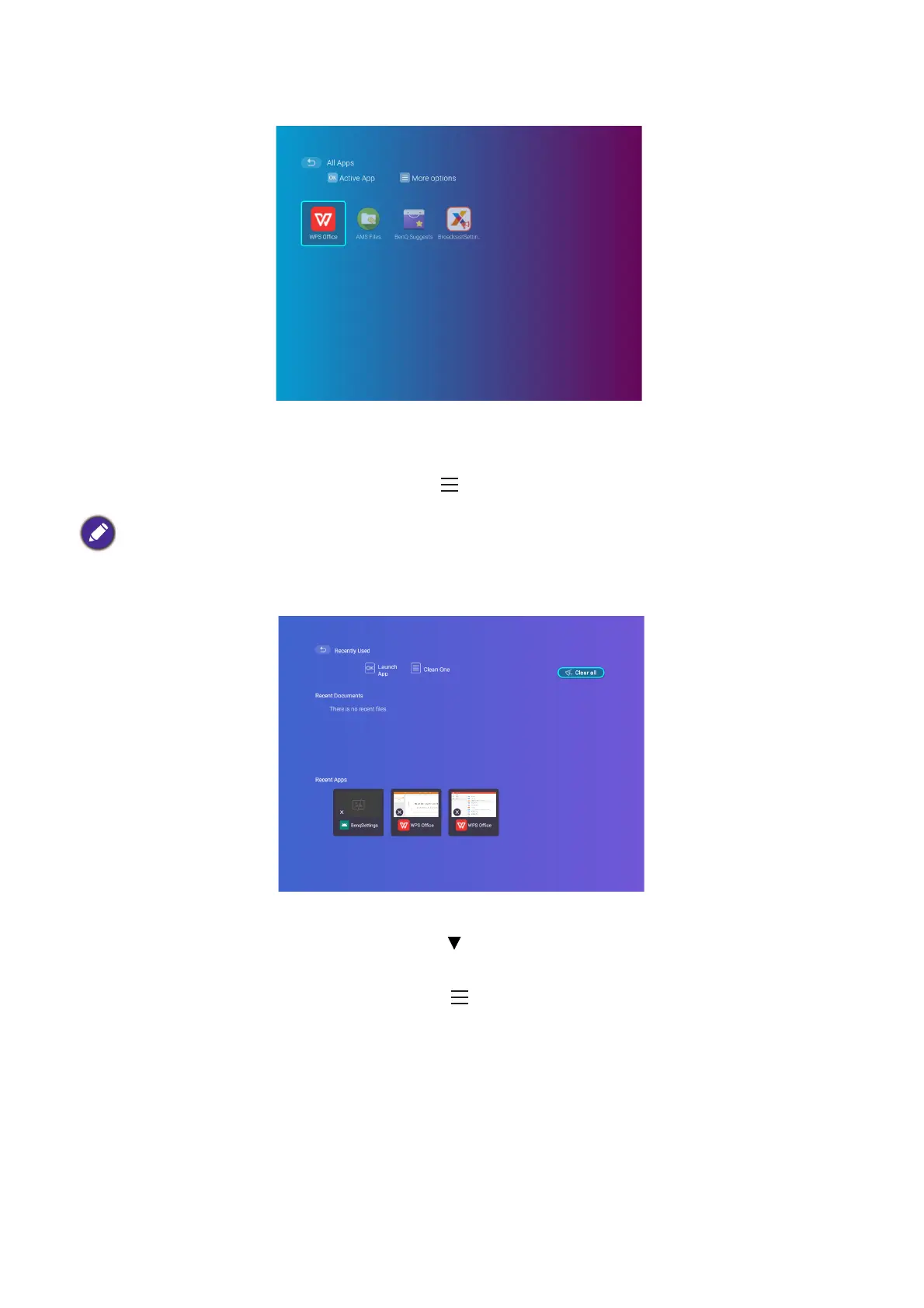
All Apps
Select the All Apps menu to access all the apps that have been installed on the projector.
• Select an app and press OK to launch the app.
• Select an app and press the menu button ( ) to uninstall the app.
Recently Used
Select the Recently Used menu to access a list of apps that have been recently used.
• Select any icon and press the down button ( ) to remove the icon from the list of recently
used apps.
• Select any icon and press the menu button ( ) to clear all icons from the list of recently used
apps.
When AMS Service is enabled, Guest AMS accounts will not be allowed to uninstall apps in this menu.













 To Next Page