14
3.9 User Controls
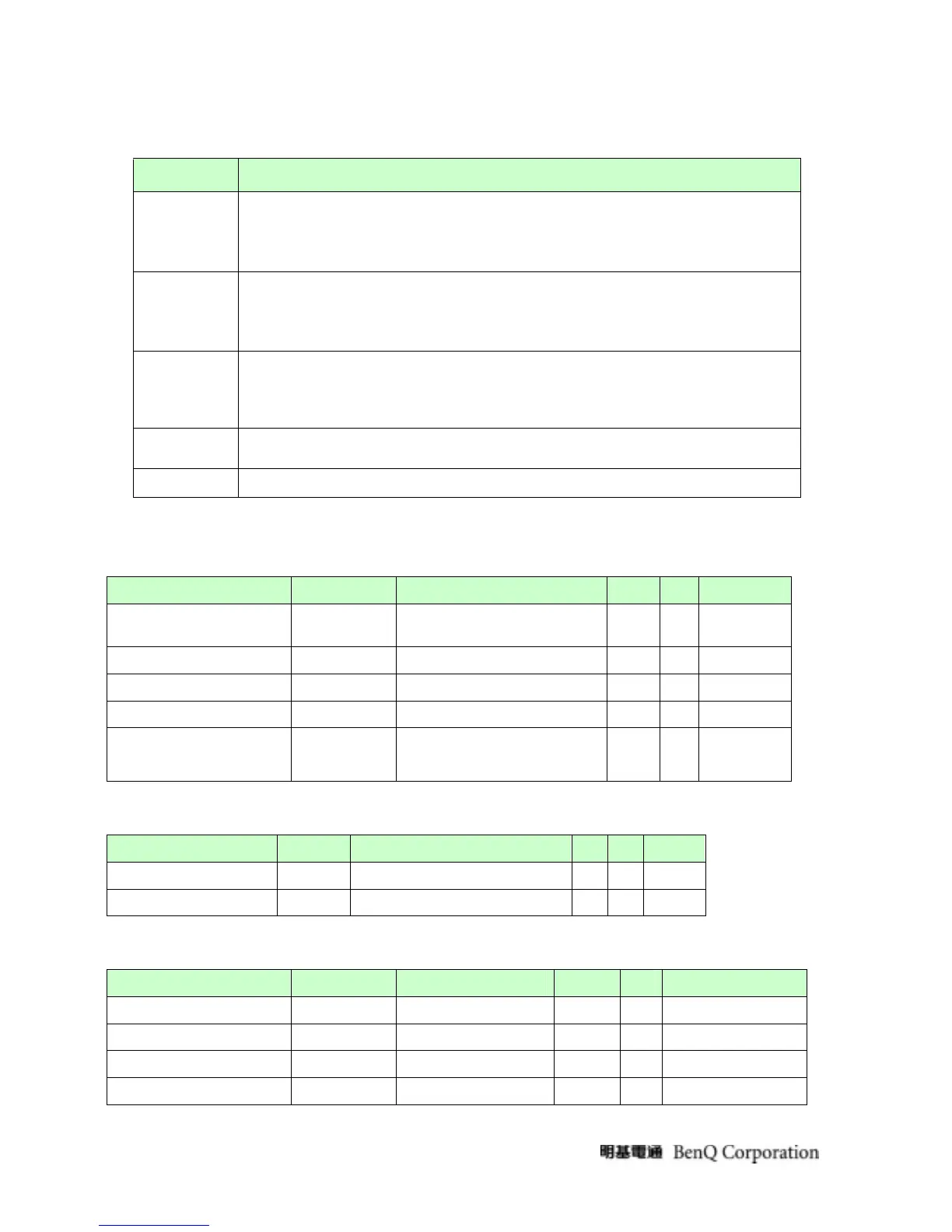
User’s hardware control definition:
CONTROL KEY
KEYS FUNCTION
[MENU]
A. When OSD displays, press [MENU] to return to previous level menu
B. When OSD isn’t shown on screen, press [MENU] to enter OSD interface
C. Press [MENU] to enter Service Page When OSD isn’t shown on screen in Service Page
Mode
[Enter]
A. When OSD displays, press [Enter] to perform function of menu icon that is highlight or
enter next level menu
B When OSD isn’t shown on screen, press[Enter] to change input source
[], []
A. When “MENU OSD” displays, press these keys to change the contents of an adjustment item,
or change an adjustment value
B. When “MENU OSD” un-displays, press [] to Show Picture Mode Menu.press [] to show
Brightness/Contrast Menu
[POWER]
Power on or power off the monitor
[iKey]
press [iKey] to perform auto-adjustment
3.10 Mechanical Characteristics
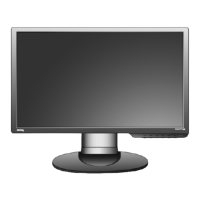
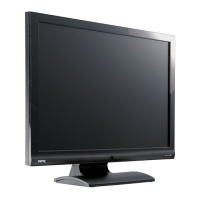
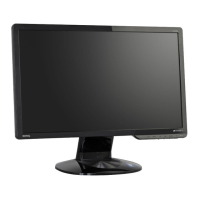
3.10.1Dimension
Item condition Spec OK NA Remark
Bezel opening Lx W 435.73x273.19mm
√
Monitor without stand
L×W×Hmm 472.54x166.66x383.67mm
√
Monitor with stand
L×W×Hmm 472.73x62.2x373.35mm
√
Carton Box(outside)
L×W×Hmm 538x134x446mm
√
Tilt and Swivel range
Tilt:-5~21degree
Swivel: 0 degree
√
3.10.2 Weight
Item condition
Monitor (Net)
4.07±0.0.5 Kg ( Net )
√
Monitor with packing(Gross)
5.12±0.5Kg( Gross / with packing )
√
3.10.3 Plastic
Item condition Spec OK NA Remark
Flammability 94-HB
√
Heat deflection to ABS 80°C
√
UV stability ABS Delta E<12
√
resin ABS
√


 To Next Page