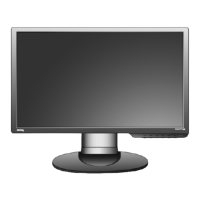
9 How to assemble your monitor hardware
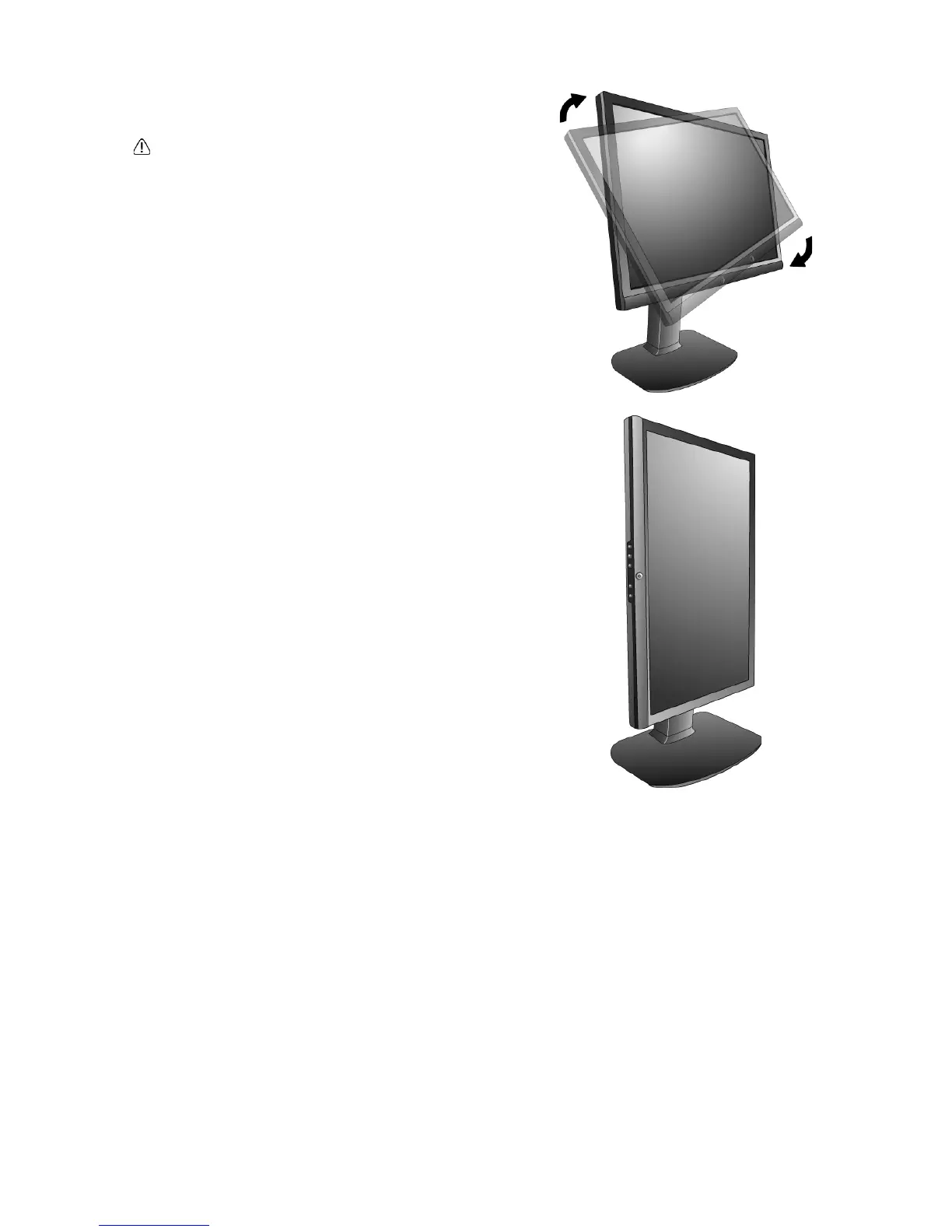
2. Rotate the monitor 90 degrees clockwise as
illustrated.
To avoid the edge of the LCD display hitting the
monitor base surface while it is being rotated, do tilt
and extend the monitor to the highest position before
you start to rotate the display.
3. Adjust the monitor to the desired viewing angle.


 To Next Page