Operation 45
Source menu
FUNCTION
(default setting /
value)
DESCRIPTION
Mirror
(Floor front)
The projector can be installed on a ceiling or behind a screen, or with one
or more mirrors. Contact your dealer for the ceiling mount bracket
(optional accessory) if you need to install the projector on your ceiling.
See "Choosing a location" on page 17 and "Safety instructions for ceiling
mounting of the projector" on page 18 for details.
Source
Shows the current signal source.
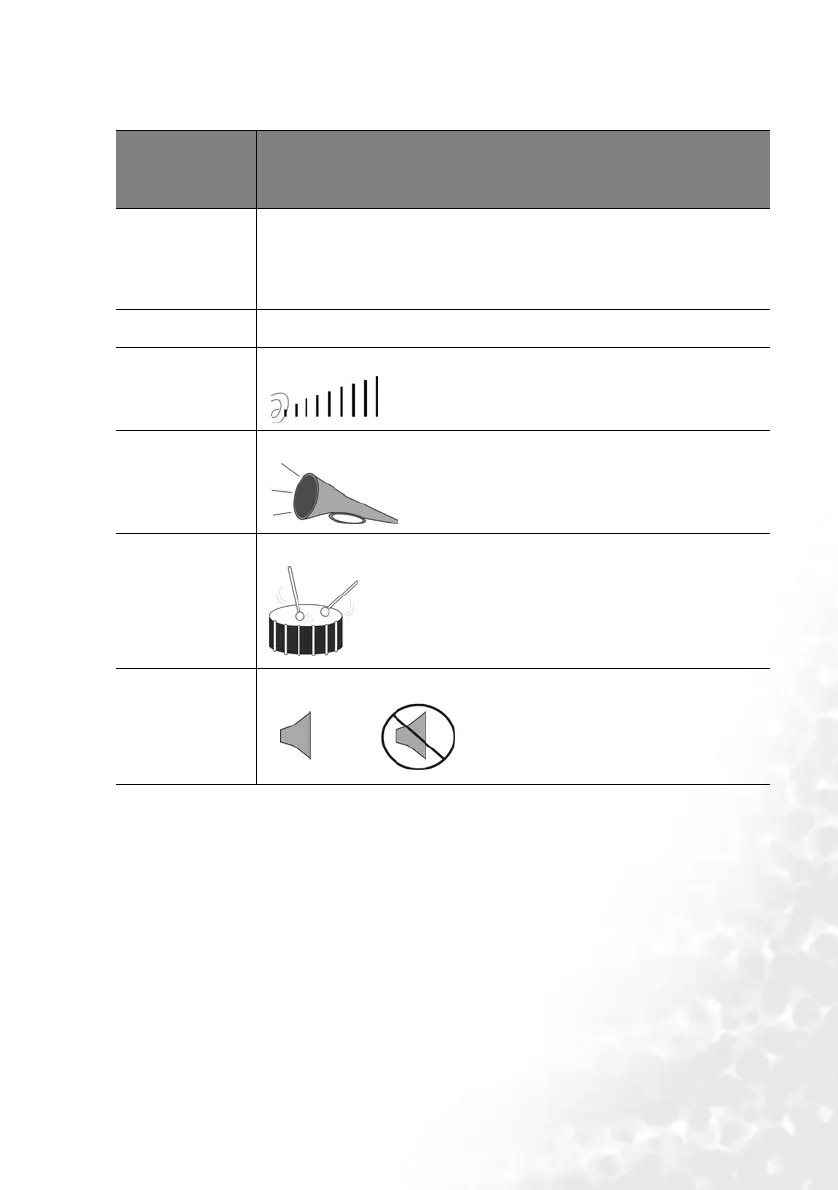
Volume
(5)
Adjusts the volume level.
Treble
(0)
Adjusts the treble level. (-5 ~ 5)
Bass
(0)
Adjusts the bass level. (-5 ~ 5)
Mute
(Off)
Off
On


 To Next Page