Using your Joybook Lite28
4. Before the transmission starts, you may be requested to enter
the passkey again to ensure the connection. After the
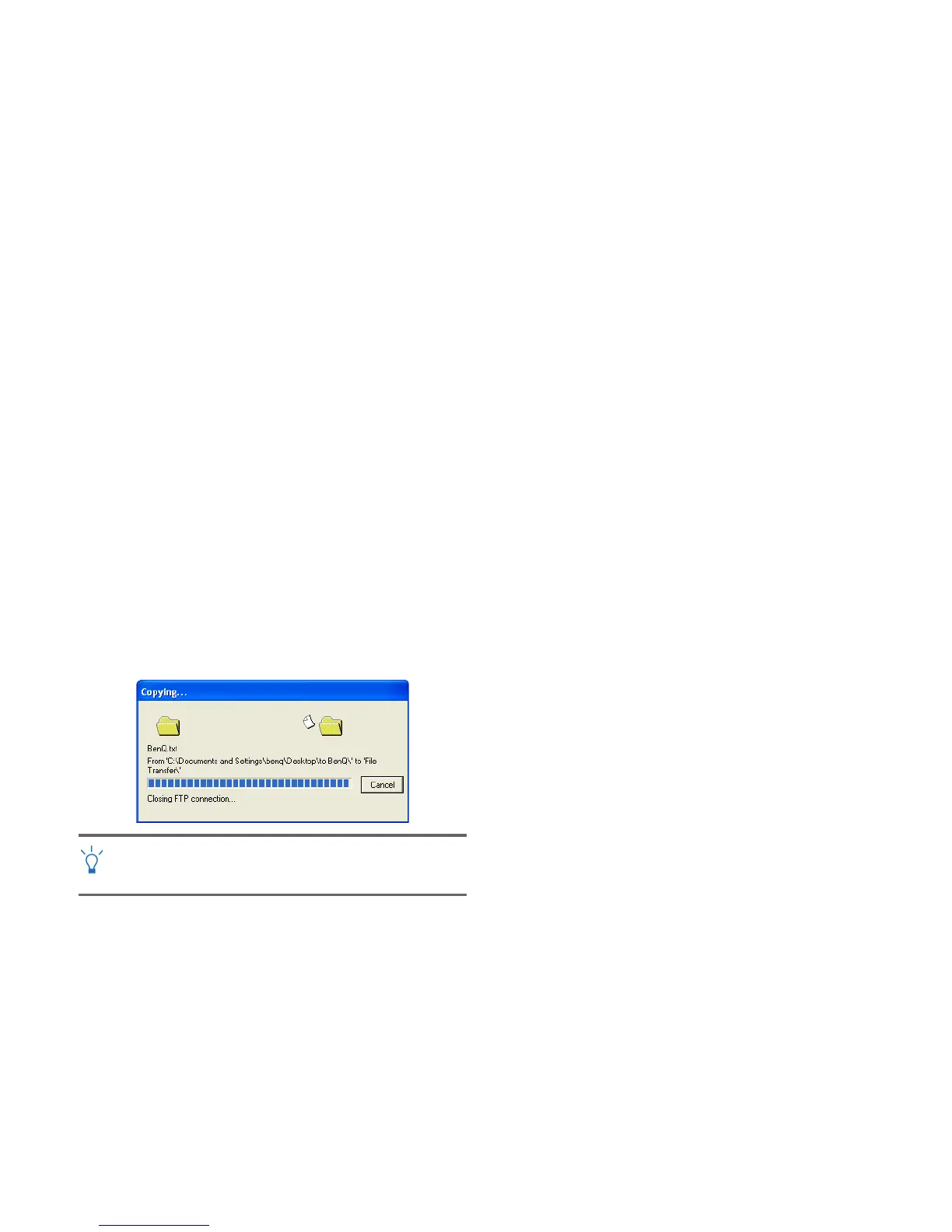
transmission starts, you can check the on-screen progress bar
for the status of file transfer.
The example shown above is specifically for connecting to a
mobile handset. To connect to other types of Bluetooth
devices, refer to the online Help for details.



 To Next Page