Using your Joybook Lite 29
Using the built-in webcam
Your Joybook Lite comes with a built-in webcam on the inside
top of the lid, above the screen. With the webcam, you can
capture still images, record videos, and chat online.
Activating WebCam Companion 3
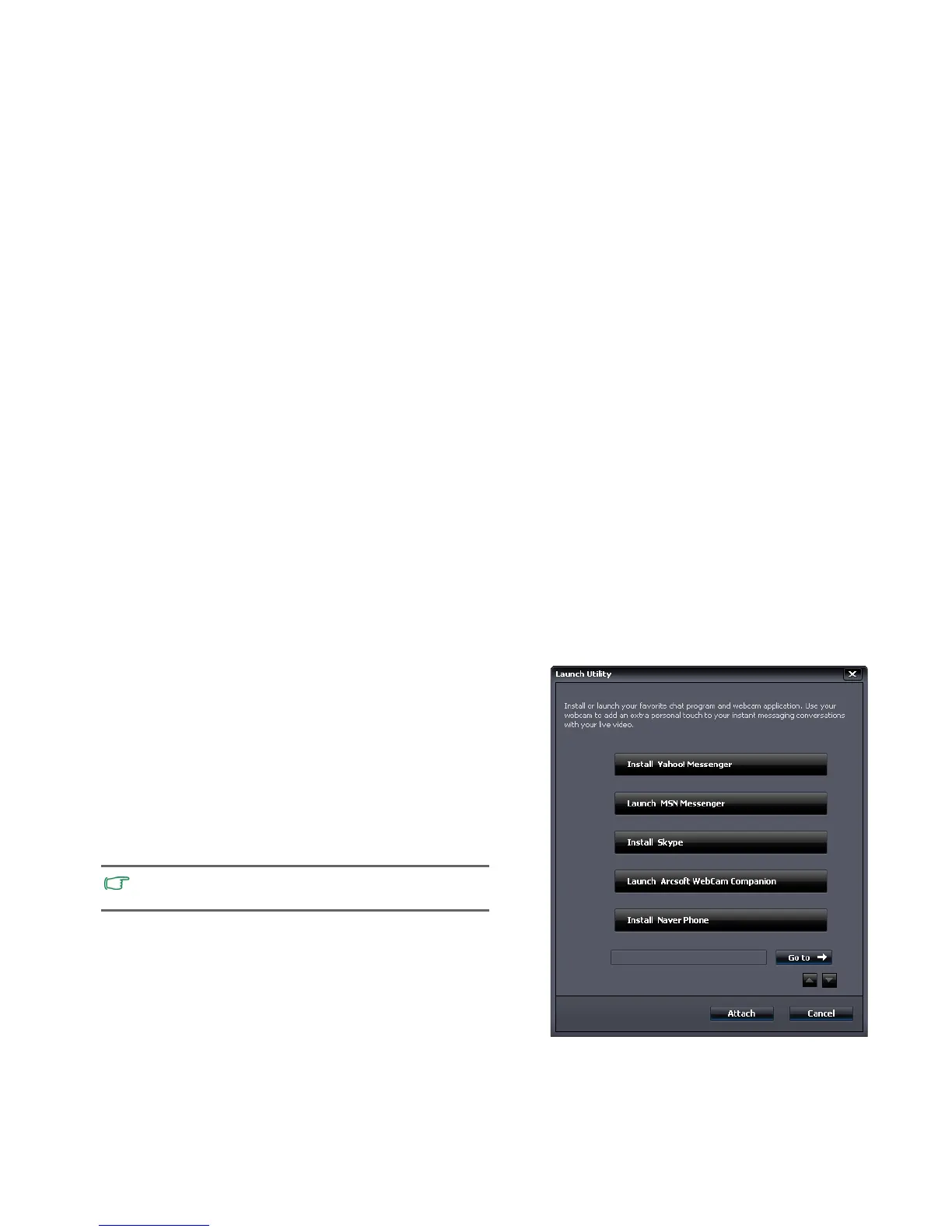
To launch "WebCam Companion 3", select Start > All
Programs > ArcSoft WebCam Companion 3 > Launch
Utility.
You can install a free instant messaging program provided to
start video chat online, or activate "WebCam Companion 3" by
clicking
Launch Arcsoft WebCam Companion.
Network connection is required to install or activate a free
instant messaging program.



 To Next Page