14 Positioning your projector
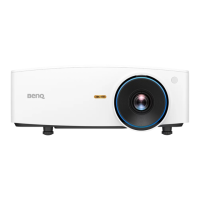
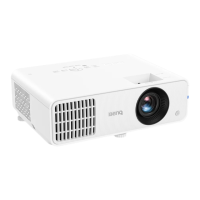
LH550
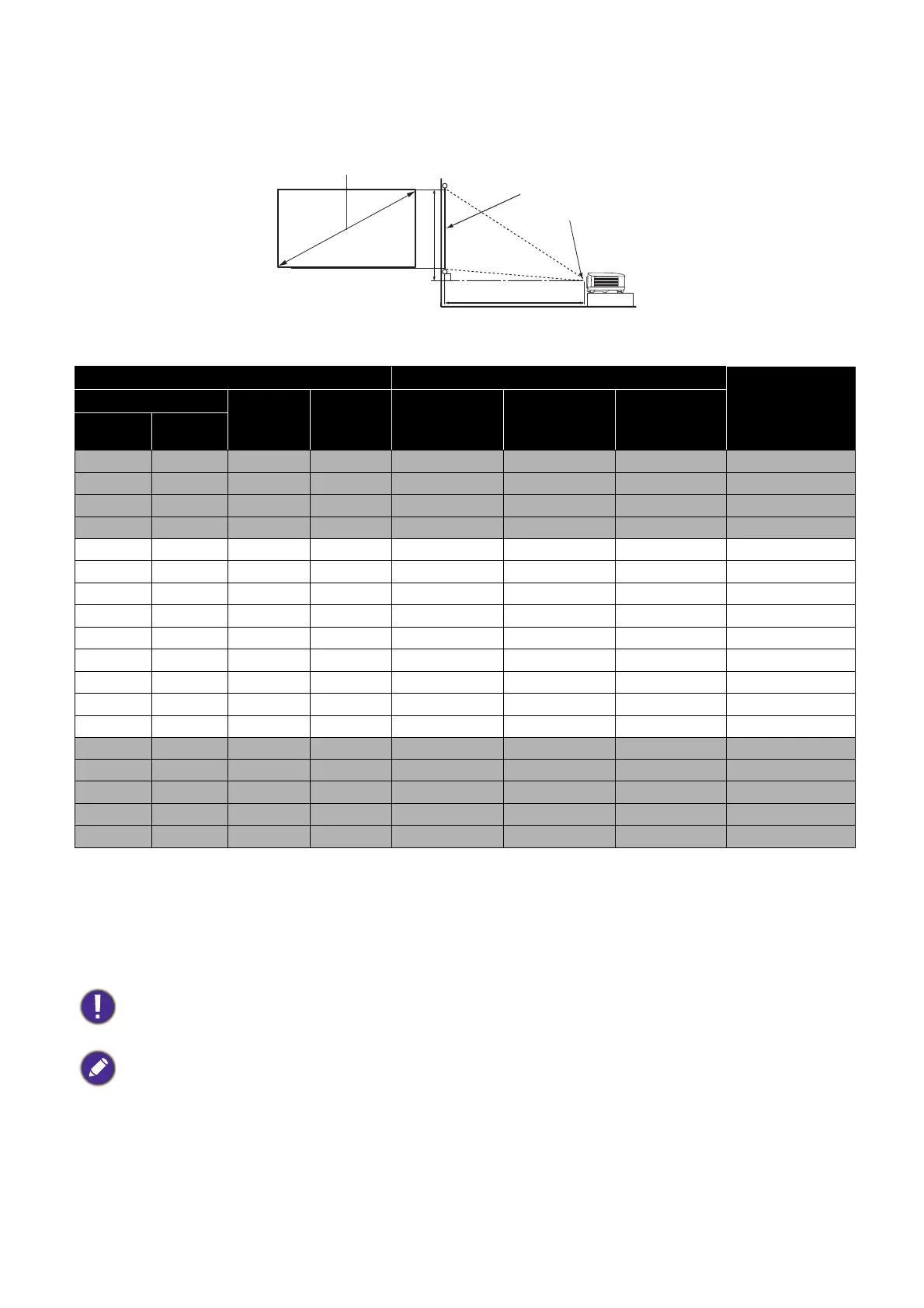
• The screen aspect ratio is 16:9 and the projected picture is in a 16:9 aspect ratio
For example, if you are using a 120-inch screen, the recommended projection distance is 4158
mm.
If your measured projection distance is 3000 mm, the closest match in the "Projection distance
(mm)" column is 3118 mm. Looking across this row shows that a 90'' (about 2.3 m) screen is
required.
Screen size Projection distance (mm)
Offset (mm)
Diagonal
H (mm) W (mm)
Min distance
(with max
zoom)
Average
Max distance
(with min
zoom)
Inch mm
30 762 374 664 990 1039 1089 11
40 1016 498 886 1319 1386 1452 15
50 1270 623 1107 1649 1732 1815 19
60 1524 747 1328 1979 2079 2178 22
70 1778 872 1550 2309 2425 2541 26
80 2032 996 1771 2639 2772 2905 30
90 2286 1121 1992 2969 3118 3268 34
100 2540 1245 2214 3299 3465 3631 37
110 2794 1370 2435 3628 3811 3994 41
120 3048 1494 2657 3958 4158 4357 45
130 3302 1619 2878 4288 4504 4720 49
140 3556 1743 3099 4618 4850 5083 52
150 3810 1868 3321 4948 5197 5446 56
160 4064 1992 3542 5278 5543 5809 60
170 4318 2117 3763 5608 5890 6172 64
180 4572 2241 3985 5937 6236 6535 67
190 4826 2366 4206 6267 6583 6898 71
200 5080 2491 4428 6597 6929 7261 75
To optimize your projection quality, we suggest doing the projection by referring to the values listed in the
non-gray rows.
All measurements are approximate and may vary from the actual sizes.
BenQ recommends that if you intend to permanently install the projector, you should physically test the
projection size and distance using the actual projector in situ before you permanently install it, so as to
make allowance for this projector's optical characteristics. This will help you determine the exact mounting
position so that it best suits your installation location.
H
W
Projection distance
Center of lens
Screen
16:9 Screen diagonal
Offset


 To Next Page