13 Positioning your projector
Obtaining a preferred projected image size
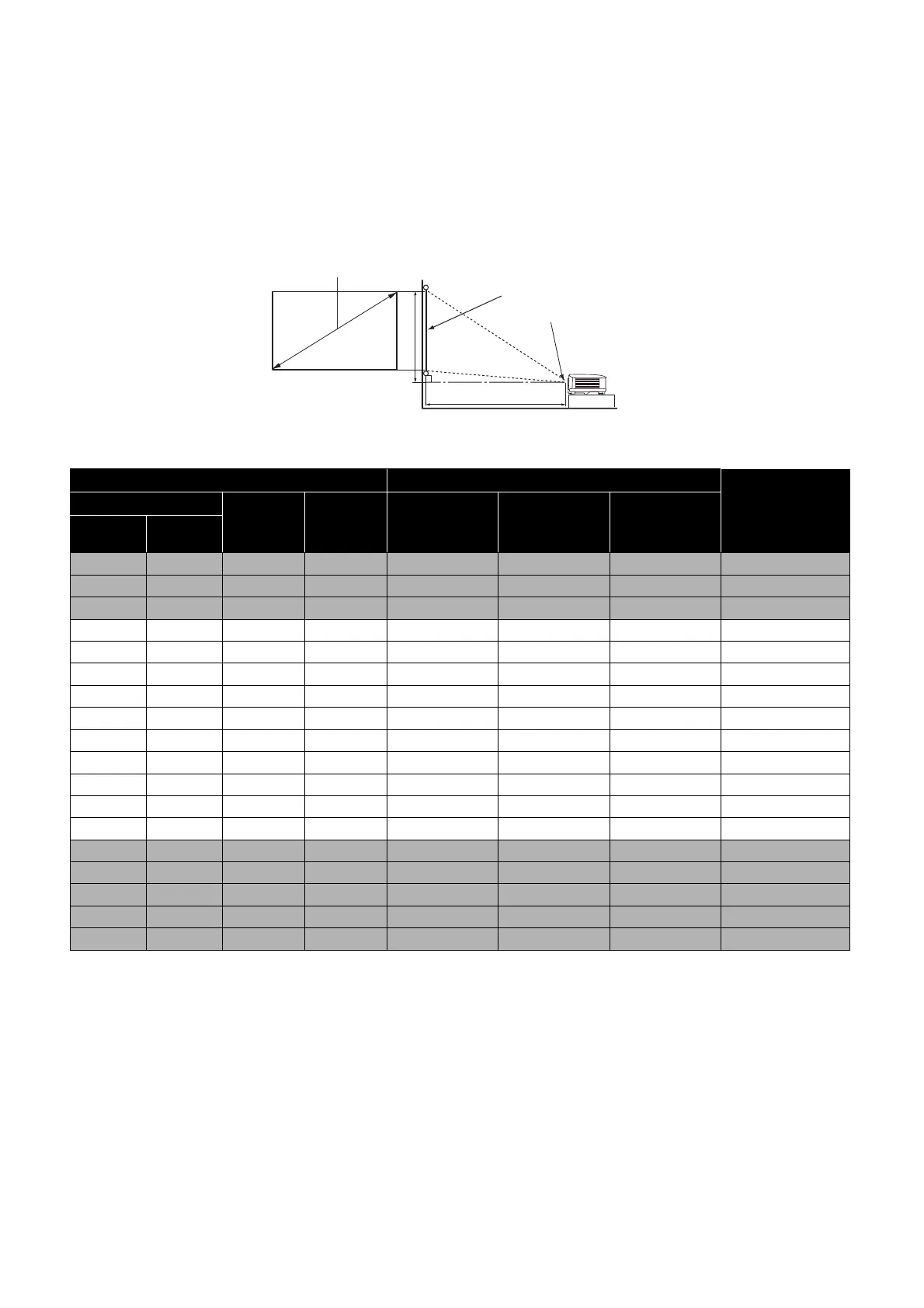
The distance from the projector lens to the screen, the zoom setting (if available), and the video
format each factors in the projected image size.
Projection dimensions
• The screen aspect ratio is 16:10 and the projected picture is in a 16:10 aspect ratio
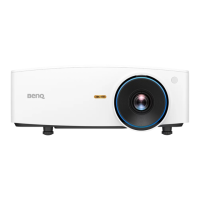
LW550
For example, if you are using a 120-inch screen, the recommended projection distance is 4200
mm.
If your measured projection distance is 5200 mm, the closest match in the "Projection distance
(mm)" column is 5250 mm. Looking across this row shows that a 150'' (about 3.8 m) screen is
required.
Screen size Projection distance (mm)
Offset (mm)
Diagonal
H (mm) W (mm)
Min distance
(with max
zoom)
Average
Max distance
(with min
zoom)
Inch mm
30 762 404 646 1002 1050 1098 0
40 1016 538 862 1335 1400 1465 0
50 1270 673 1077 1669 1750 1831 0
60 1524 808 1292 2003 2100 2197 0
70 1778 942 1508 2337 2450 2563 0
80 2032 1077 1723 2671 2800 2929 0
90 2286 1212 1939 3005 3150 3295 0
100 2540 1346 2154 3339 3500 3662 0
110 2794 1481 2369 3672 3850 4028 0
120 3048 1615 2585 4006 4200 4394 0
130 3302 1750 2800 4340 4550 4760 0
140 3556 1885 3015 4674 4900 5126 0
150 3810 2019 3231 5008 5250 5492 0
160 4064 2154 3446 5342 5600 5859 0
170 4318 2289 3662 5676 5950 6225 0
180 4572 2423 3877 6009 6300 6591 0
190 4826 2558 4092 6343 6650 6957 0
200 5080 2692 4308 6677 7000 7323 0
H
W
Projection distance
Center of lens
Screen
16:10 Screen diagonal
Offset


 To Next Page