35 Menu operation
Advanced
Color Settings
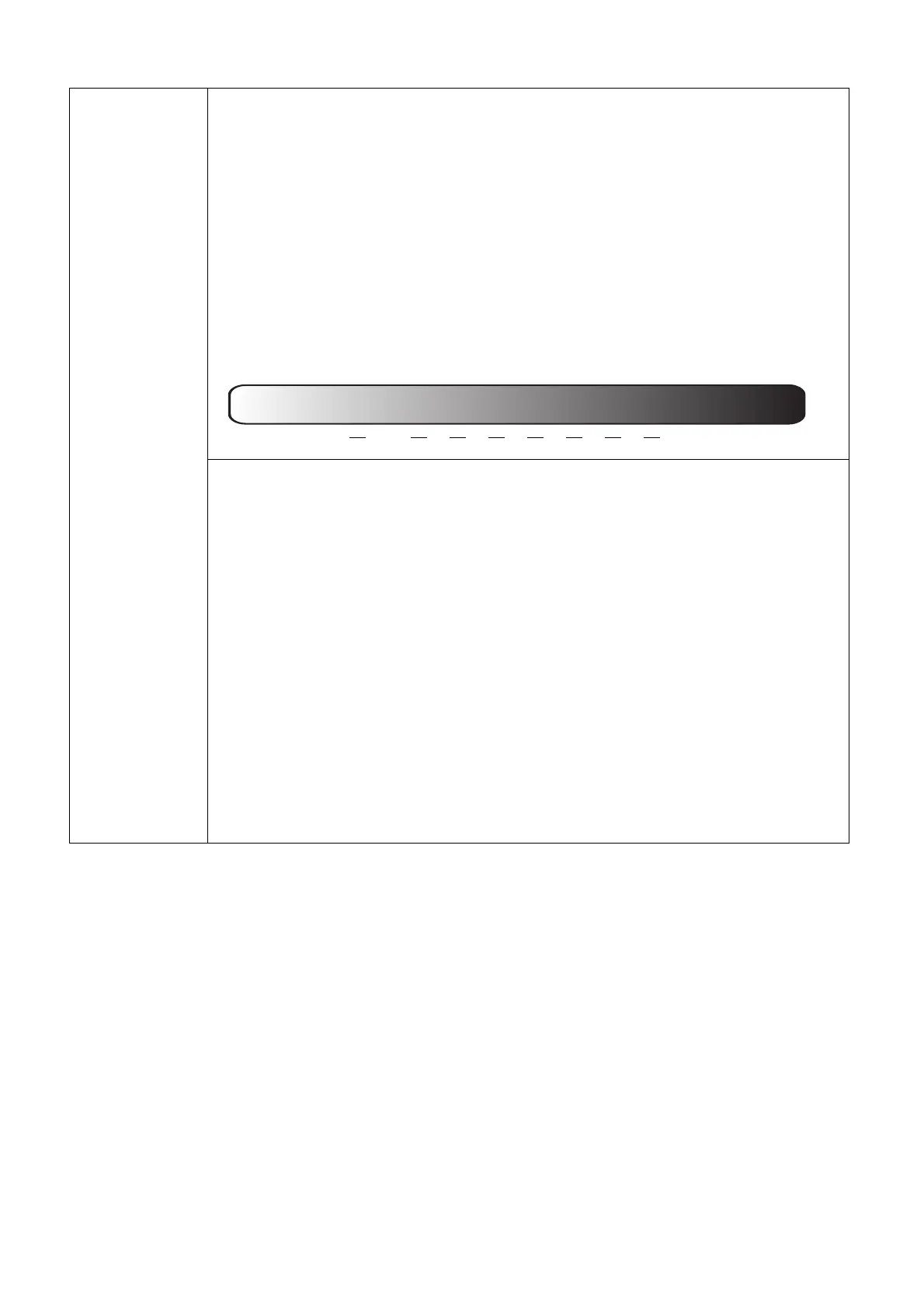
Gamma Selection
Gamma refers to the relationship between input source and picture
brightness.
• 1.8/2.0/2.1: Select these values according to your preference.
• 2.2/2.3: Increases the average brightness of the picture. Best for a lit
environment, meeting room or family room.
• 2.4/2.5: Best for viewing movies in a dark environment.
• 2.6: Best for viewing movies which are mostly composed of dark
scenes.
• BenQ: Finely-tuned gamma to optimize details and increase contrast.
Color Temperature Tuning
There are several preset color temperature settings available. The available
settings may vary according to the signal type selected.
• Normal: Maintains normal colorings for white.
• Cool: Makes images appear bluish white.
• Native: With the light source’s original color temperature and higher
brightness. This setting is suitable for environments where high
brightness is required, such as projecting pictures in well lit rooms.
• Warm: Makes images appear reddish white.
You can also set a preferred color temperature by adjusting the following
options.
• R Gain/G Gain/B Gain: Adjusts the contrast levels of Red, Green, and
Blue.
• R Offset/G Offset/B Offset: Adjusts the brightness levels of Red, Green,
and Blue.
High Brightness
Low Contrast
Low Brightness
High Contrast
1.8
2.0 2.1 2.2 2.3 2.4 2.5 2.6



 To Next Page