EN-15
Adjusting the Projector
Adjusting the Projector Height
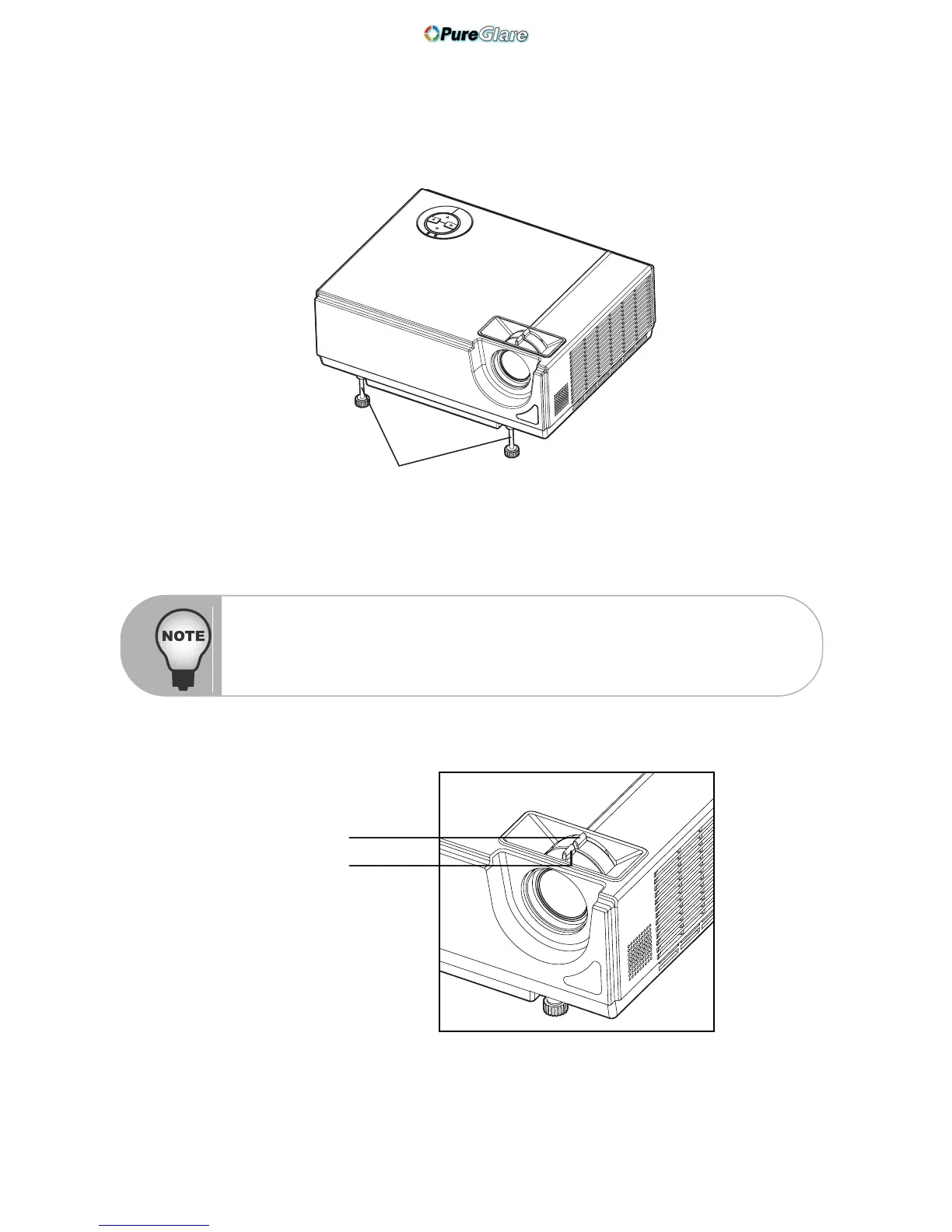
The projector is equipped with two tilt-adjustment feet to adjust the image height.
To level the image on the screen, turn the tilt-adjustment feet to fine-tune the height.
Adjusting the Projector Zoom and Focus
1. Focus the image by rotating the focus ring. A still image is recommended for focusing.
2. Adjust the image by sliding the zoom ring.
Tilt-adjustment feet
To avoid damaging the projector, make sure that the tilt-adjustment feet are
fully retracted before placing the projector in its carrying case.
Focus ring
Zoom ring



 To Next Page