Operation
26
Use build-in test pattern
You can adjust the image shape and focus
status by observing the input signal content, or
using the test pattern build-in OSD manual
from OSD or remote control for better
observe the shape changed.
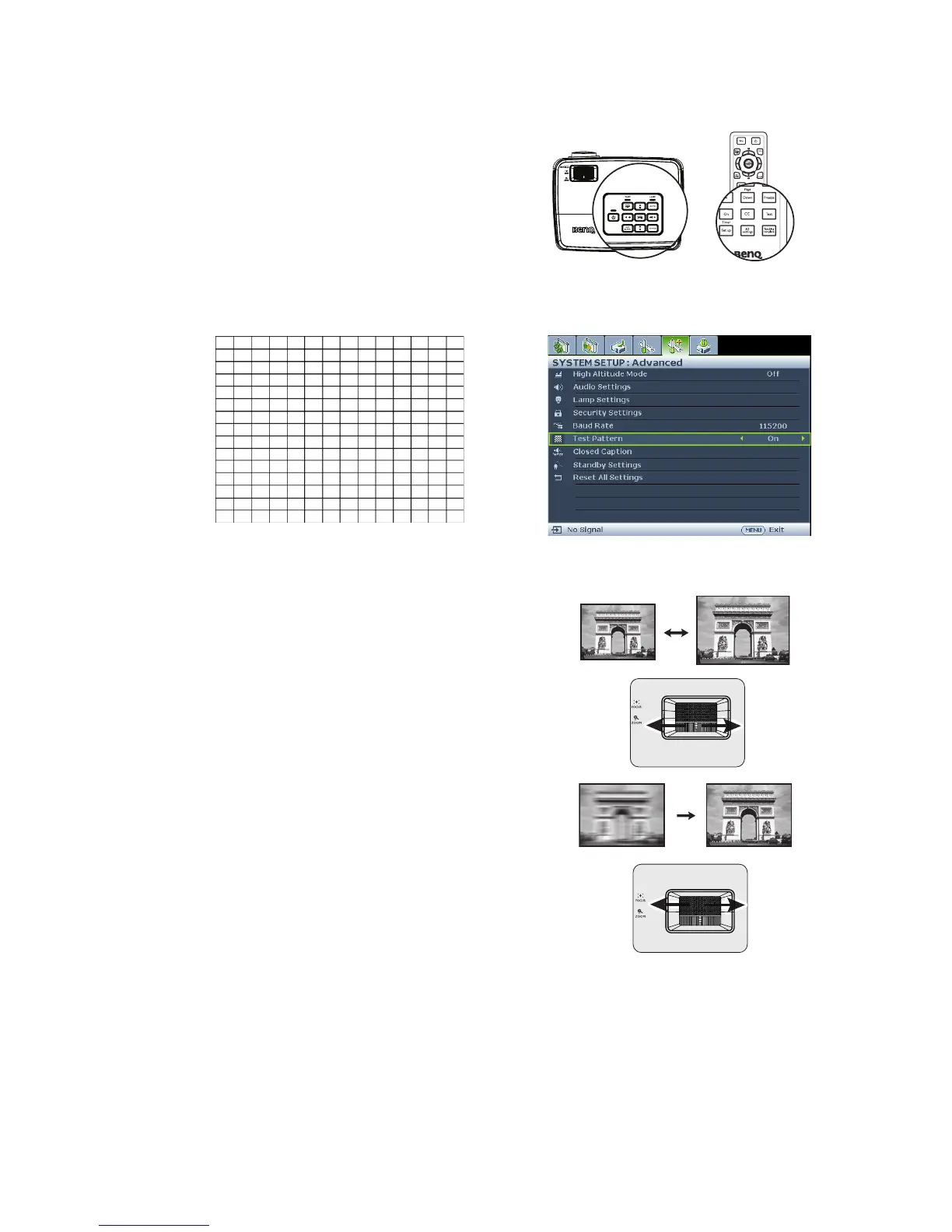
Open the OSD menu and go to the SYSTEM
SETUP: Advanced > Test Pattern > On.
Press MODE/ENTER. The Test Pattern
displays.
Fine-tuning the image size and clarity
1. Adjust the projected image to the size that
you need using the zoom ring.
2. Then sharpen the image by rotating the
focus ring.



 To Next Page