Controlling the projector remotely through a web browser10
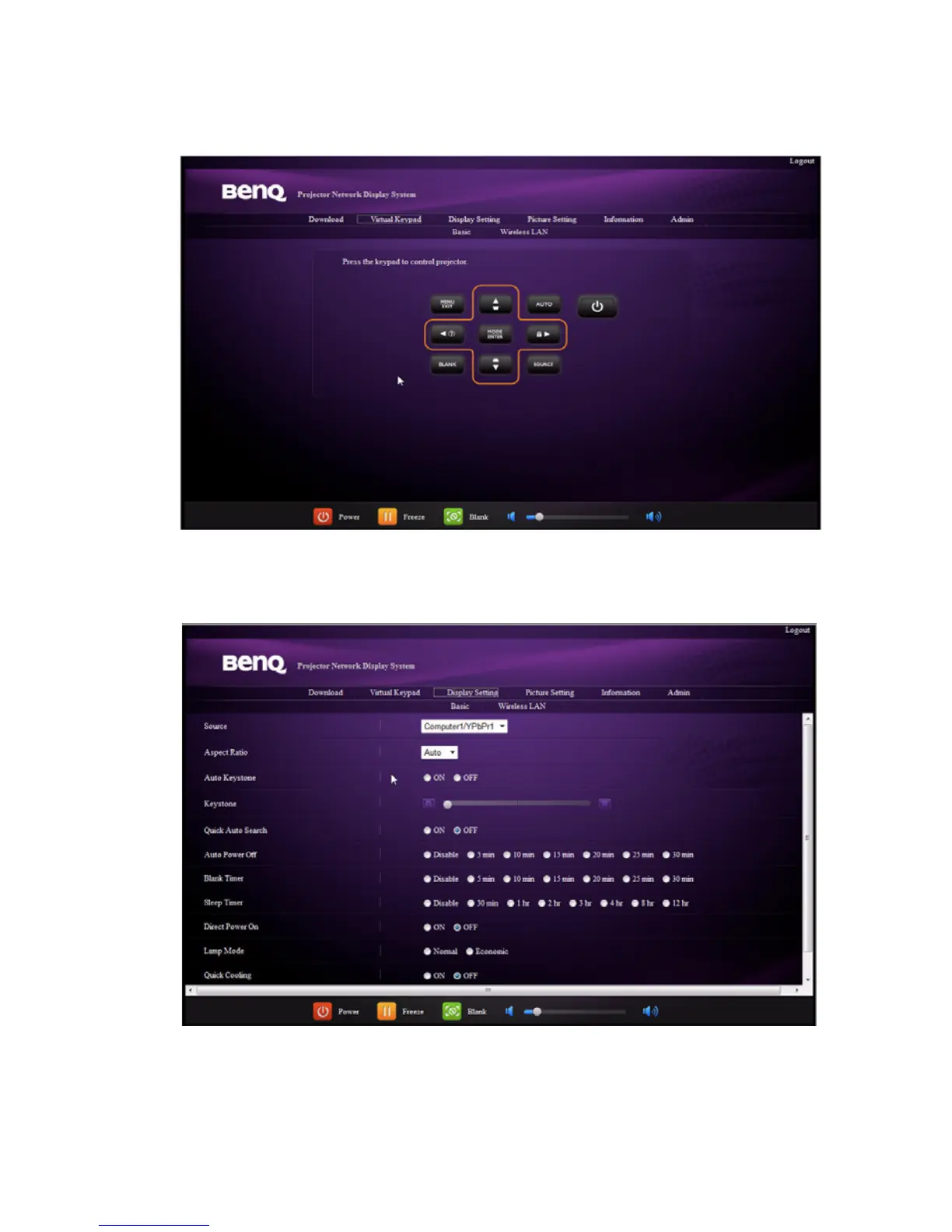
4. The Virtual Keypad page displays a virtual keypad with which you can control the
projector as if using the physical keypad on the projector. See the chapter "Controls
and functions" in the user manual for how to operate it.
5. The Display Setting page provides some selective OSD menu items necessary for
controlling the projector or adjusting the projected pictures. See the chapter "Menu
operation" in the user manual for how to use them.



 To Next Page