Preparation 3
Preparation
Your BenQ projector is equipped with the wired and/or wireless network function. You
can manage and control the projector from one or more remote computers using a web
browser when they are properly connected to the same local area network. You can also
sent the contents of your computer to the projector for projection using the QPresenter.
Connecting the projector with your computer
Wireless connection (for selected models)
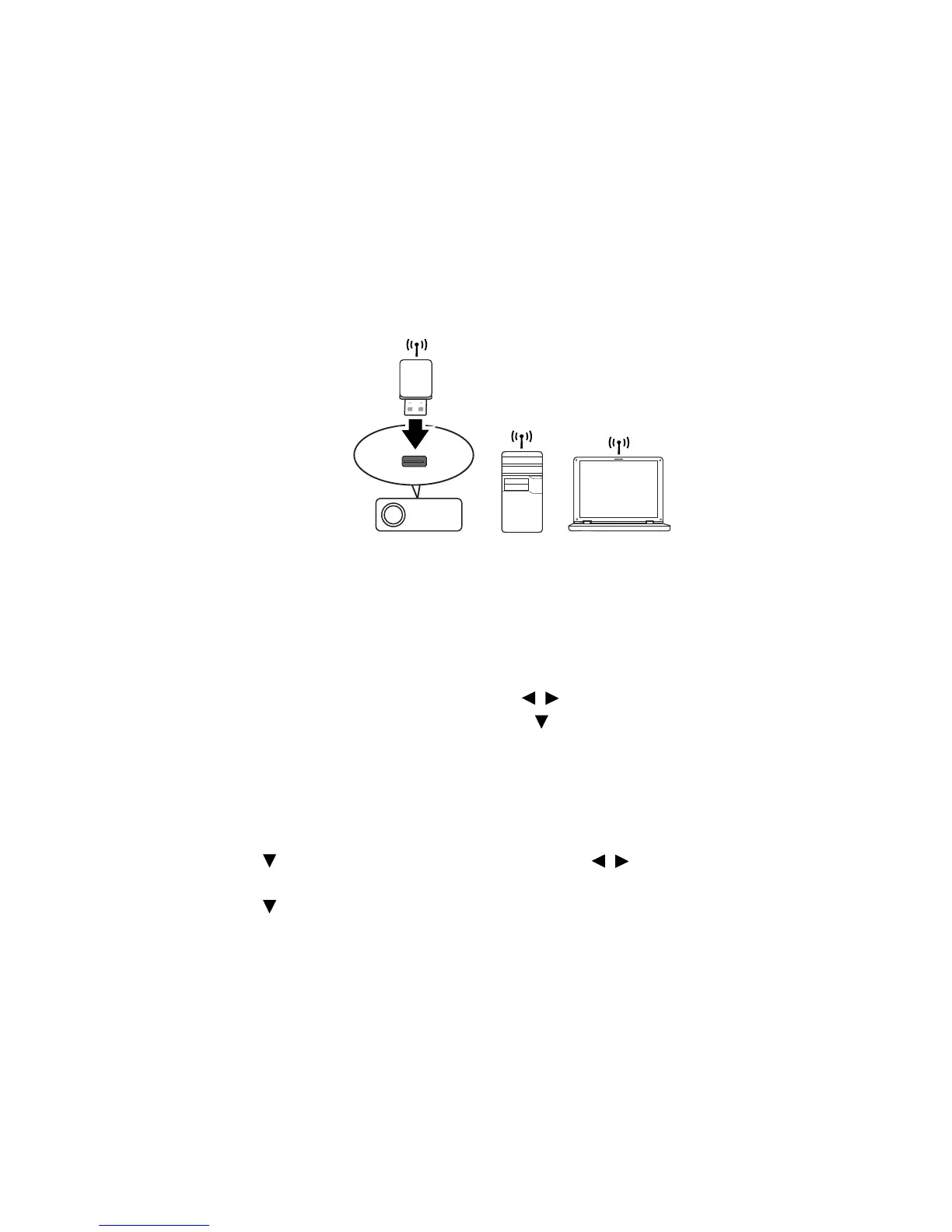
1. Plug a BenQ wireless dongle (optional) to the USB Type A connector on the
projector.
2. Do one of the following:
•Press NETWORK SETTING on the remote control. The Network
Settings page is displayed.
•Press MENU/EXIT and then press / until the SYSTEM SETUP:
Advanced menu is highlighted. Press to highlight Network Settings and
press MODE/ENTER. The Network Settings page is displayed.
3. Highlight Wireless LAN and press MODE/ENTER.
4. Make sure the Status is Connect.
5. Make sure the SSID Display is On.
6. Make sure the SSID information is displayed. The default SSID is "NetworkDisplay".
7. Press to highlight Connection Mode and press / to select AP or
Infrastructure.
8. Press to highlight Apply and press MODE/ENTER.
Depending on the Connection Mode you selected, there are two ways to continue:



 To Next Page