QPresenter6
6. Set user name and password of Qpresenter and then click "Next".
7. Click "Install" to complete the process.
For MAC
1. When the download is complete, click the dmg file.
2. Double-click the file, and this will mount the disk image called QPresenter.
3. Double-click the disk image "QPresenter" in order to view the contents.
Using QPresenter
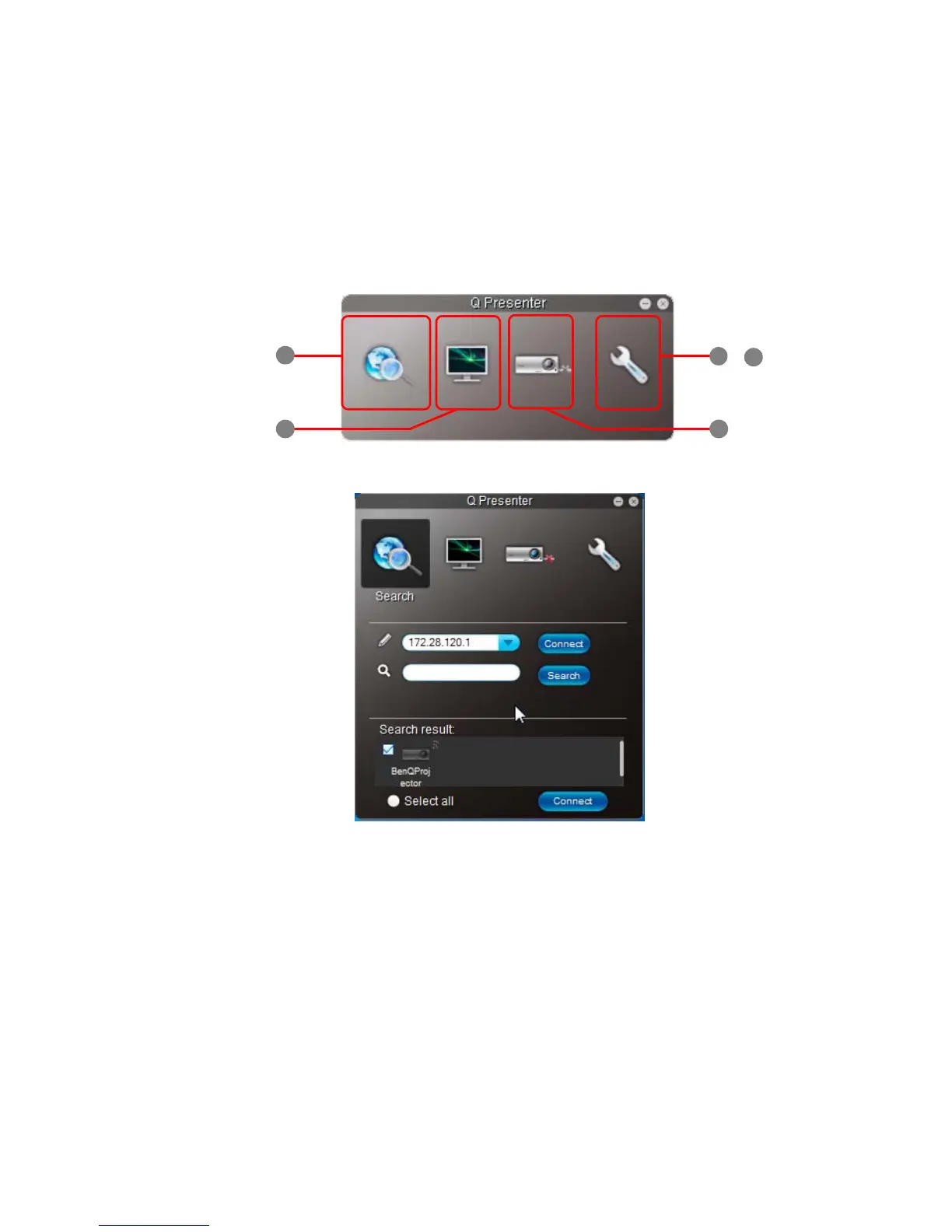
1. The Search page allows you to search and connect to a projector.
• To connect to a projector, type the projector IP address and click Connect.
• To search for projectors, simply click Search to list all the projectors on the
same local area network. Click the desired projectors in the Search result list,
and click Connect. You can also type a desired projector name and click Search.



 To Next Page