Preparation4
In the AP mode
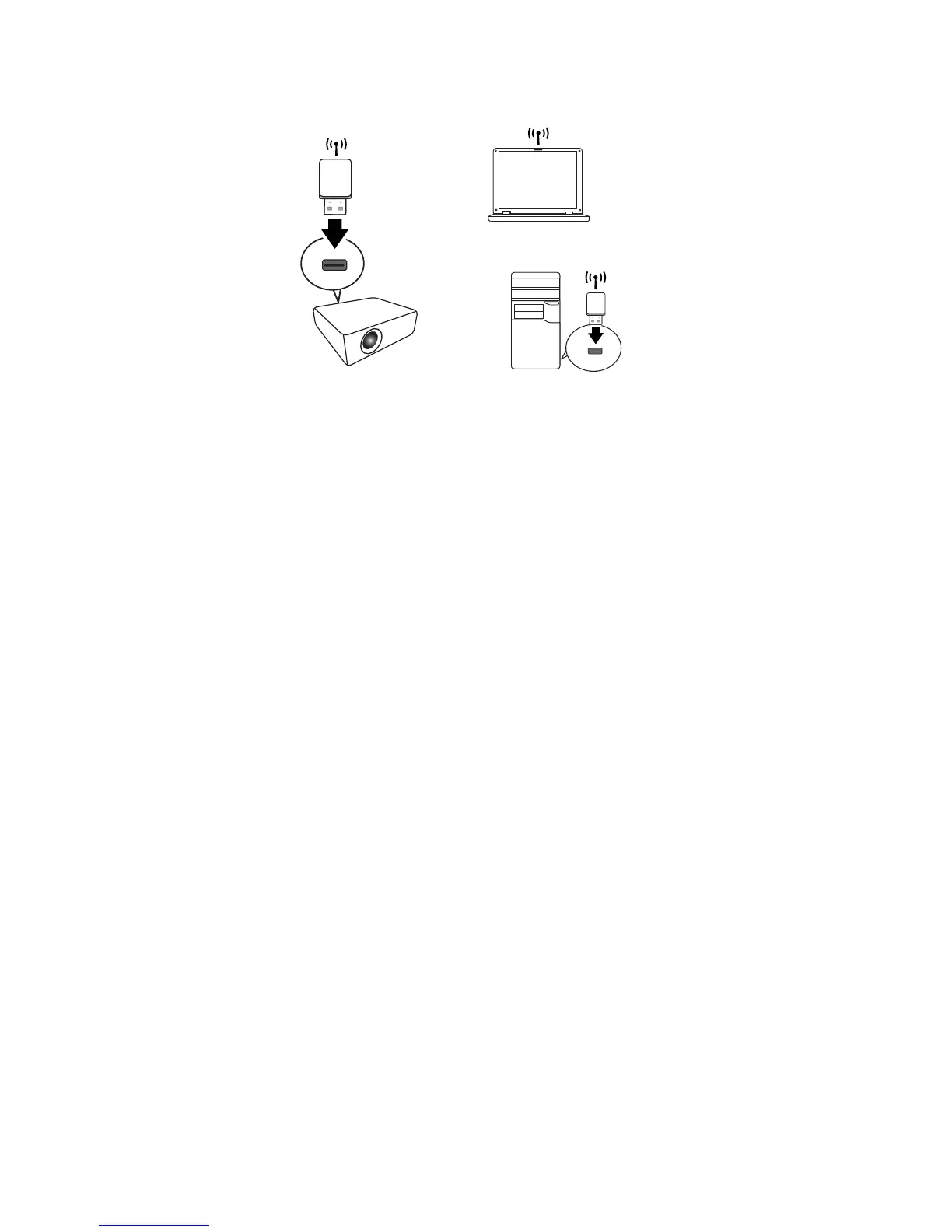
The projector is able to operate as a wireless LAN access point, which is the default
setting of the projector. In this mode, the projector establishes a wireless LAN which
allows computers to connect to this specific wireless LAN.
1. Make sure the BenQ wireless dongle (optional) is plugged to the USB Type A
connector on the projector.
2. Press SOURCE to display the source bar and select Network Display to access
the SSID. The default SSID is "NetworkDisplay".
3. Search for this wireless LAN by the projector’s SSID from your computer.
4. Click "Connect" in your wireless network connection window.



 To Next Page