8 Adjusting the Ceiling Bracket
Adjusting the Ceiling Bracket
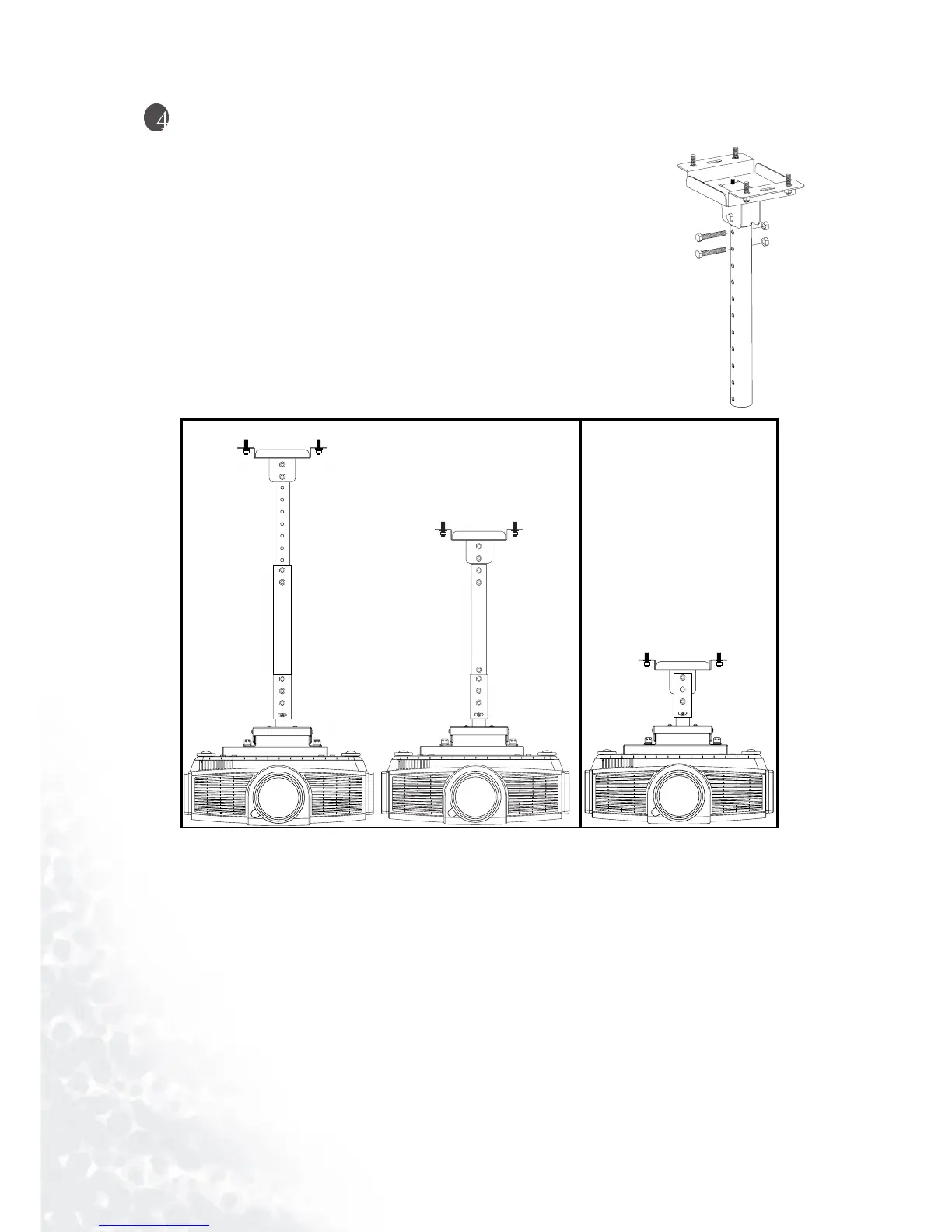
Height Adjustment
1. Make sure to remove the projector first.
2. Loosen the nuts securing to the two L-ADJUST BOLTS.
3. Remove the L-ADJUST BOLTS from the PIPE.
4. Adjust to the correct position for the height of the screen. The height can be
adjusted to 309 mm or any value in a range between 639 mm and 849 mm in
increments of 30 mm.
5. Insert the L-ADJUST BOLT back into the PIPE, and then re-attach the nuts
previously removed.
Maximum Height (non-adjustable)
Minimum Height
(non-adjustable)



 To Next Page