Basic operations24
Basic operations
Turning the display on or off
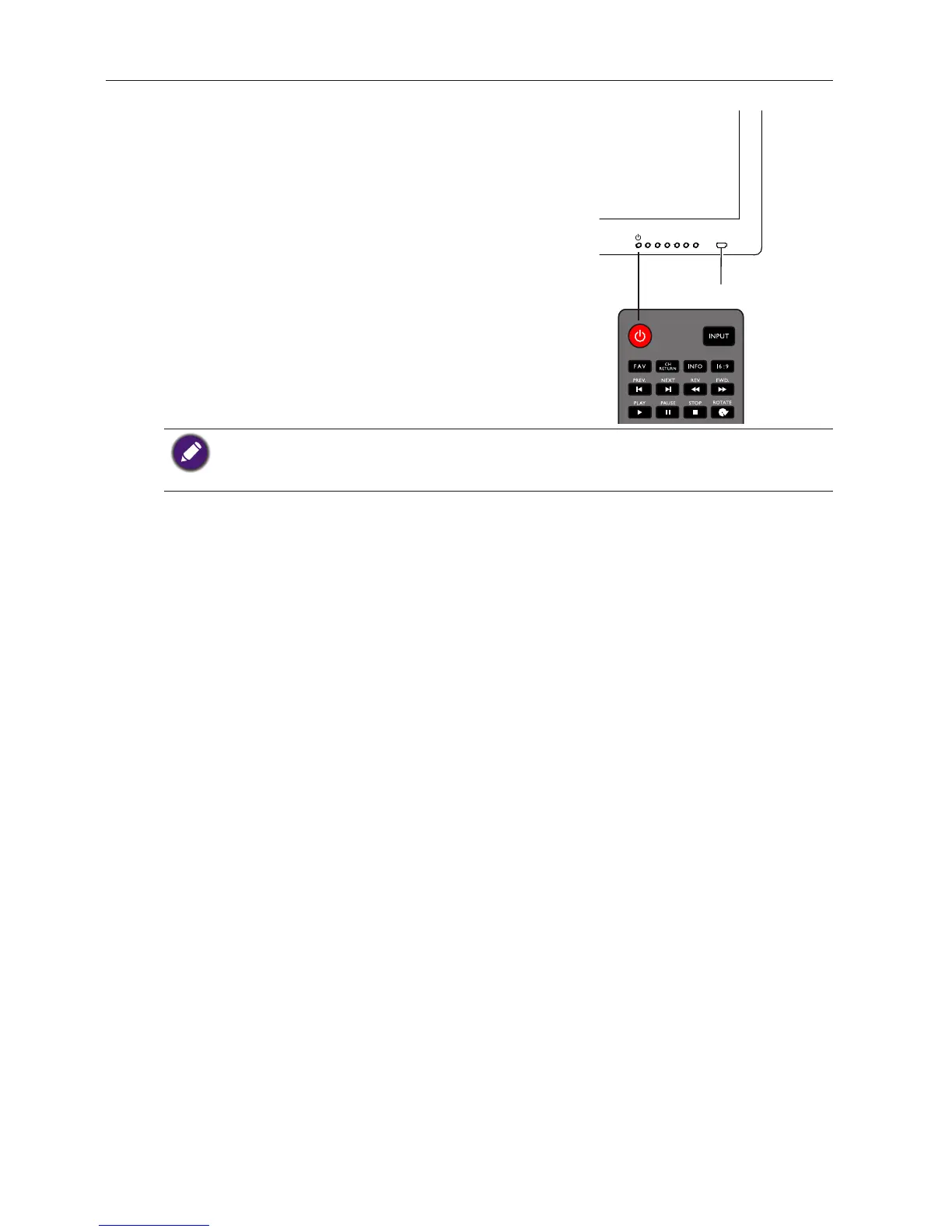
To turn on or off the display, press the power
button on the display's control panel or on
the remote control.
Power
Button
•
It still consumes power even if the users turn off the power.To completely cut off
power supply, set the power switch to the off position or disconnect the power cord from
IR Receiver
the power outlet.


 To Next Page