Positioning your projector14
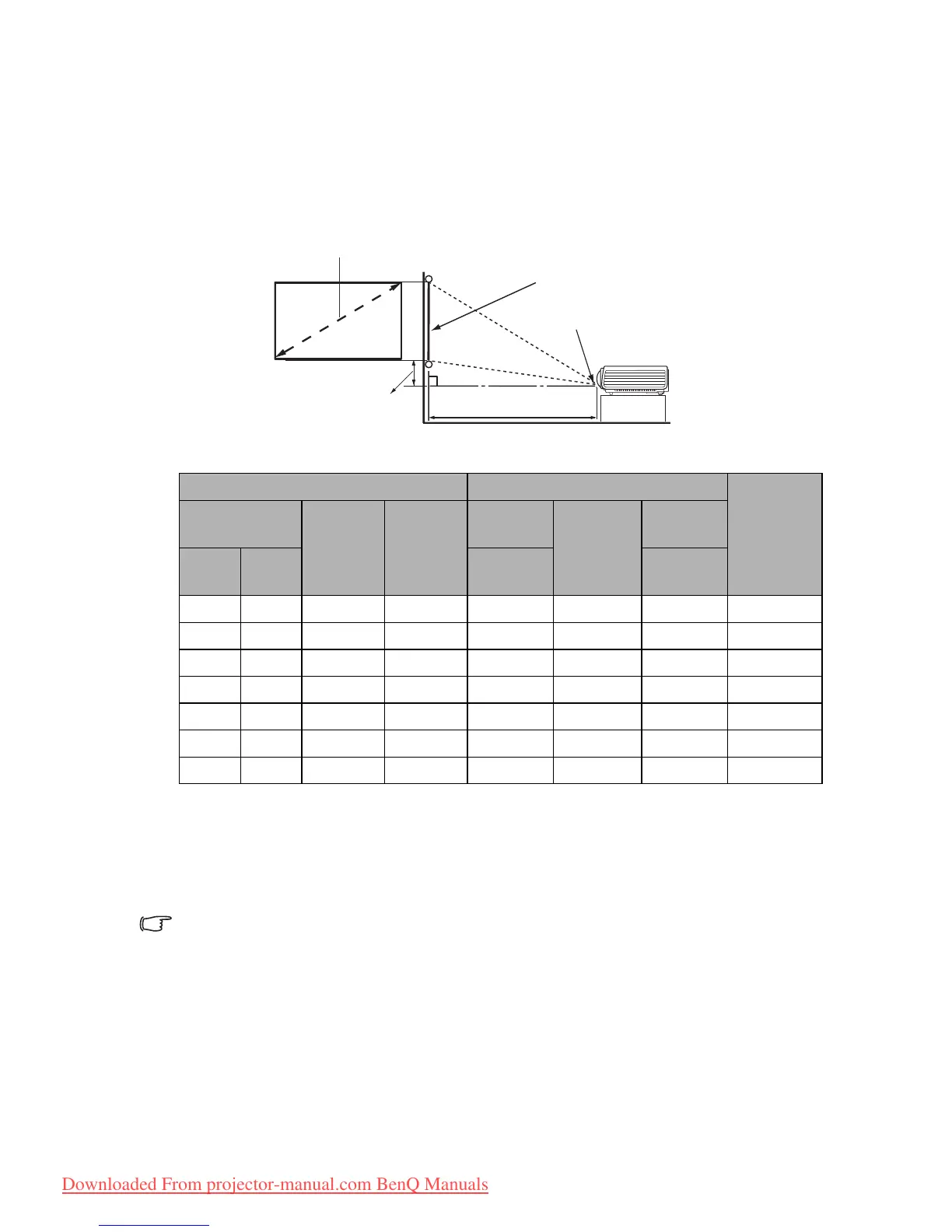
Obtaining a preferred projected image size
The distance from the projector lens to the screen, the zoom setting, and the video format
each factors in the projected image size.
Projection dimensions
The screen aspect ratio is 16:9 and the projected picture is in a 16:9 aspect ratio
For example, if you are using an 120-inch screen, the recommended projection distance is
1918 mm and the vertical offset is 37 mm.
If your measured projection distance is 1.6 m (1600 mm), the closest match in the
"Distance from screen (mm)" column is 1598 mm. Looking across this row shows that a
100'' (about 2.5 m) screen is required.
All measurements are approximate and may vary from the actual sizes.
BenQ recommends that if you intend to permanently install the projector, you should physically test the
projection size and distance using the actual projector in situ before you permanently install it, so as to make
allowance for this projector's optical characteristics. This will help you determine the exact mounting position
so that it best suits your installation location.
Screen size Distance from screen (mm)
Vertical
offset
(mm)
Diagonal
W (mm) H (mm)
Min
length
Average
Max
length
Inch mm
(max.
zoom)
(min.
zoom)
60 1524 747 1328 913 959 1005 19
70 1778 872 1550 1065 1119 1172 22
80 2032 996 1771 1218 1279 1339 25
90 2286 1121 1992 1370 1438 1507 28
100 2540 1245 2214 1522 1598 1674 31
110 2794 1370 2435 1674 1758 1842 34
120 3048 1494 2657 1826 1918 2009 37
Downloaded From projector-manual.com BenQ Manuals



 To Next Page