20 Operation
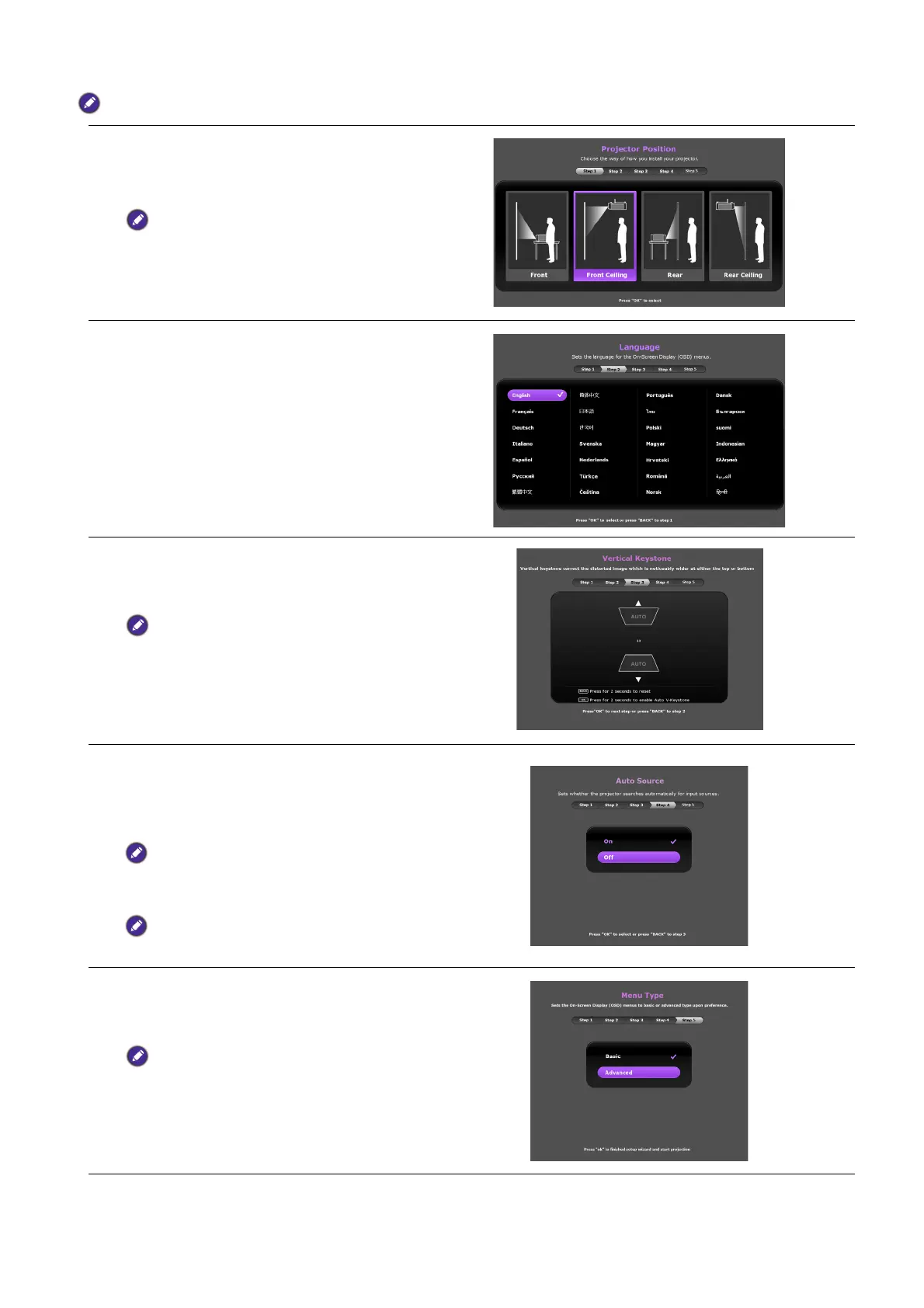
The Setup Wizard screenshots below are for reference only and may differ from the actual design.
Step 1:
Specify Projector Position.
For more information about projector
position, see Choosing a location.
Step 2:
Specify OSD Language.
Step 3:
Specify Auto Ve r tical Keystone .
For more information about vertical
keystone, see Correcting keystone.
Step 4:
Specify Auto Source.
Select On if you want the projector to
always search for available signals
automatically when the projector is turned
on.
Only available when QS01 HDMI Media
Streaming port (ATV dongle) signal is not
detected.
Step 5:
Specify Menu Type.
For more information about menu types,
see Using the menus.
Now you’ve completed the initial setup.



 To Next Page