42 Menu operation
System Setup : Advanced
Light Settings
• Reset Light Timer: See Timing of replacing the lamp on page 47 for light
replacement and resetting the light timer.
• Light Usage Time: Displays the number of hours the light has been used.
HDMI
Settings
• HDMI Range
Sets the HDMI Range to Auto, Full, or Limited.
• HDMI EDID
Switch HDMI EDID between HDMI 1.4 or HDMI 2.0 in order to solve compatibility
issue with uncertain old players.
• Enhanced: Enhanced mode can switch to HDMI 2.0 EDID.
• Standard: Standard mode can switch to HDMI 1.4 EDID.
• CEC
When an HDMI CEC-compatible device is connected to your projector with an
HDMI cable, turning on the HDMI CEC compatible device automatically turns on
the projector, while turning off the projector automatically turns off the HDMI CEC
compatible device.
• Audio Return (HDMI-1)
Sets the Audio Return (HDMI-1) on or off.
Baud Rate
Selects a baud rate that is identical with your computer’s so that you can connect
the projector using a suitable RS-232 cable and update or download the projector’s
firmware. This function is intended for qualified service personnel.
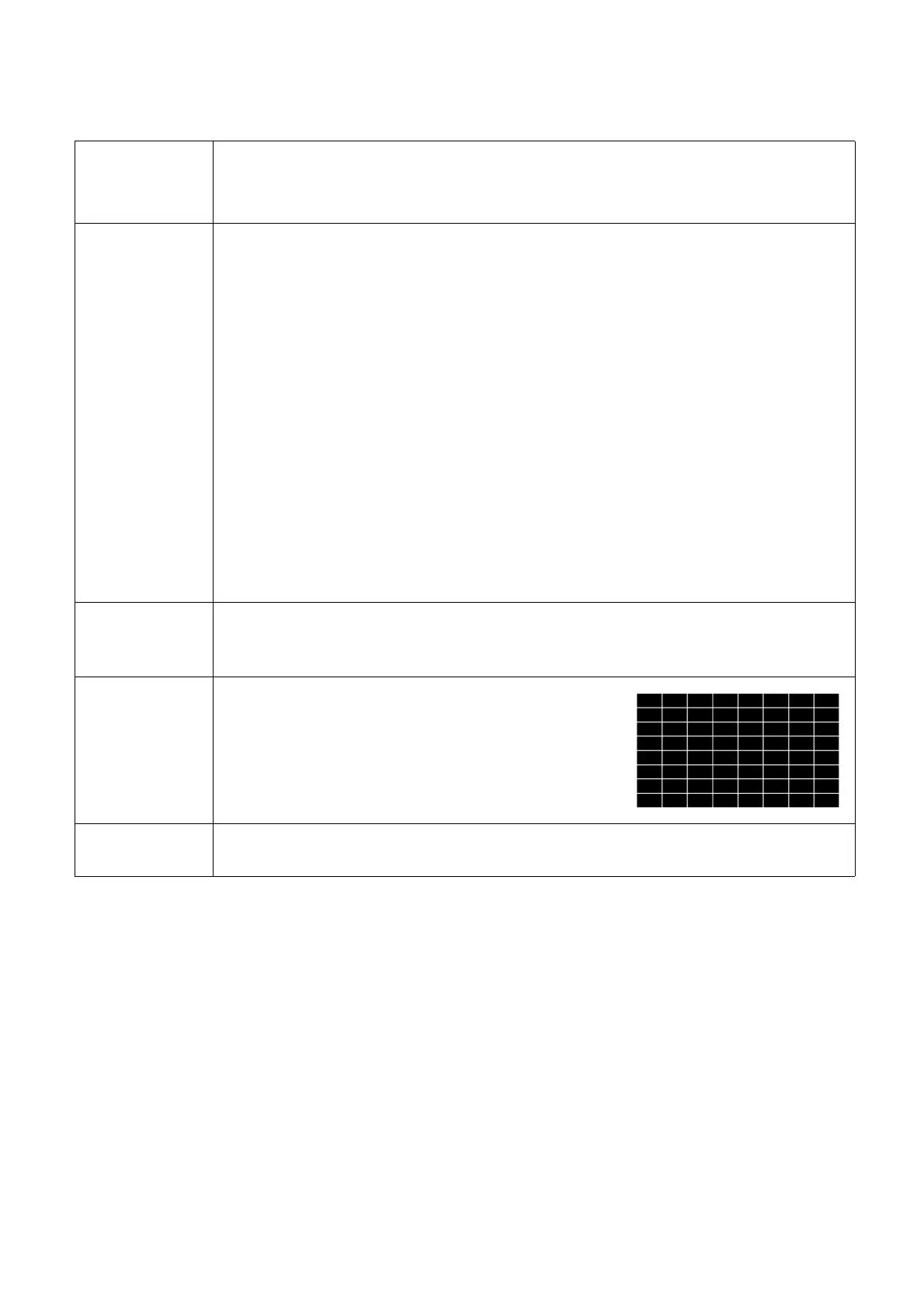
Test Pattern
Adjusts the image size and focus and check that the
projected image is free from distortion.
Quick Cooling
Select On enables the function and projector cooling time will be shortened from a
normal 90-second duration to approximately 15 seconds.



 To Next Page