Operation 49
4.
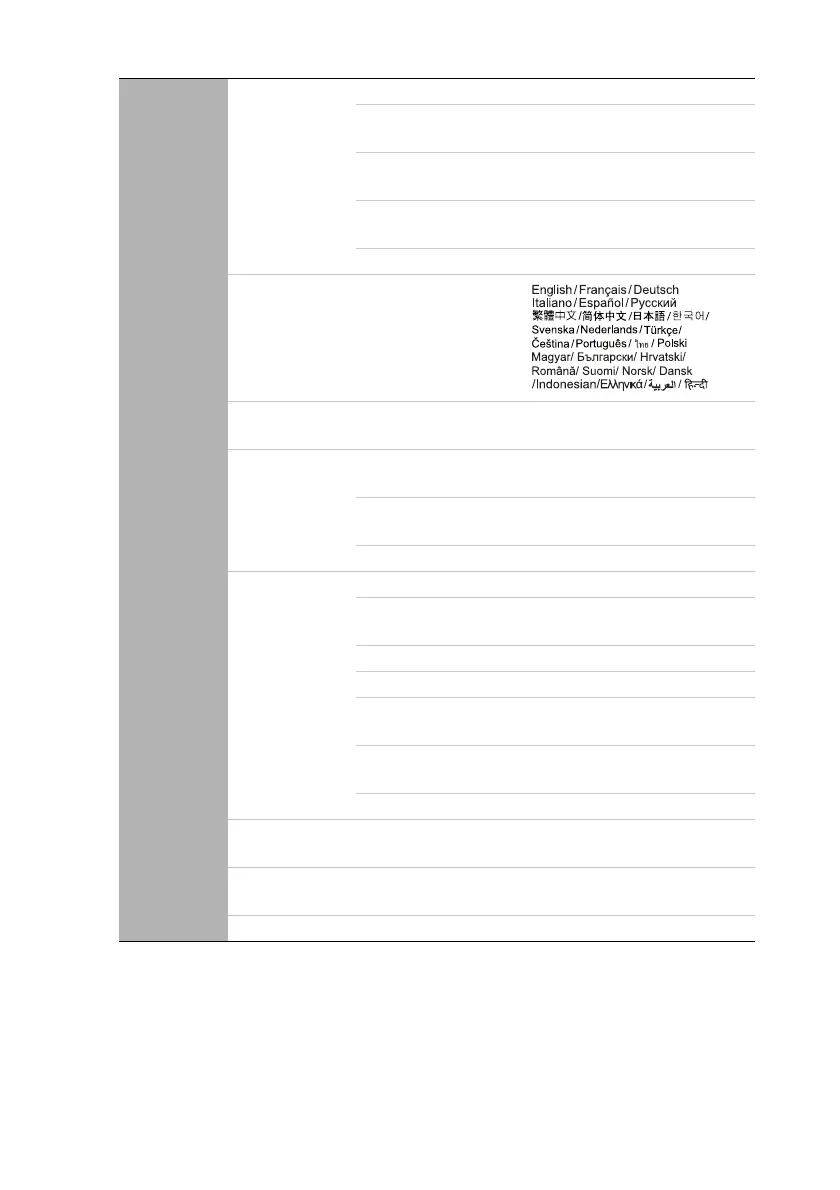
SYSTEM
SETUP:
Basic
Presentation
Timer
Timer Period 1~240 minutes
Timer Display
Always/3 min/2 min/1 min/
Never
Timer Position
Top-Left/Bottom-Left/Top-
Right/Bottom-Right
Timer Counting
Direction
Count Down/Count Up
On/Off Yes/No
Language
Projector Installation
Front Table/Rear Table/Rear
Ceiling/Front Ceiling
Menu Settings
Menu display Time
5 secs/10 secs/20 secs/30 secs/
Always
Menu Position
Center/Top-Left/Top-Right/
Bottom-Right/Bottom-Left
Reminder message On/Off
Operation
Settings
Direct Power On On/Off
Auto Power Off
Disable/3 mins/10 mins/15
mins/20 mins/25 mins/30 mins
Quick Cooling On/Off
Instant Restart On/Off
Blank Timer
Disable/5 mins/10 mins/15
mins/20 mins/25 mins/30 mins
Sleep Timer
Disable/30 mins/1 hr/2 hrs/3
hrs/4 hrs/8 hrs/12 hrs
Fan Speed Normal/High
Panel Key
Lock
On/Off Yes/No
Background
Color
BenQ/Black/Blue/Purple
Splash Screen BenQ/Black/Blue



 To Next Page