29
Software Upgrade Process
MStar ISP Tool Guide
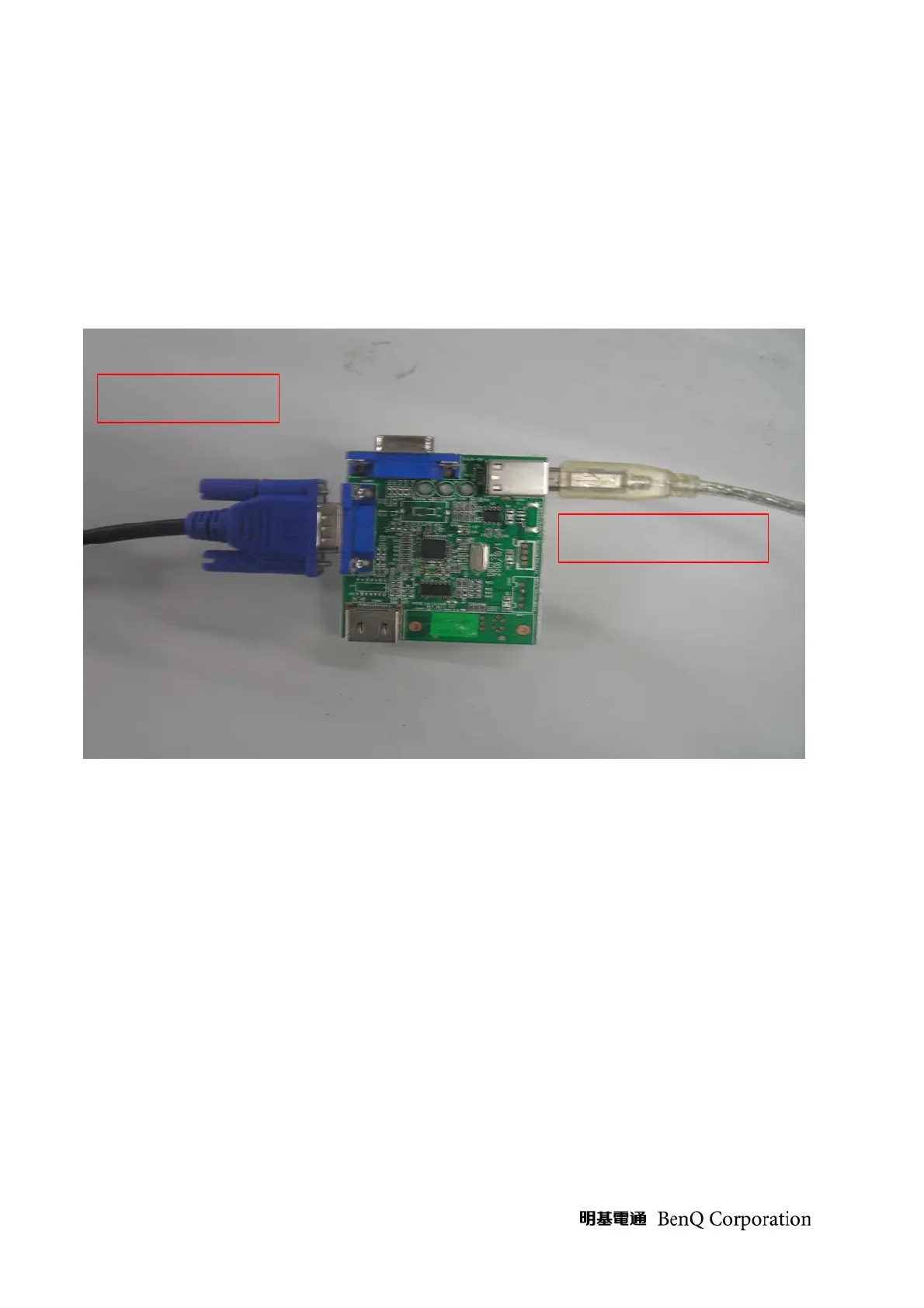
Accessory: Tool PCB*1 PCS, USB Cable*1 PCS, D-SUB Cable*1 PCS.
USB Tool Driver, MStar IPS Utility, MStar ISP Tool Guide
Step1: Connect TV, Tool PCB and PC; TV is Power ON
Step2: Install Tool PCB Driver:
Connect to TV
Connect to PC USB Port



 To Next Page