EasyManua.ls Logo

BenQ SC3211 - User Manual

BenQ SC3211
45 pages
Print Icon
To Next Page IconTo Next Page
Loading...
4J.V0K01.001
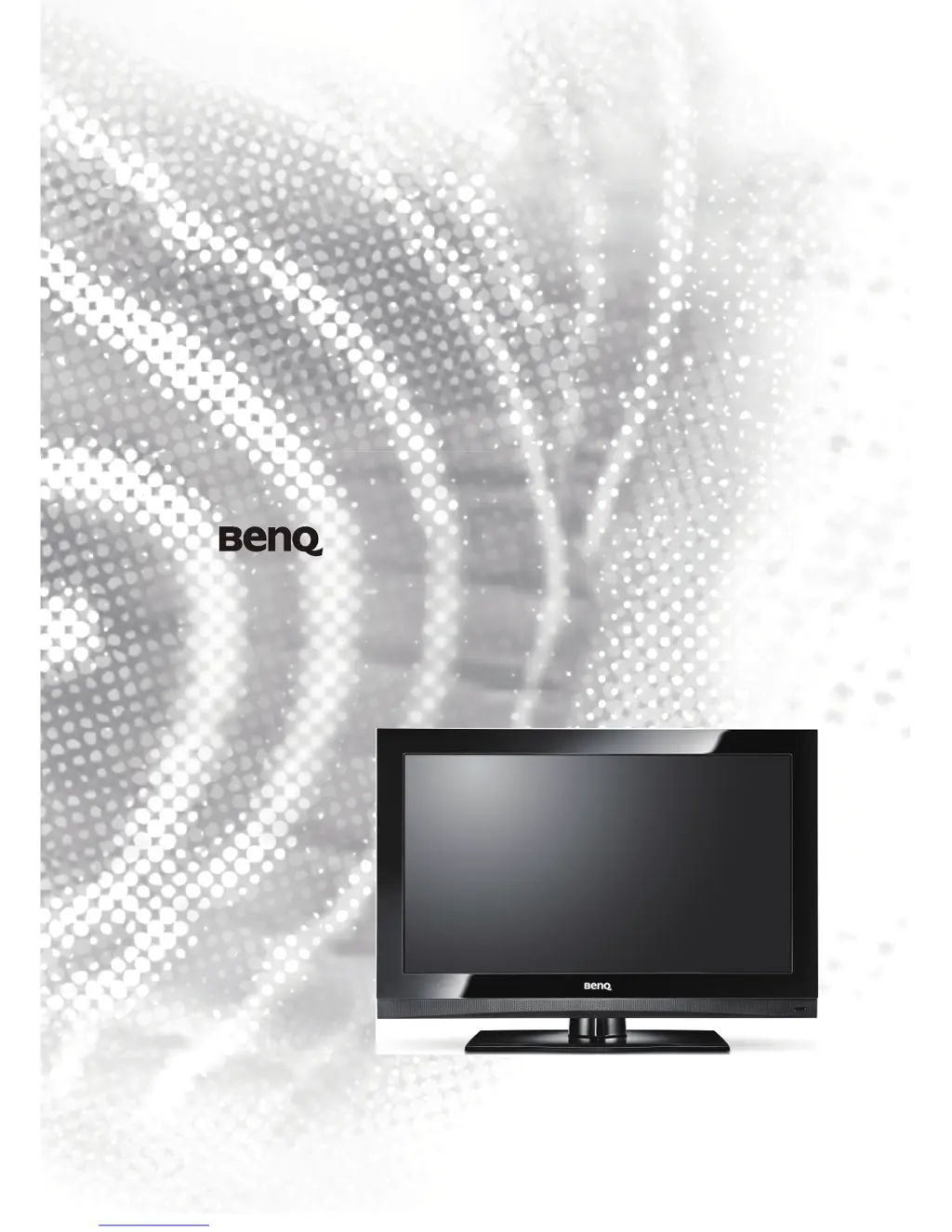
SC3211 LCD TV
PART No: 4J.V0T01.001

Table of Contents

Questions and Answers

  • C
    Catherine BentonAug 19, 2025
    How to fix a BenQ SC3211 that won't turn on?
    • R
      Richard ScottAug 19, 2025
      If your BenQ LCD TV isn't turning on, first ensure the power plug is fully inserted into the ACINLET socket on the TV and the wall outlet, and that the wall outlet is switched on. If it still fails to turn on, test the wall outlet by plugging in another working appliance, like a lamp, to see if the outlet is functional.
  • K
    Kelsey ThomasAug 22, 2025
    What to do if my BenQ SC3211 LCD TV has no picture or sound?
    • V
      Vanessa BarberAug 22, 2025
      If you have no picture or sound on your BenQ LCD TV, check the following: * Make sure the TV power is ON - the power indicator on the front of the TV should be lit orange. * Switch to other input sources to rule out an issue with the current source. * Check the input connections. * Ensure the mute function is not activated and the volume is not set to minimum. * Verify the integrity of your video and audio cables. * Try switching to other channels to see if the problem persists.
  • C
    Christopher ThompsonAug 25, 2025
    Why is my BenQ SC3211 LCD TV remote control not working?
    • M
      melindabrownAug 25, 2025
      If your BenQ LCD TV remote control isn't working, try these steps: Ensure the batteries are installed in the correct direction and that they aren't dead. Decrease the angle and distance between the remote and the TV, making sure the remote is pointed directly at the receiver on the TV and that nothing is blocking the signal. Also, check for interference from fluorescent lamps or other devices capable of IR communication, such as PCs or PDAs. Shut down such devices to see if the problem persists.
  • M
    Miranda WiseAug 27, 2025
    How to improve the image clarity on my BenQ SC3211 LCD TV?
    • A
      April WoodAug 27, 2025
      If the image on your BenQ LCD TV is not clear, ensure the antenna cable is correctly connected. Try switching to another channel to see if the issue persists. If you are using a PC as the source, perform an auto adjust operation from the Picture menu and set the aspect ratio of your TV to 4:3.
  • R
    Ryan BarnesAug 28, 2025
    Why is the image on my BenQ SC3211 LCD TV unclear or jiggly?
    • A
      amandapattersonAug 28, 2025
      If the image on your BenQ LCD TV is not clear or appears jiggly, the signal might be too weak. Try switching to other channels to see if the problem persists. Also, check the connection and integrity of the antenna cable. If you are using an outdoor antenna, have a qualified professional check and adjust the antenna direction.
  • J
    John BraunAug 30, 2025
    How to fix color degradation on BenQ LCD TV?
    • J
      Jeffrey LopezAug 30, 2025
      If you notice degradation in color or tint on your BenQ LCD TV, check the settings in the Picture menu. You can also press the PICTURE button on the remote control to switch to other modes and see if the problem persists.
  • R
    Rita HunterSep 1, 2025
    How to adjust image position on BenQ SC3211 LCD TV?
    • J
      Jean StephensSep 1, 2025
      If the image position or size is improper on your BenQ LCD TV, press WIDE on the remote control to select a different aspect ratio on your screen.
  • H
    Hannah KennedySep 3, 2025
    What causes image distortion on BenQ LCD TV?
    • B
      Brian RodriguezSep 3, 2025
      If you are experiencing distortion in the image on your BenQ LCD TV, check if the aspect ratio is the correct one for the input source.
  • D
    Dennis AndersonSep 5, 2025
    How to fix a too bright image on BenQ SC3211?
    • A
      Andrew HillSep 6, 2025
      If the image on your BenQ LCD TV is too bright and the sharpness of the bright area is degraded, try decreasing your contrast setting. If the input source is a DVD player, set the output resolution of the player to the maximum supported.
  • M
    Mark LeSep 8, 2025
    How do I adjust brightness on my BenQ SC3211?
    • A
      anthony64Sep 8, 2025
      If the color of the image on your BenQ LCD TV is too light, or the dark area in the image is too bright, decrease the brightness setting. If the input source is a DVD player, check if the output brightness of the player is set too high for your TV.

Summary

TV Installation Location

Remote Control Usage

Power and Input Control

Controls for powering the TV and switching input sources.

Channel and Picture Settings

Adjusting Aspect Ratio

Connecting Video Sources

Connecting PC and HDMI

DVI Connections

OSD Menu Overview

Picture Menu

Sound Menu

Setup Menu

PC Menu

Channel Menu

Specifications

General Specifications

Key specs like resolution, brightness, inputs.

Input Signal Modes

DVI, PC and HDMI Signals

Supported DVI, PC, and HDMI input signal resolutions.

Component Video Signal Modes

Troubleshooting

Common TV Problems

Solutions for picture, sound, and remote issues.

Antenna and Image Issues

BenQ SC3211 Specifications

General IconGeneral
BrandBenQ
ModelSC3211
CategoryLCD TV
LanguageEnglish

Related product manuals