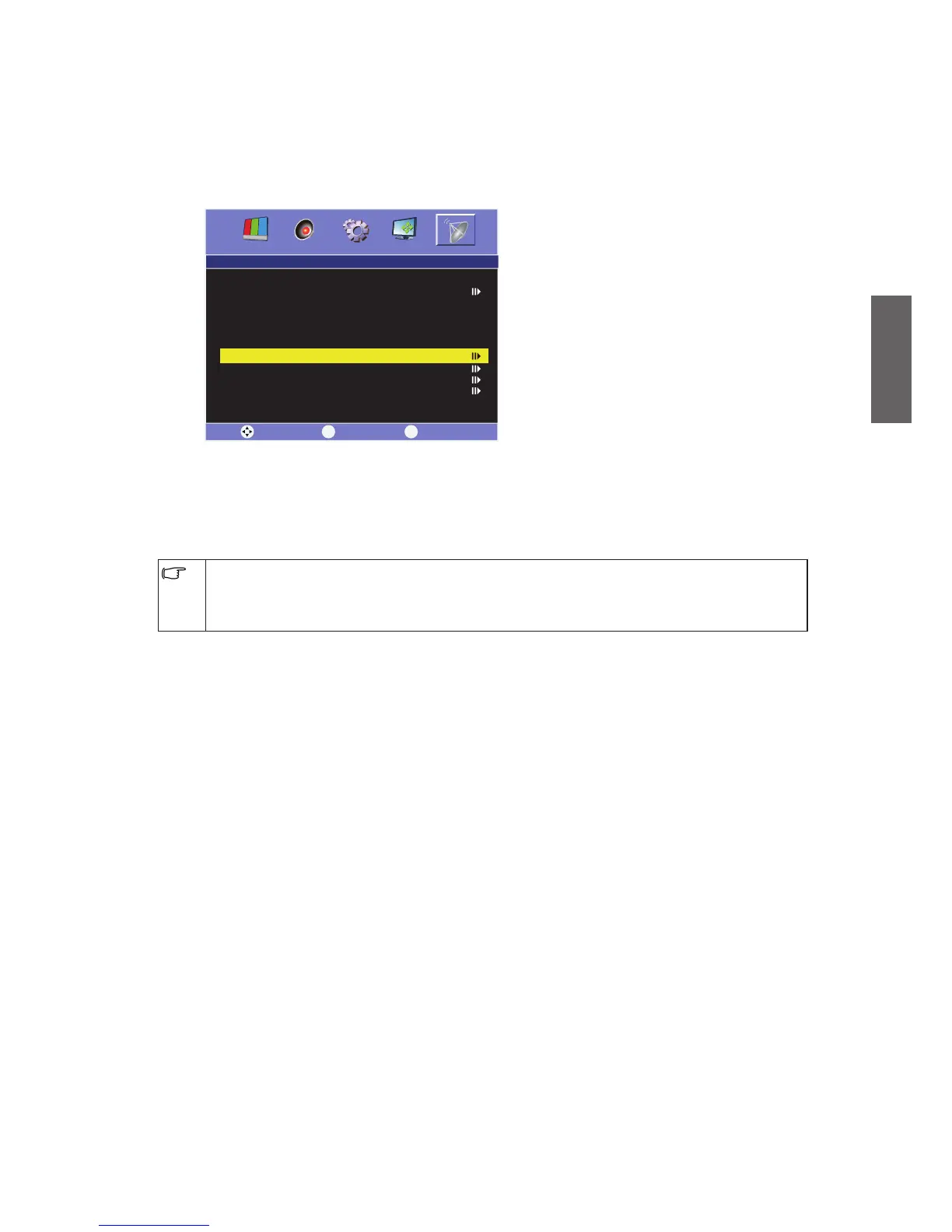
Manual Scan
This function allows you to change the order in which the channels is stored in the
memory.
1. In the TV-Channel menu, press
or
to select "Manual Scan", and then press
.
This will open the "Manual Scan" menu.
2. Move the highlight bar to "Channel", and use
/
to select your desired channel
number.
3. Move the highlight to "Manual Scan", and use
/
to search available channels.
Please take note that the time for auto scanning will differ according to the local signals.
If the scanning process is unable to proceed, try return to the main menu and use Manual
Search again. Do not try to store the channels into memory before the scanning process is
completed.



 To Next Page