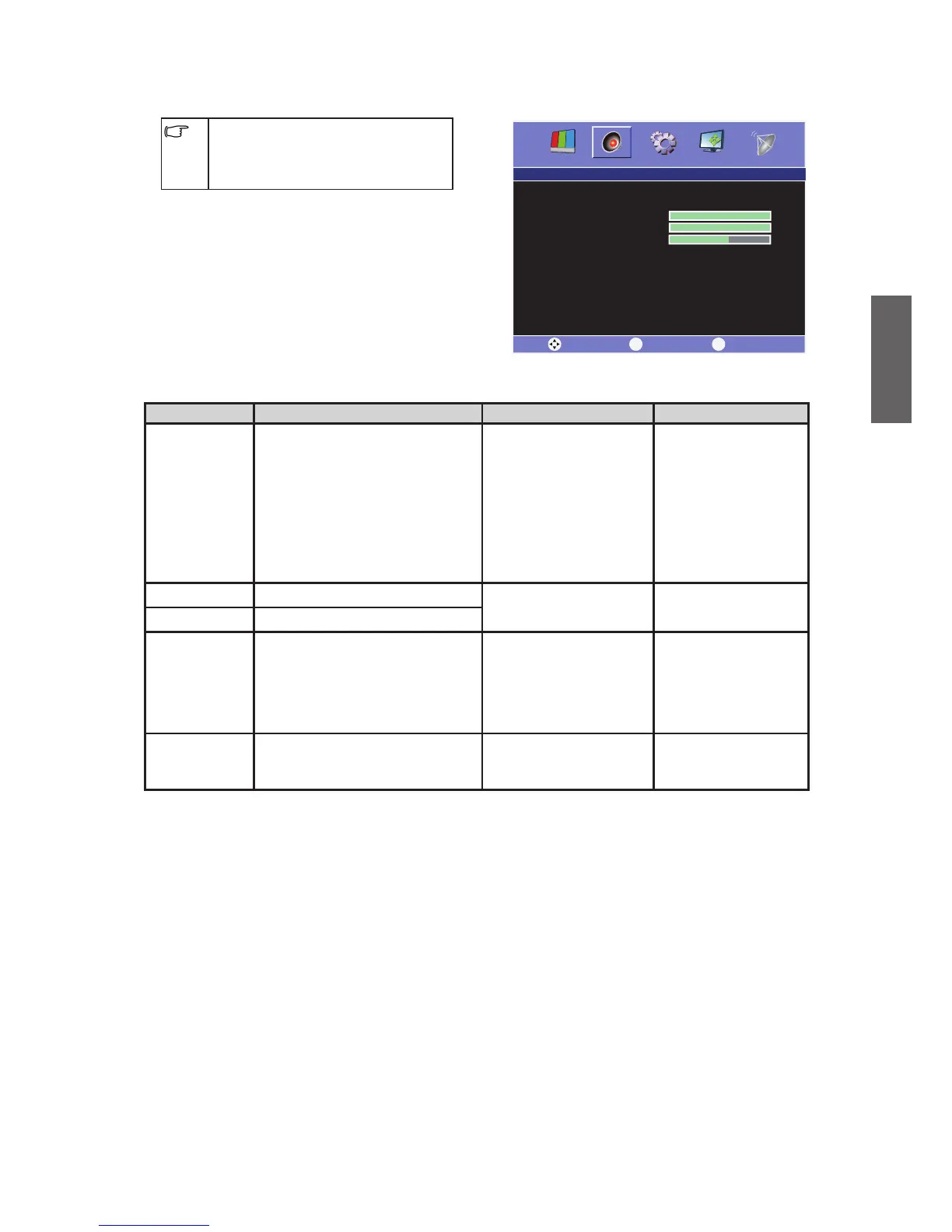
Sound menu
The available menu items are
dependent on the input source
being selected. The illustration is for
reference only.
Item Function Operation Range
Sound Mode
To select one of the preset
audio modes according to
your current sound status.
When "User" is selected, this
item allows you to adjust the
treble, middle treble, middle,
middle bass, and bass
settings.
Press or to
select sound mode.
User•
Standard•
Music•
Movie•
Bass To adjust the bass.
Press or to
select.
0 ~ 100
Treble To adjust the treble.
Balance
To adjust the volume level of
the left /right
speaker.
Press to increase
the volume of the
right speaker, and
press to increase
that of left one.
-50 ~ 50
Speak Out
To turn on or off the TV
internal speaker
Press or to
select On/Off
On•
Off•



 To Next Page