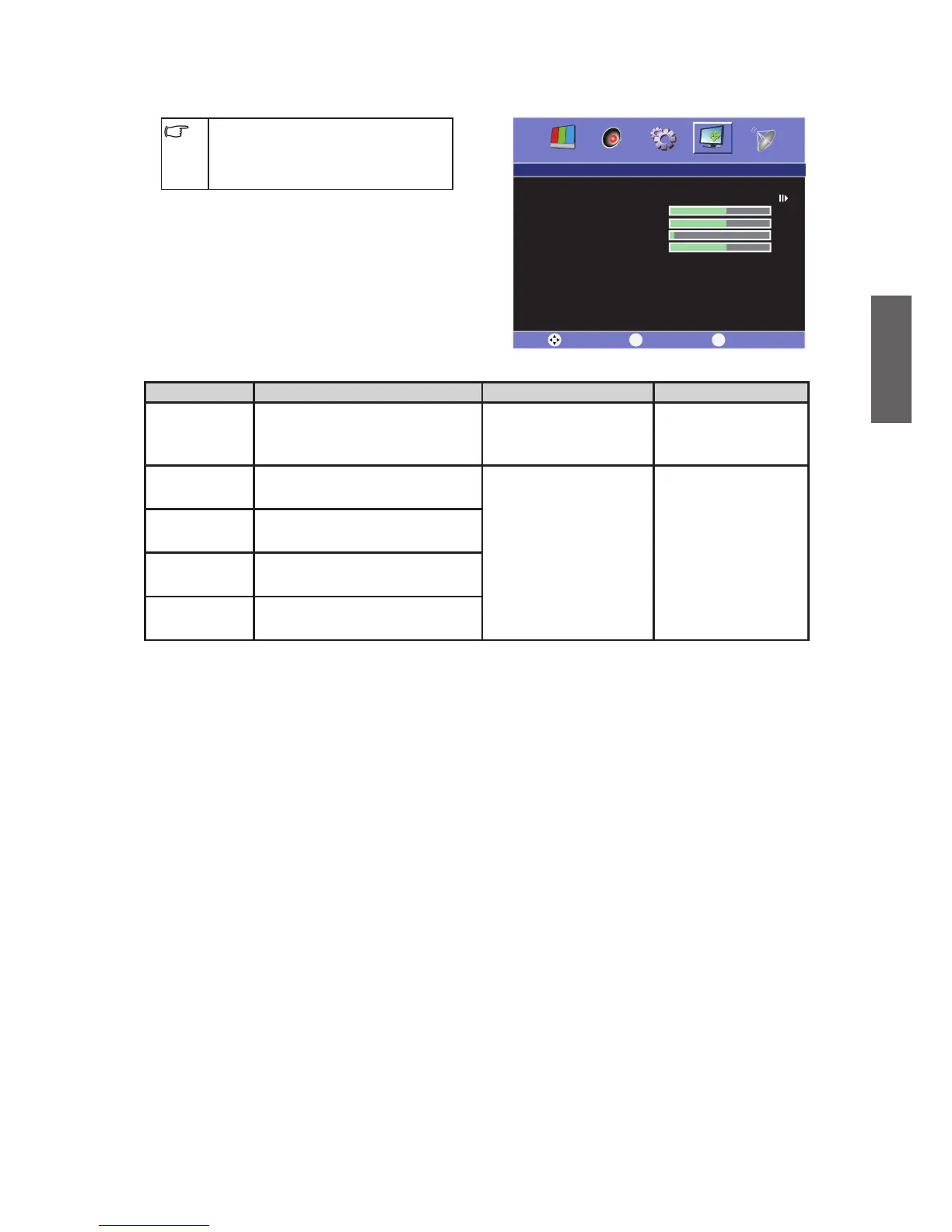
PC menu
The available menu items are
dependent on the input source
being selected. The illustration is for
reference only.
Item Function Operation Range
Auto Adjust
Automatic Adjust the
horizontal/vertical position
automatically.
Press to Auto
Adjust.
H-Position
Adjust the horizontal position
of the image.
Press or to
select.
0 ~ 100
V-Position
Adjust the vertical position of
the image.
Phase
Adjust the phase delay time
to reduce the noise of image.
Clock
Adjust the horizontal image
quality.



 To Next Page