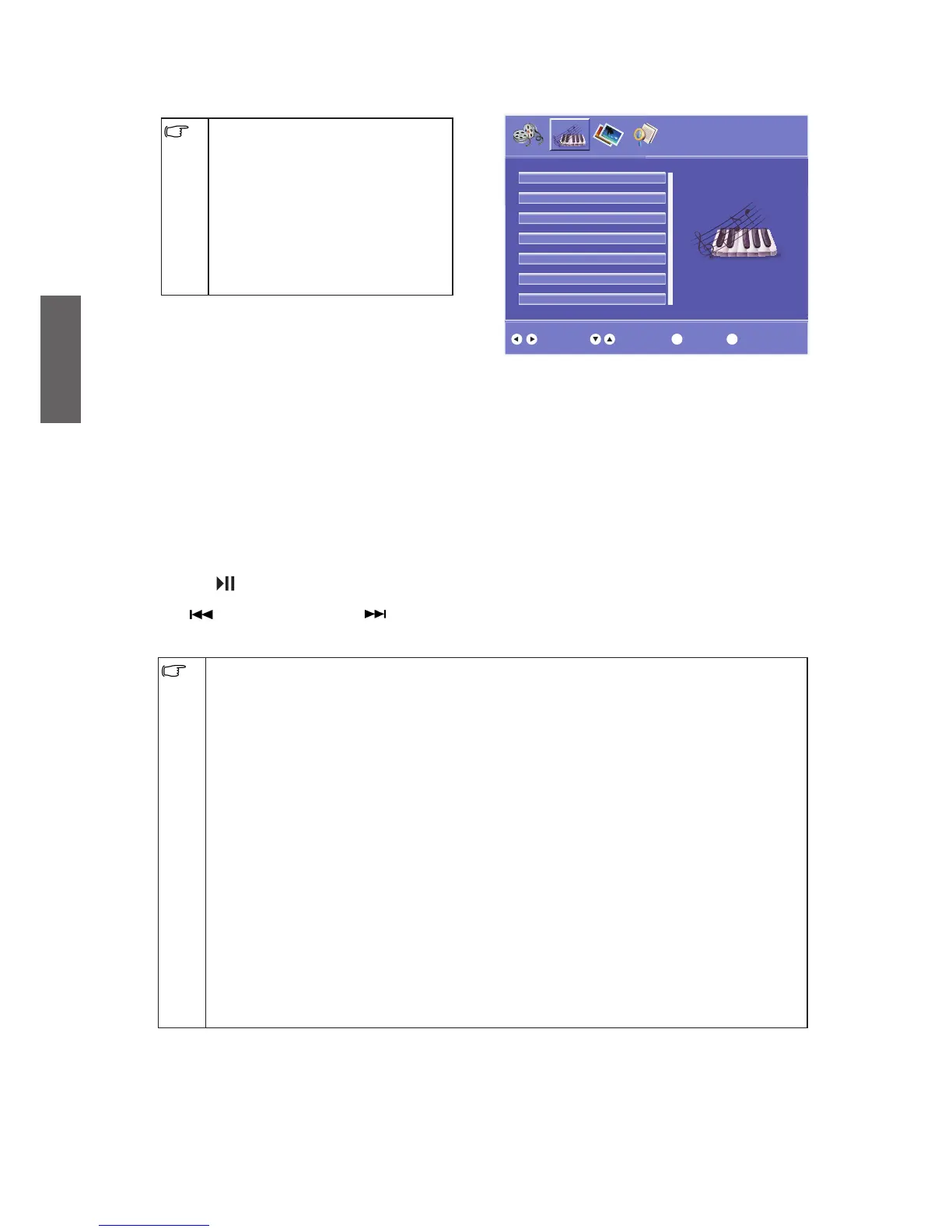
MUSIC menu
The available menu items are •
dependent on the input source
being selected. The illustration is
for reference only.
The multimedia player menu will •
automatically appear when you
connect a USB device to the
receiver. The menu will close
automatically when you remove
the USB device.
In MUSIC menu, you can select the following options.
To select the option
1. Press
/
to select MUSIC, and press OK.
2.
Press
/
to select the option, and press "OK".
Use the
or
button: to select the file and press the "OK" button to play.
When you press the
n
(Stop button), playback will stop immediately.
Press the
(Play/Pause button) to play immediately or pause.
Press
(Previous button)
or
(Next button) to playback the previous/next song.
Attention: items below may not be adaptive:•
1. USB adaptor
2. HID, CDC and PTP with USB interface; some memory with CBI protocol
3. Some USB devices with heavy power consumption. (external power as a must)
Attention:
1. The USB inlet of the digital multimedia player will support the most hard disk, USB and
etc., which, however, is not intended for all purposes. Any identification failure should
not be considered as a mechanical problem, which may be related with the drive in that
device.
2. The USB inlet on this machine will provide the voltage of 5V, and the maximum electric
current of 500mA. Some memory devices, adopting the different inlet specifications with
the standard USB, may result in identification problems, which is normal.
3. Since the multimedia needs different time to read the information as the volume and
devices vary., the reading speed may reduce temporarily. Please mark that does not
count as mechanical problem.
4. Please avoid removing the USB devices during the information reading process, which
may result in damages to the file system.
5. When the TV is reading
or
playing the file, the difference of the compatibility and stability
in the USB device may result in the image stoppage
or
functional failure. In order to
return to normal, please turn off the TV to reset the system.



 To Next Page