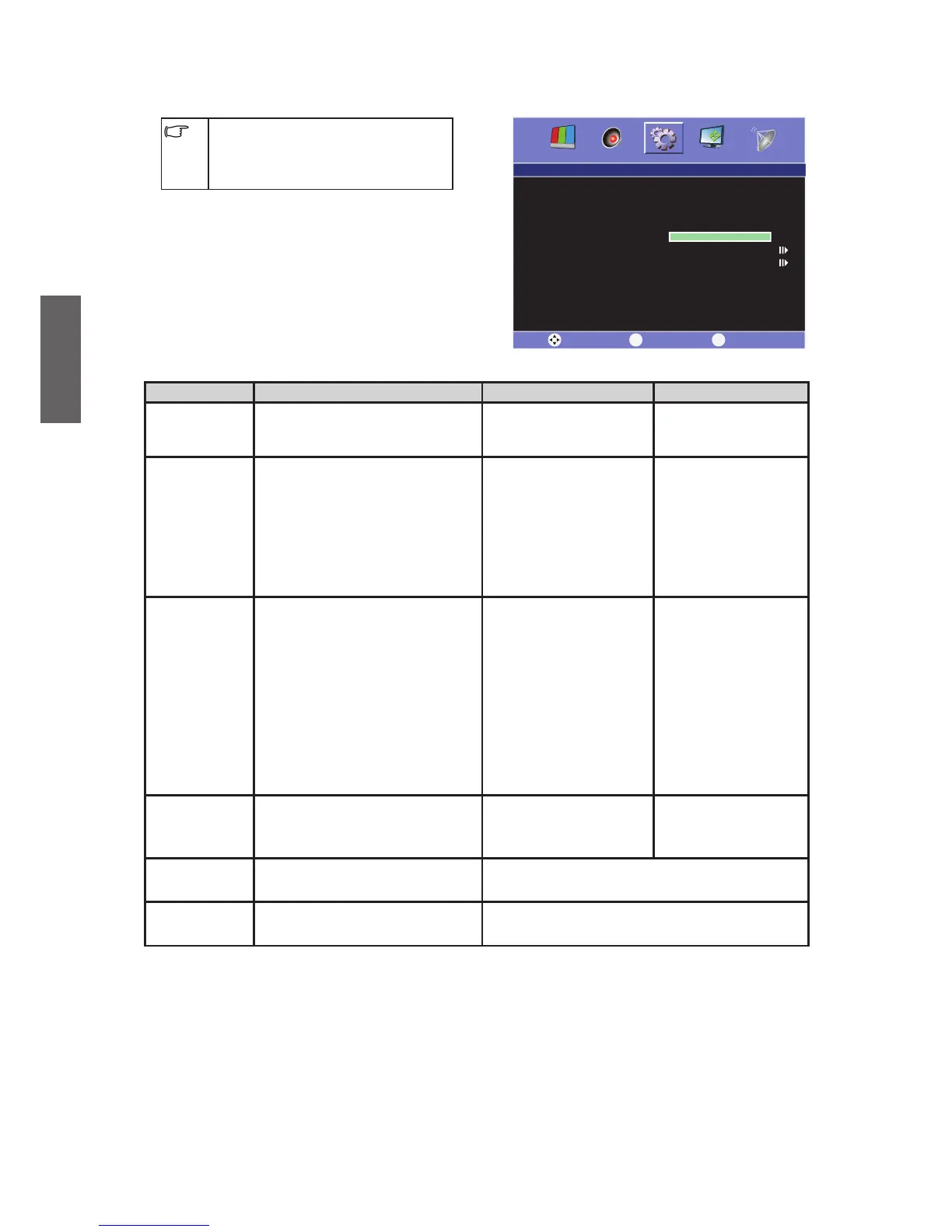
Setup menu
The available menu items are
dependent on the input source
being selected. The illustration is for
reference only.
Item Function Operation Range
Language
To select a language in which
OSD will be displayed.
Press or to
select.
English
•
العربية
•
Sleep Timer
This function allows the TV to
automatically enter off mode
after a certain period of time.
Press or to
select the time period.
OFF•
15 mins•
30 mins•
45 mins•
60 mins•
90 mins•
120 mins•
ECO Mode
Automatic Shutdown and
Power Saving function: If
you turn on this function,
PC will enter Power Savi
ng
mode after 30 seconds when
there is no signal input, and
other Sources will shutdown
automatically after 10
minutes. However, multimedia
sources are not included.
Press or to
select.
OFF•
ON•
OSD
Duration
To automatically shut off the
OSD after a preset period of
time passed.
Press or to
select.
5~60
Calendar
To select and set the
calendar.
Press Select button on the remote control
to set.
OSD reset
To reset fa
ctory setting
condition.
Press or to reset all settings.



 To Next Page