EasyManua.ls Logo

BenQ SC3211 - User Manual

BenQ SC3211
45 pages
Print Icon
To Next Page IconTo Next Page
Loading...
4J.V0K01.001
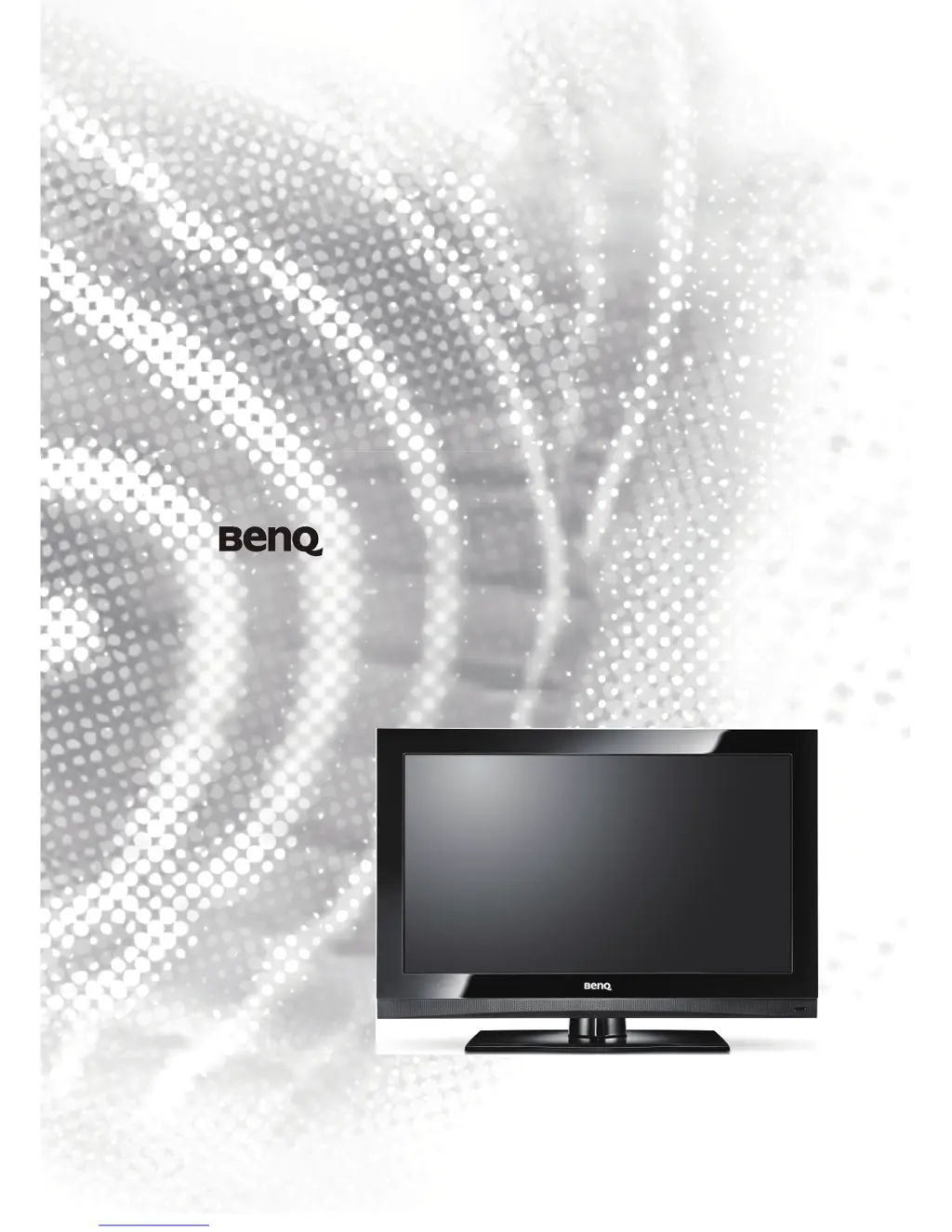
SC3211 LCD TV
PART No: 4J.V0T01.001

Table of Contents

Questions and Answers

  • M
    Mark SandersSep 10, 2025
    What to do if there is no image on my BenQ SC3211 LCD TV with PC input?
    • R
      Rhonda JarvisSep 10, 2025
      If there is no image on your BenQ LCD TV when using a PC input, check if the resolution of the PC input is set too high. The maximum resolution supported for PC input is 1920 x 1080 @ 60Hz.
  • T
    tjohnsonSep 12, 2025
    How to eliminate ghost images on BenQ SC3211 LCD TV?
    • M
      Michelle RyanSep 12, 2025
      If you see a ghost image on your BenQ LCD TV, check the antenna direction. This issue can be caused by signal reflection from buildings, metal structures, or mountains. Properly aligning the antenna to minimize the ghost image may require an antenna specialist.
  • A
    andremartinSep 14, 2025
    Why is my BenQ LCD TV image snowing?
    • R
      Renee JohnsonSep 14, 2025
      If the image on your BenQ LCD TV is snowing, it may be caused by interference from automobiles, trains, high voltage circuits, or neon lights. Try moving anything that could cause interference away from the remote control and TV.
  • A
    Alexandria BurgessSep 16, 2025
    What causes strips or faded colors on BenQ SC3211?
    • J
      Jeremy SteinSep 16, 2025
      If you are seeing strips or faded color on your BenQ LCD TV, it may be caused by interference from radio broadcasting, amateur radio communication, or mobile phone communication. Keep away any device that could generate interfering signals.

Summary

TV Installation Location

Remote Control Usage

Power and Input Control

Controls for powering the TV and switching input sources.

Channel and Picture Settings

Adjusting Aspect Ratio

Connecting Video Sources

Connecting PC and HDMI

DVI Connections

OSD Menu Overview

Picture Menu

Sound Menu

Setup Menu

PC Menu

Channel Menu

Specifications

General Specifications

Key specs like resolution, brightness, inputs.

Input Signal Modes

DVI, PC and HDMI Signals

Supported DVI, PC, and HDMI input signal resolutions.

Component Video Signal Modes

Troubleshooting

Common TV Problems

Solutions for picture, sound, and remote issues.

Antenna and Image Issues

BenQ SC3211 Specifications

General IconGeneral
BrandBenQ
ModelSC3211
CategoryLCD TV
LanguageEnglish

Related product manuals