62
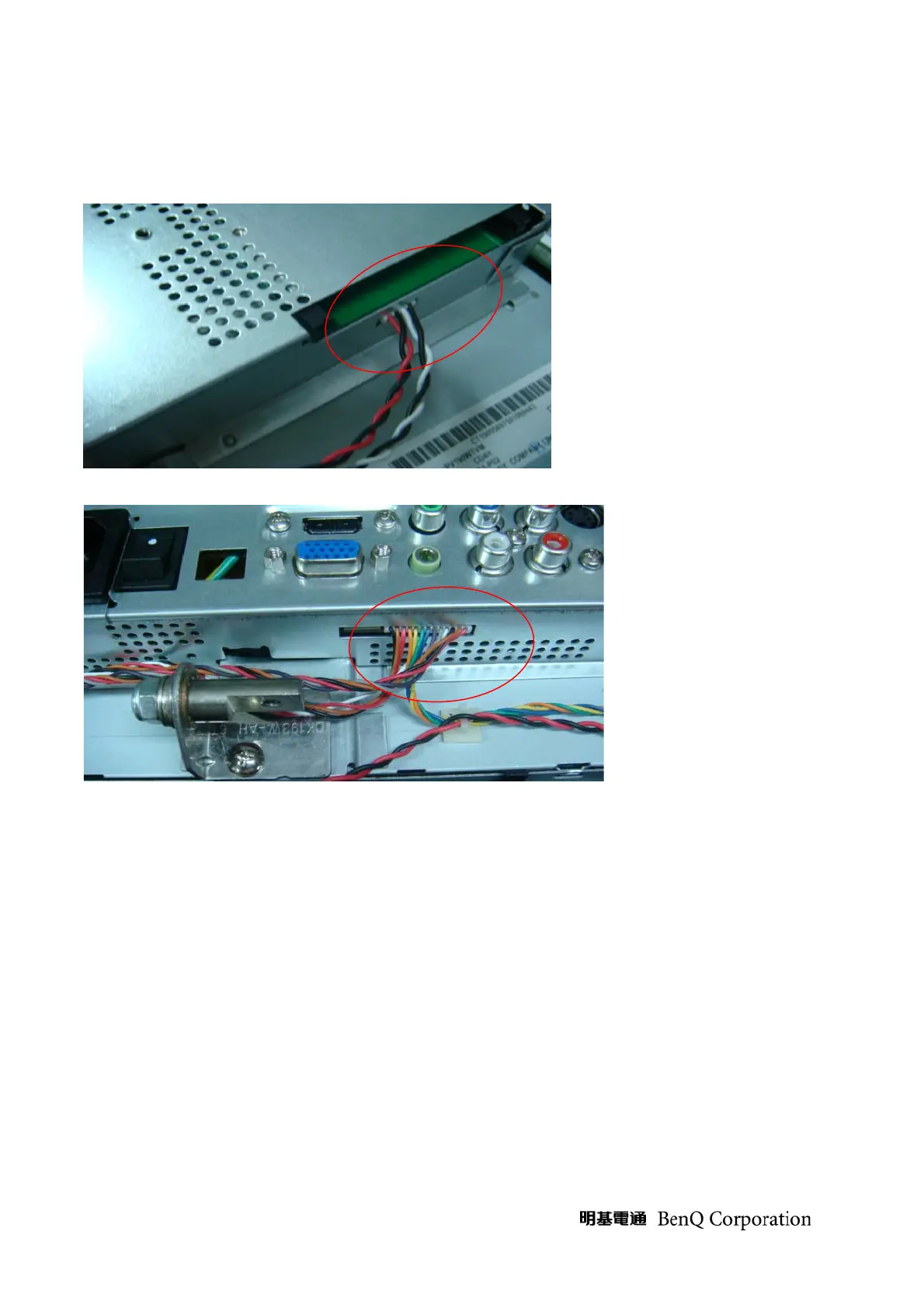
5. take off connected cable
Tool: cotton gloves, static electricity ring
A. take off speaker cable
B. take off the cable of IR, key board and video
6. take off speaker
A. take off the speaker from front bezel
Tool: cotton gloves, static electricity ring



 To Next Page