4
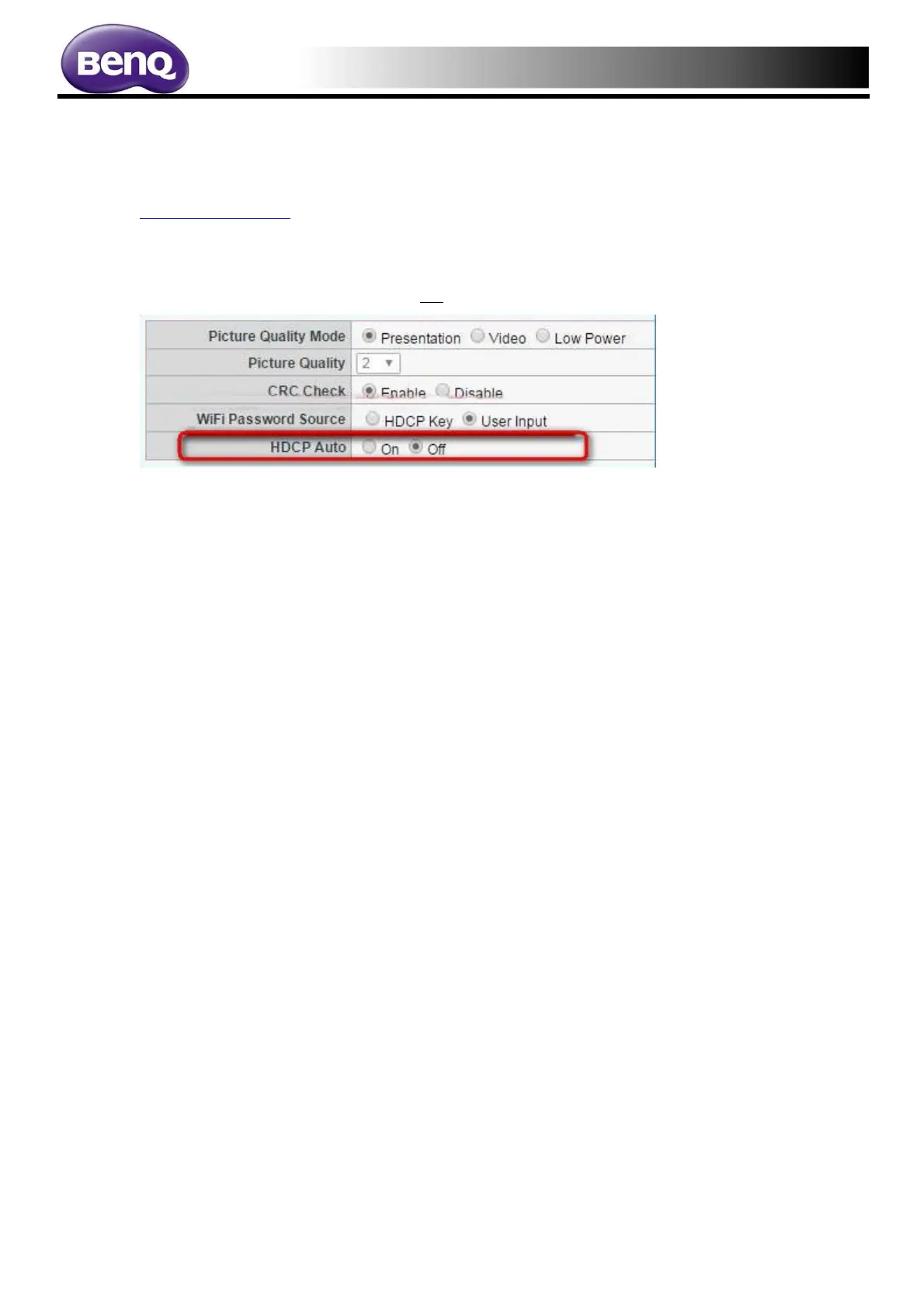
How to change HDCP setting to HDCP auto?
1. Access Web Management.
http://192.168.20.1
2. Access Factory Menu by below link on browser.
http://192.168.20.1/whe_hidden_rx.htm
2. Change the "HDCP Auto" function to On
3. Then press Apply to save the setting.
4. Done.



 To Previous Page